HomeArticle to Slides Video

Turn Articles into Insight Videos

Ribbi automatically distills the essence of any article and turns it into a 5–8 minute conversational deep-dive video with consistent visuals, natural voiceover, and clear logic

The full creative process

4 chapters, from first brief to final asset.

01/ 04
12-15 09:38

One Long-Form Article Plus One Style Reference, Script Before Pixels

U
User brief
/Article to Slides Video
Animeted-Simple Minimalistic and Bold social media Templates Design 20.jpg
Ribbi
What Ribbi did
The user drops in an article link and one design-style reference image — not a single extra word. Ribbi follows the link and digests the article — Ilya Sutskever's first podcast interview since leaving OpenAI — then rewrites it as a thought-documentary narration script in a guided, conversational voice, slicing it into scene-by-scene segments, each with its narration copy and a visual design concept. Article comprehension, script rewrite, visual planning: all three staged before a single frame is generated — the whole film thought through before production starts.
02/ 04
12-15 09:40

First Five Frames Land Together: the Reference's Design Language, Truly Read

U
User brief
Generate the first five frames and their audio, all at the same time
Ribbi
What Ribbi did
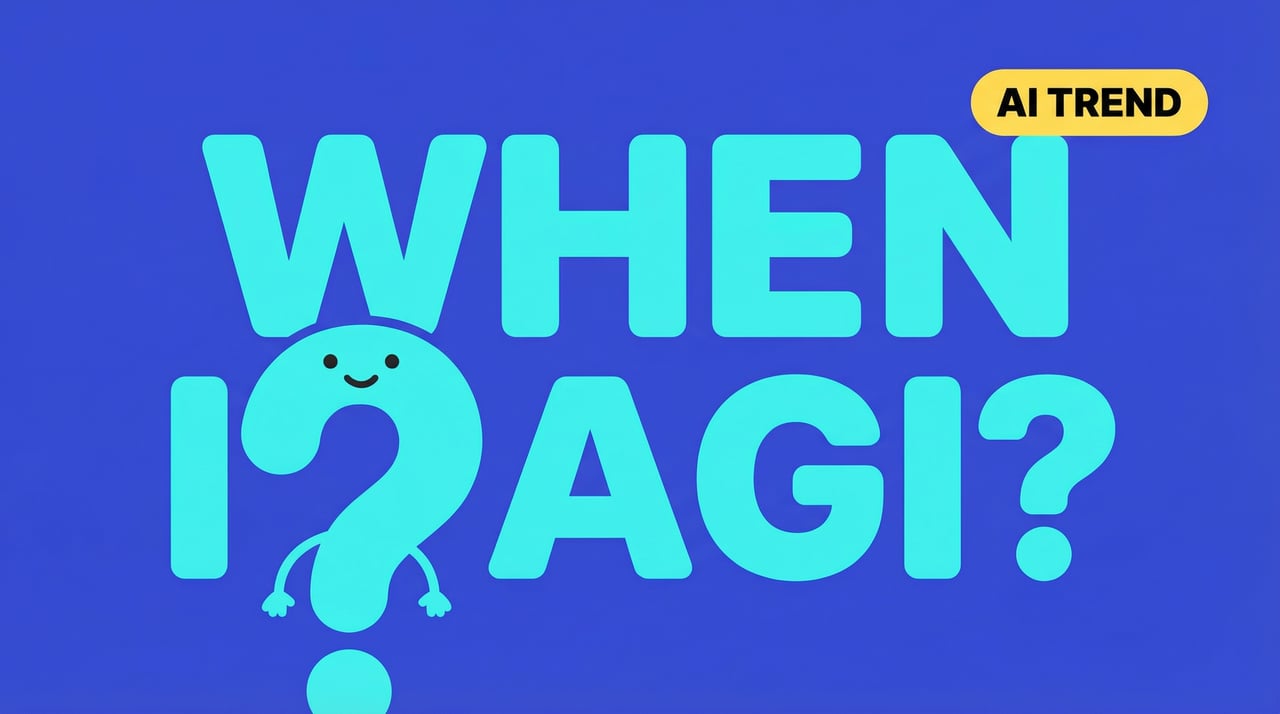
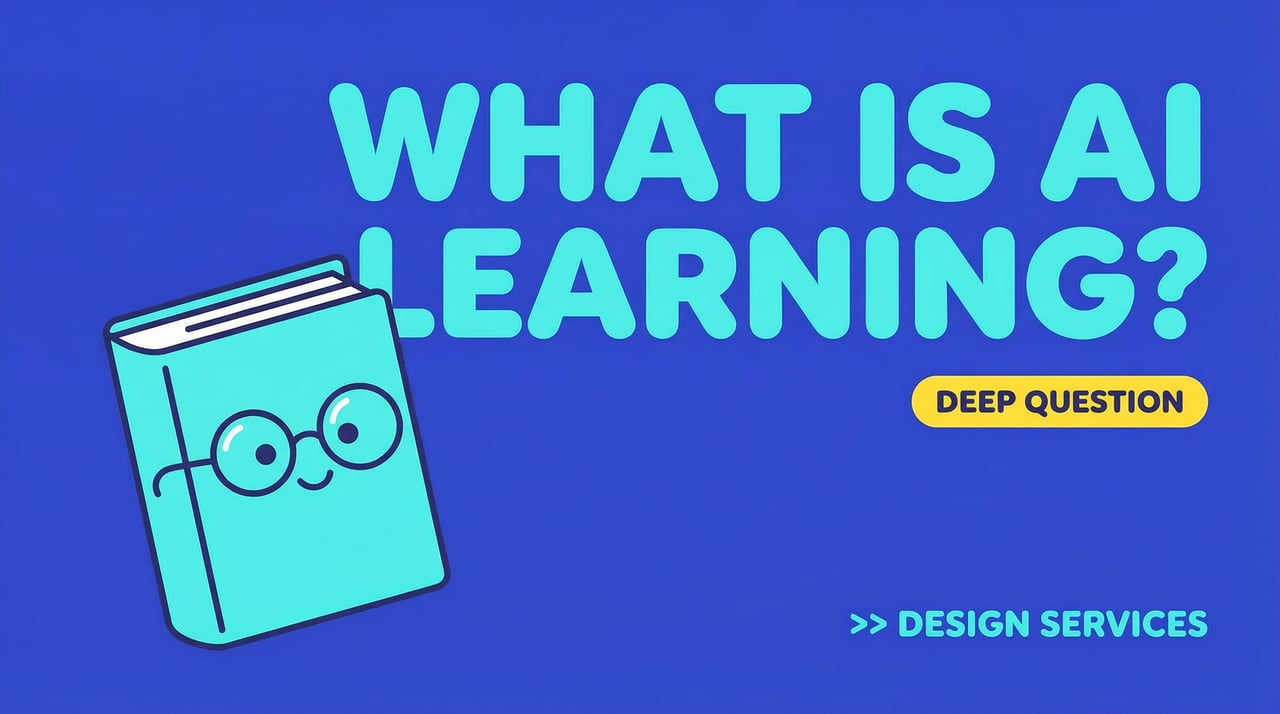
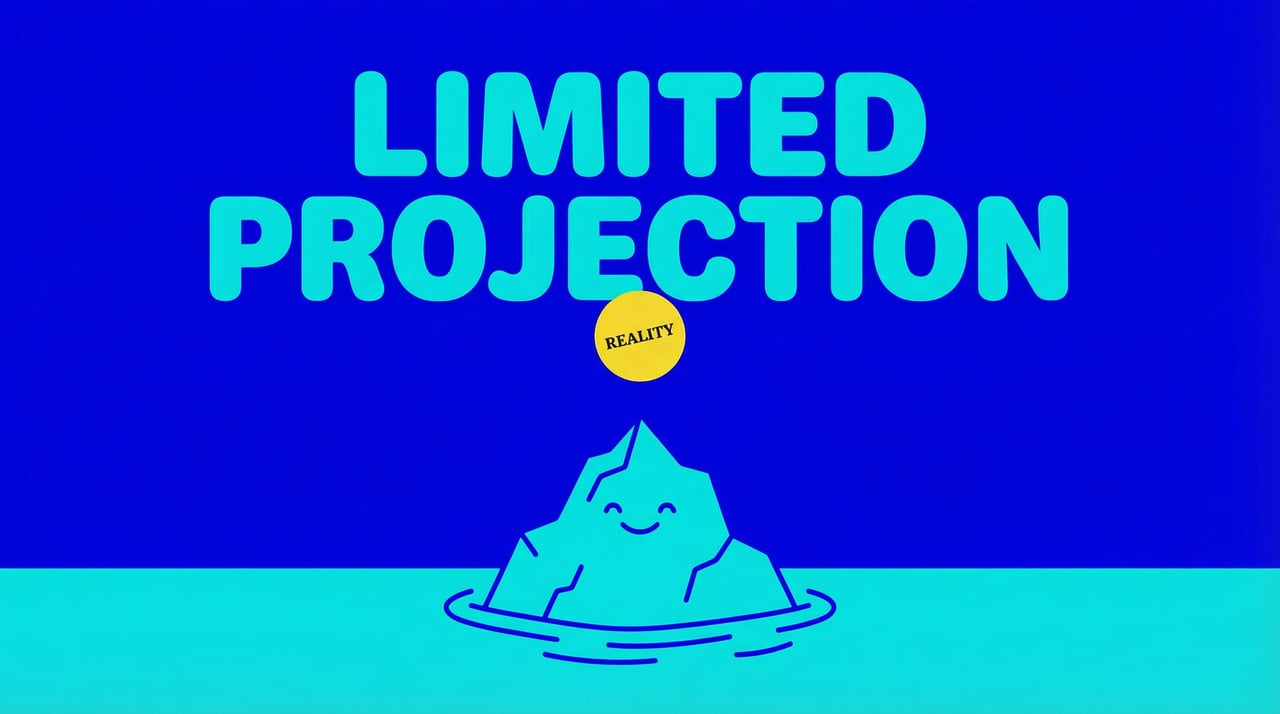
Ribbi breaks the reference down into executable design language — solid royal-blue background, plump teal cartoon mascots, oversized rounded-type headlines filling the frame, a teal-on-blue color system — learning the design traits rather than copying the elements. The first five segments come out under this language, each with its own narration audio: five frames each telling their own part of the story, all looking drawn by one designer.
风格拉扯战:不像、太像、又不像,直到读懂参考图的设计语言
0:00
0:00
风格拉扯战:不像、太像、又不像,直到读懂参考图的设计语言
0:00
0:00
风格拉扯战:不像、太像、又不像,直到读懂参考图的设计语言
0:00
0:00
风格拉扯战:不像、太像、又不像,直到读懂参考图的设计语言
0:00
0:00
风格拉扯战:不像、太像、又不像,直到读懂参考图的设计语言
0:00
0:00
风格拉扯战:不像、太像、又不像,直到读懂参考图的设计语言
03/ 04
12-15 09:53

Style Locked, Full Speed Ahead: 16 Segments Complete, Merged Into the Final Cut

U
User brief
OK, keep going. Merge the video, no subtitles
Ribbi
What Ribbi did
The locked style becomes a production template: segments 6 through 16 batch out under the same design language, each with its own narration audio. On the merge command, all 16 frames and tracks align into a 1920x1080 Full HD final delivery — the user says just two lines the whole way, and the rules set earlier govern every frame to the end.
风格定版后一路放行:16 段画面音频齐活,合并成片不带字幕
0:00
0:00
风格定版后一路放行:16 段画面音频齐活,合并成片不带字幕
0:00
0:00
风格定版后一路放行:16 段画面音频齐活,合并成片不带字幕
0:00
0:00
风格定版后一路放行:16 段画面音频齐活,合并成片不带字幕
0:00
0:00
风格定版后一路放行:16 段画面音频齐活,合并成片不带字幕
0:00
0:00
风格定版后一路放行:16 段画面音频齐活,合并成片不带字幕
0:00
0:00
风格定版后一路放行:16 段画面音频齐活,合并成片不带字幕
0:00
0:00
风格定版后一路放行:16 段画面音频齐活,合并成片不带字幕
0:00
0:00
风格定版后一路放行:16 段画面音频齐活,合并成片不带字幕
0:00
0:00
风格定版后一路放行:16 段画面音频齐活,合并成片不带字幕
0:00
0:00
风格定版后一路放行:16 段画面音频齐活,合并成片不带字幕
0:00
0:00
04/ 04
Approved
12-22 03:23

Back a Week Later: Every Narration Line Re-Recorded by Emotion

U
User brief
The voice is emotionally flat — I want more rises and falls
Ribbi
What Ribbi did
Ribbi doesn't just nudge the speaking rate — it draws an emotion map across the content: surprise for cold opens, excitement for key declarations, calm for deep-thought passages, curiosity for questions, worry for warnings — then regenerates every narration line with its assigned emotional register and re-renders the final cut. Same frames, a voice with actual contour underneath, and the film suddenly feels human.

Article to Slides Video

Challenges or pain points

The first three sentences were deleted and then rewritten, but the rate of deletions remained high.

One-step solution

Pass the draft over to me.

The highlight

Offer three completely different types of hooks at once, and there will always be one that catches the viewer's attention.

Who is using it?

The TikTok/Reels operation team members, the ones who always struggle to come up with content every day

Functional Highlights

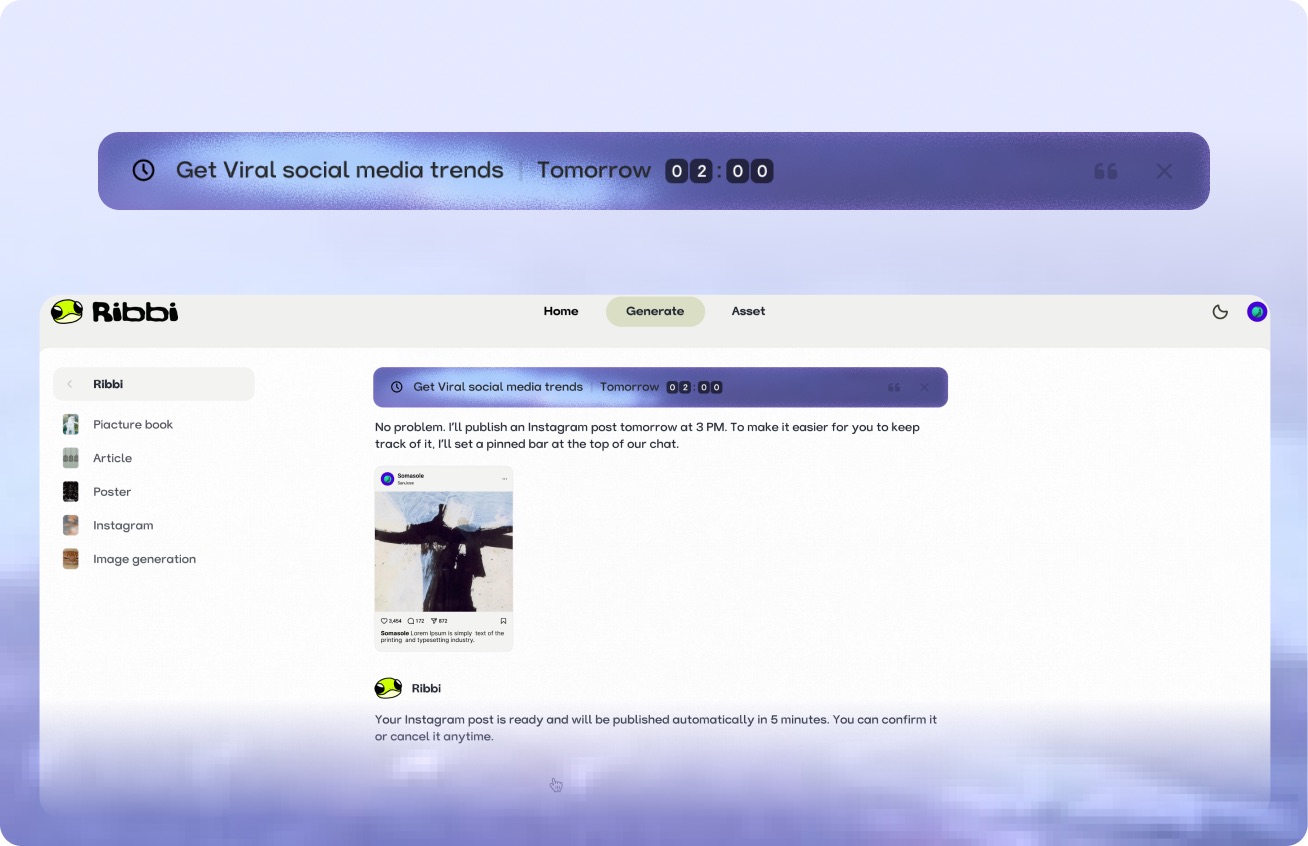
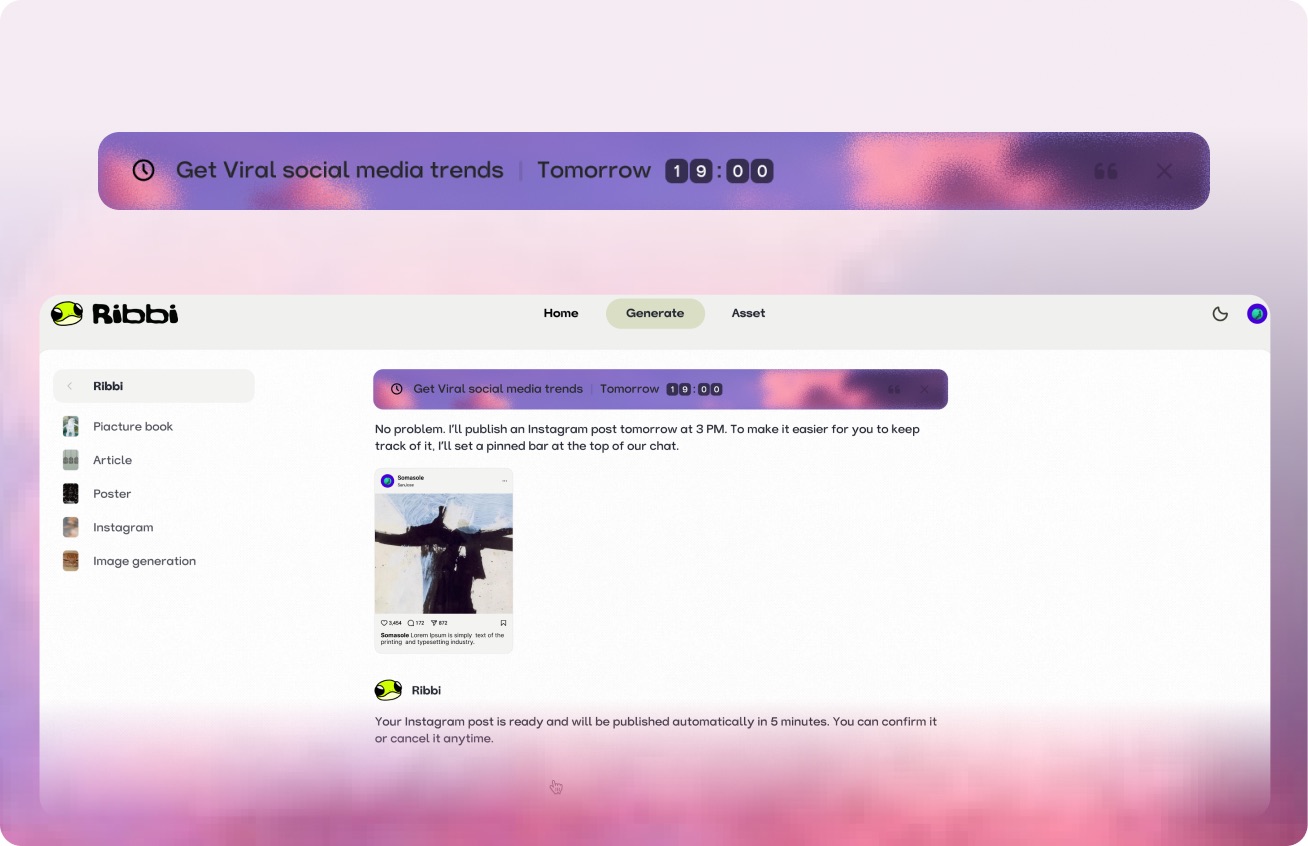
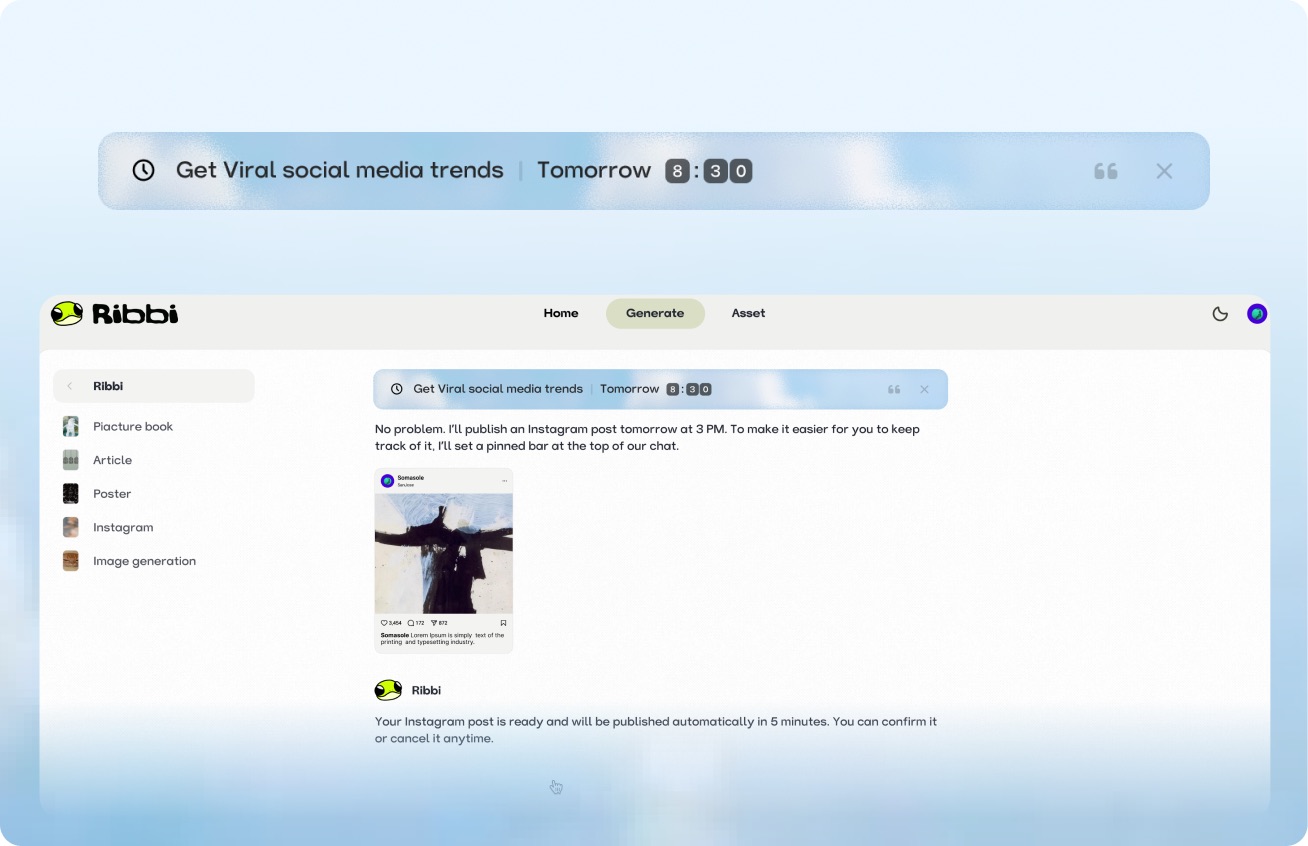
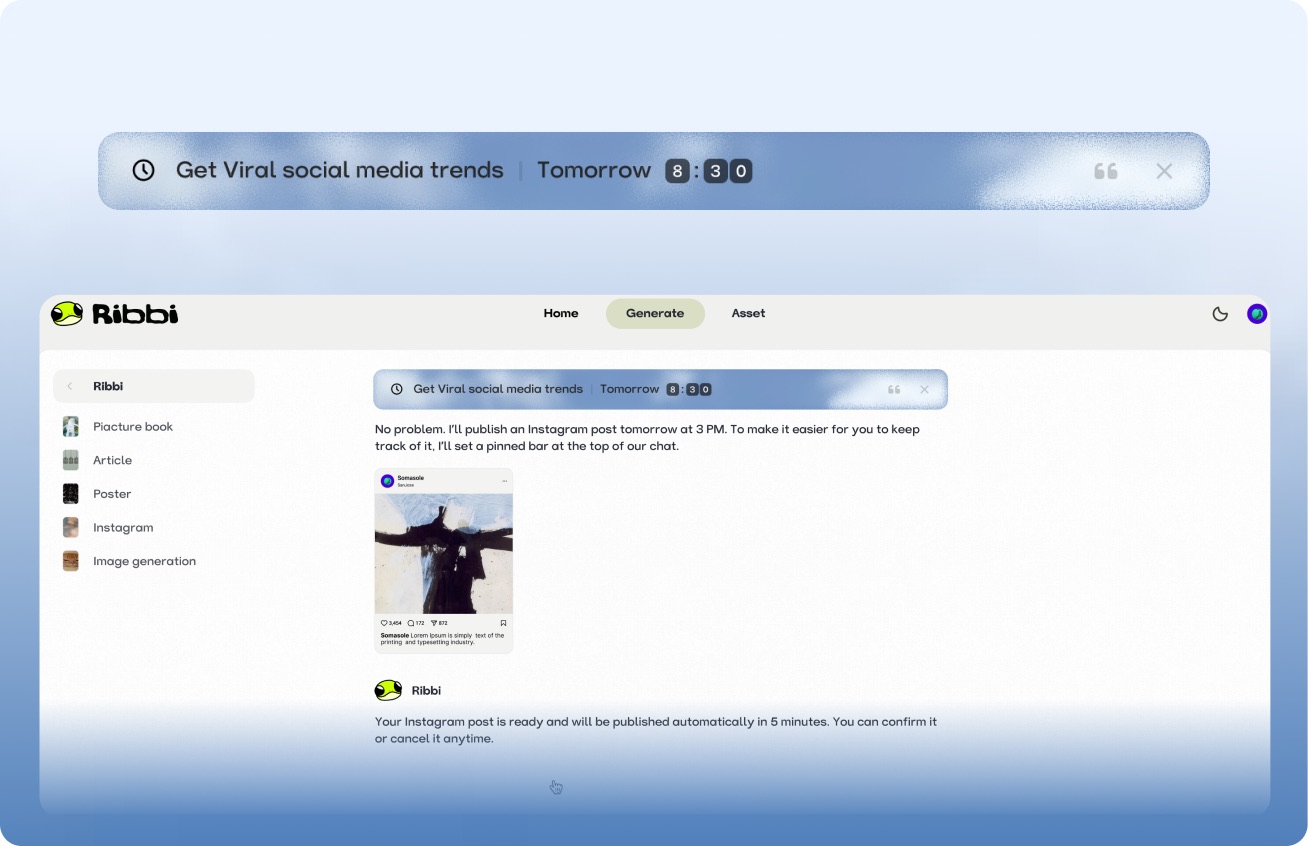
AI Timed Reminder Tool

Use "Follow Up Customers" to set up automatic notifications for timely reminders. Use "Daily Release" to trigger the creation process at regular intervals. From meeting schedules to content scheduling, once you set it, you don't need to remember again. Ribbi reminds you on time and automatically executes.

Try it free

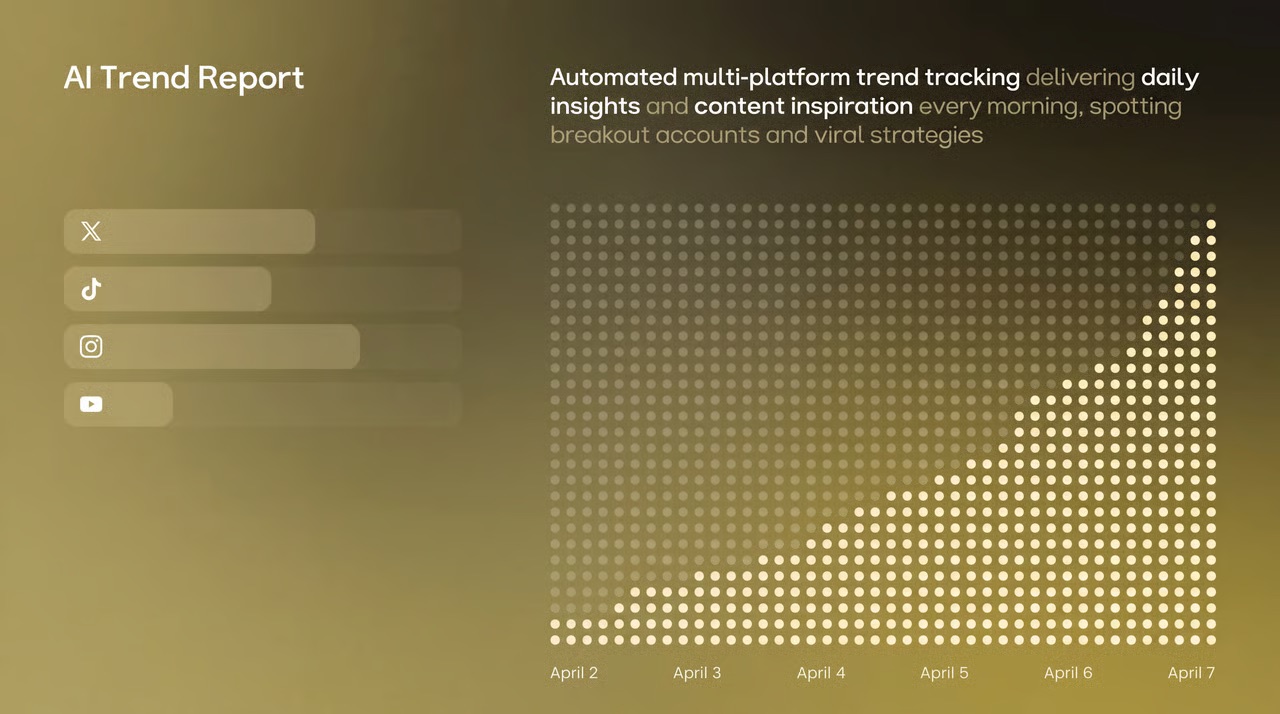
AI Hot Trend Analysis Tool

Use the "Trend Summary" Skill to automatically obtain the popularity of trending topics and keywords on TikTok, Xiaohongshu, and Instagram every day. Use the "Inspiration Analysis" Skill to determine the direction for your content, from following hot trends to setting a direction, helping you quickly find the next viral entry point.

Try it free
Viral Loop#TrendAlert#GenZAuthenticUGC#CollabShort-form#AIVideo
Sendimmediately

One-click multi-platform publishing

The content will be directly synchronized and published to major social platforms such as TikTok, Instagram, YouTube, and X. Once the account is connected, the entire process from generation to distribution will be automated each time, eliminating the need to switch between multiple apps and upload one by one.

Try it free

AI Skill Creation Template Library

Create a complete advertising video using the "Product Advertisement" Skill. The "Story Book" Skill can generate storyboards in one click. The "Brand Poster" Skill can produce images in just three minutes. It covers hundreds of AI creation templates such as videos, images, music, and copywriting. We continuously update popular features and cover all the creative scenarios you can imagine.

Try it free

A few things you might be wondering
Ribbi Skill

Try Article to Slides Video

Try It Free