HomeGenerate Illustrated Explainer Videos from Content

Article to Video Converter – Illustrated Slides

Input an article, link, or video, and Ribbi will automatically extract the core ideas and generate a 2–3 minute educational slide video with voiceover, visuals, and subtitles

The full creative process

4 chapters, from first brief to final asset.

01/ 04
03-15 12:45

One Brain Scan Starts It: a 30-Segment Script Confirmed Line by Line, 30 Frames Plus Narration in One Go


U
User brief
/Generate Illustrated Explainer Videos from Content — give it a try, make a Slider video. Generate around 30 frames, 20 feels too few, so the audio and visuals line up. And run the script by me too
Ribbi
What Ribbi did
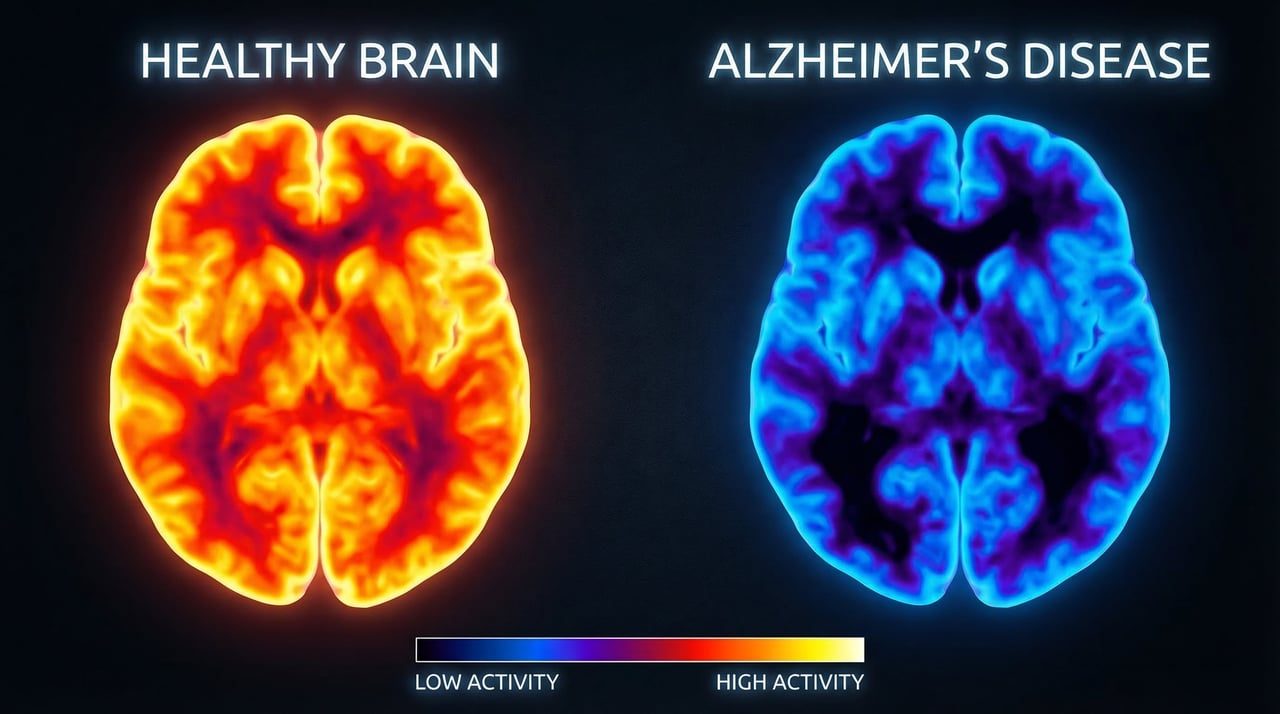
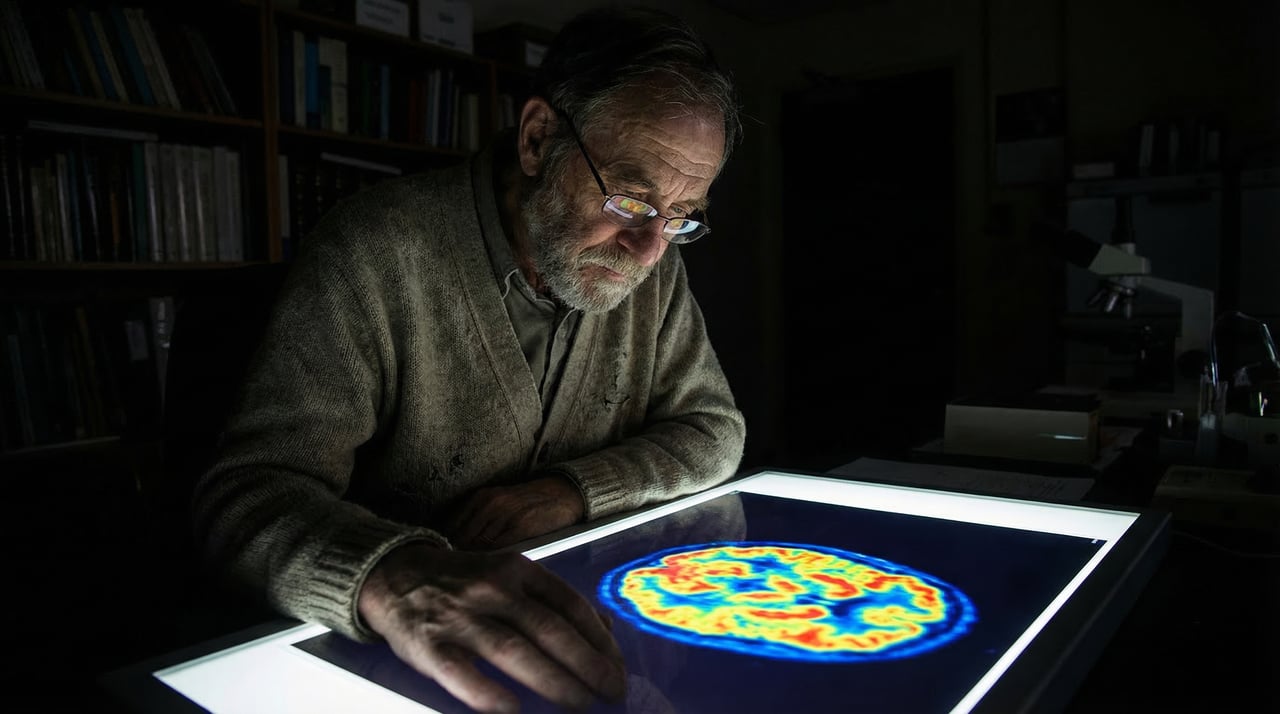
Ribbi reads the image and lands the angle — a colorized PET scan, perfect for a "wherever the brain works, it lights up" explainer — then lays the full 87.5-second narration script out for review: from the "have you ever wondered" cold open through PET physics, radioactive glucose, and a city-lights-satellite-view analogy, conversational with room to breathe. Only after both the script and the 30-frame count are confirmed does production start: 30 frames at 1376x768 plus an 87.6-second narration track delivered in sync, each frame mapped to a script segment — align first, generate second.
脑部PET扫描科普旁白
0:00
1:27
02/ 04
03-15 13:13

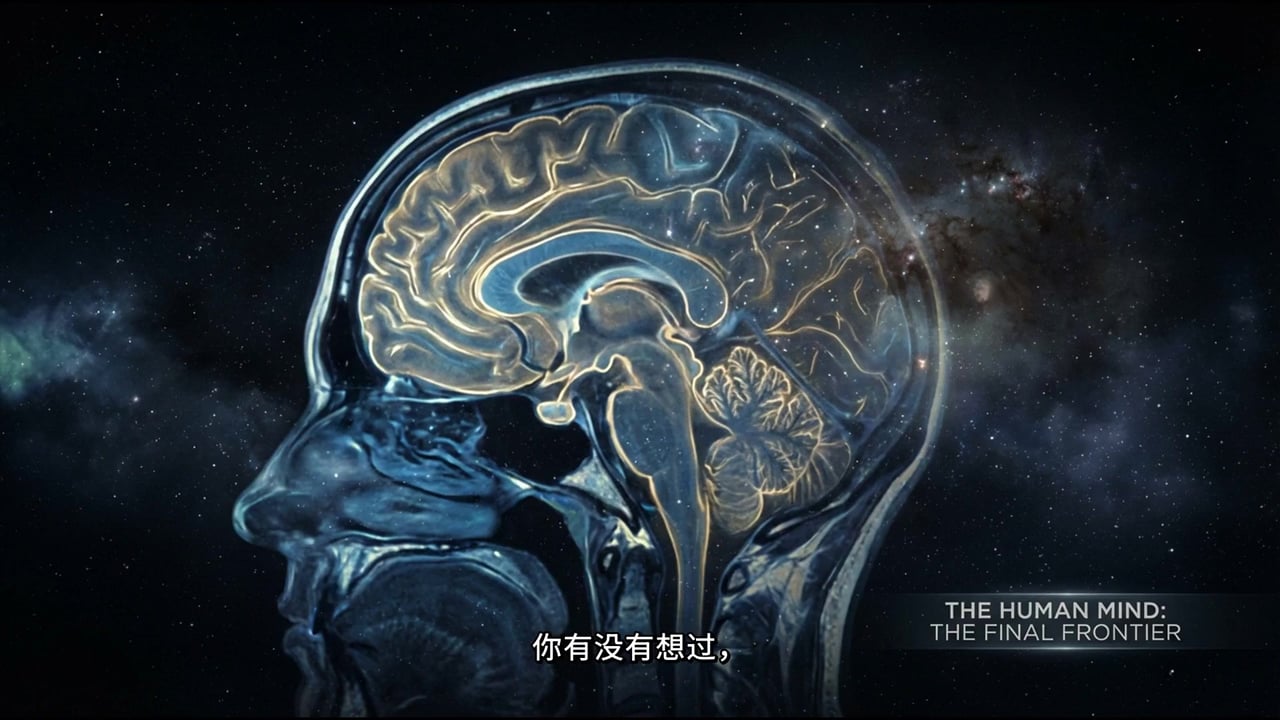
Eight Frames Circled for a 2K Redo, the Cosmic Brain Slice Crowned as Cover

U
User brief
These frames are just okay — regenerate them, I want the high-fidelity kind, then merge directly. Use this one as the cover
Ribbi
What Ribbi did
Ribbi executes to the letter: all 8 circled frames rebuilt at 2752x1536 — the PET process diagram, FDG injection, Alzheimer's comparison, child-versus-adult brains, lobe anatomy — the other 22 kept as-is, then a first full cut assembled from the refreshed set. Cherry-picking the weak frames out of a batch for targeted redos while promoting the best one straight to cover: this circle-and-redo rhythm is the least wasteful way to run long-form production.
03/ 04
03-15 13:37

The Alignment Rule, Hard-Coded Into the Skill: Every Frame Pinned to Its Narration Timestamp

U
User brief
Re-render it. Remember this for every run: precisely align each image to its narration segment, and after generating the images, keep firmly in mind exactly how the duration is calculated
Ribbi
What Ribbi did
The precision the user asked for becomes a set of hard rules: the 87.53-second narration's 41 subtitle segments are read line by line for timestamps, each frame's duration set to its narration segment's exact start-to-end span, and the re-rendered cut syncs seamlessly. Going further, the method gets hard-coded into the skill itself — download the subtitle file after TTS and read the timestamps, compute durations from subtitle spans, never distribute time evenly — three rules that now fire automatically on every run: one collaboration, permanently banked as a skill upgrade.
01:27
04/ 04
Approved
03-15 13:48

Don't Fill — Match: Frames Reassigned by Narrative Scenes, Final Cut Shipped

U
User brief
This version is pretty good, but some images get reused — a minute-plus video doesn't have to be crammed full of frames; what matters is that each image matches the narrative. Generate one more version
Ribbi
What Ribbi did
Ribbi re-outlines the 87.5-second script into a list of genuinely independent narrative scenes — one image per content block, no padding for padding's sake. Rearranged under that principle, the resulting cut becomes the final: 1920x1080, 87.5 seconds, every frame saying exactly the line it's there to say.
01:27

Generate Illustrated Explainer Videos from Content
Challenges or pain points

The first three sentences were deleted and then rewritten, but the rate of deletions remained high.

One-step solution

Pass the draft over to me.

The highlight

Offer three completely different types of hooks at once, and there will always be one that catches the viewer's attention.

Who is using it?

The TikTok/Reels operation team members, the ones who always struggle to come up with content every day

Functional Highlights

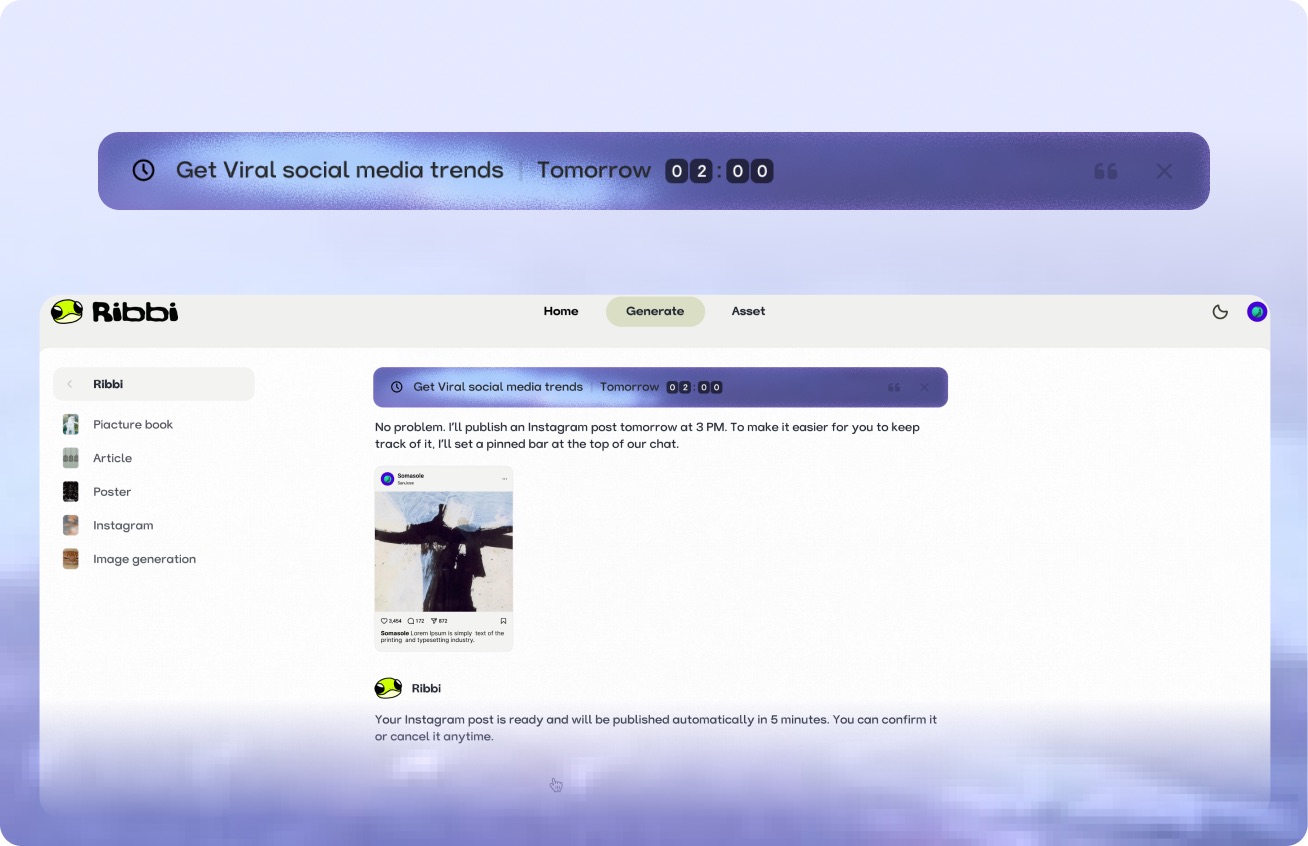
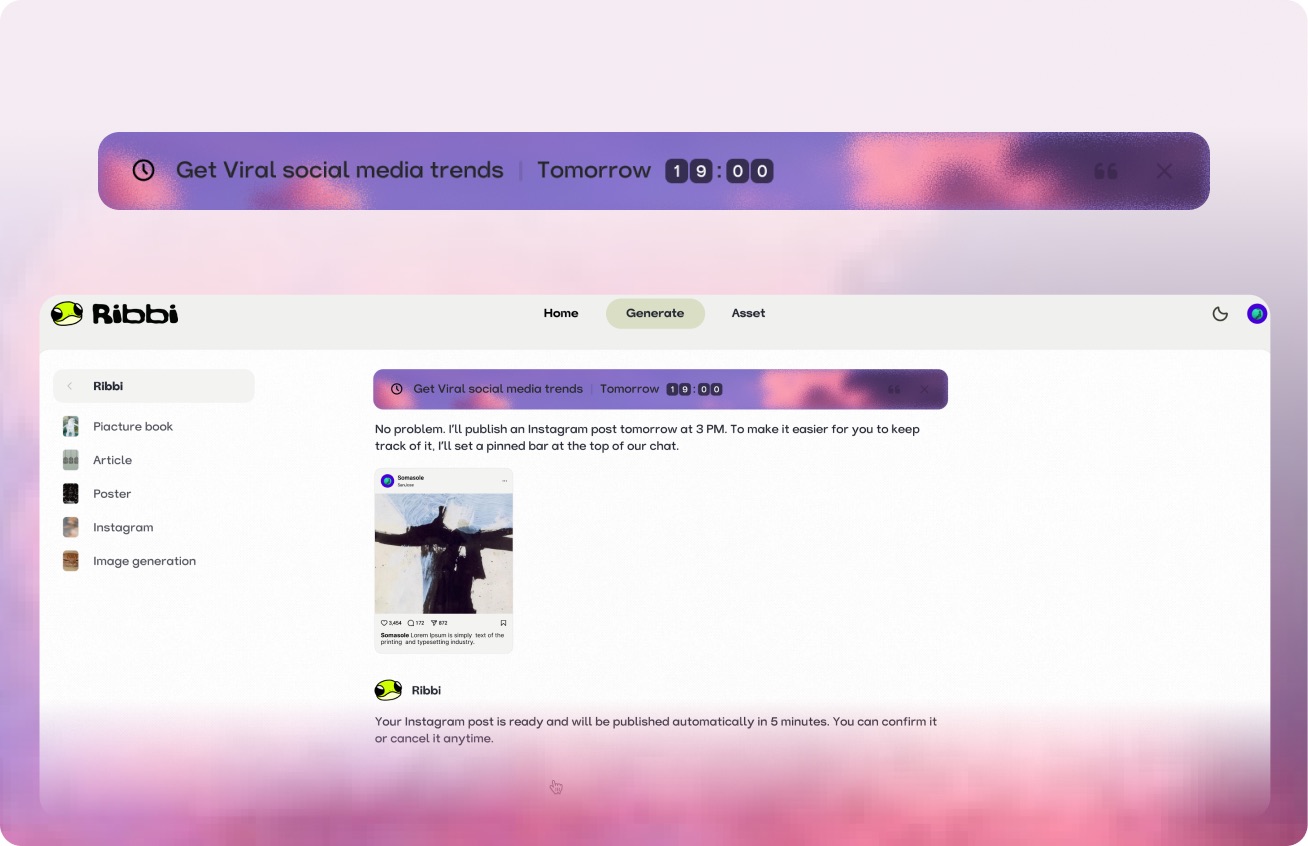
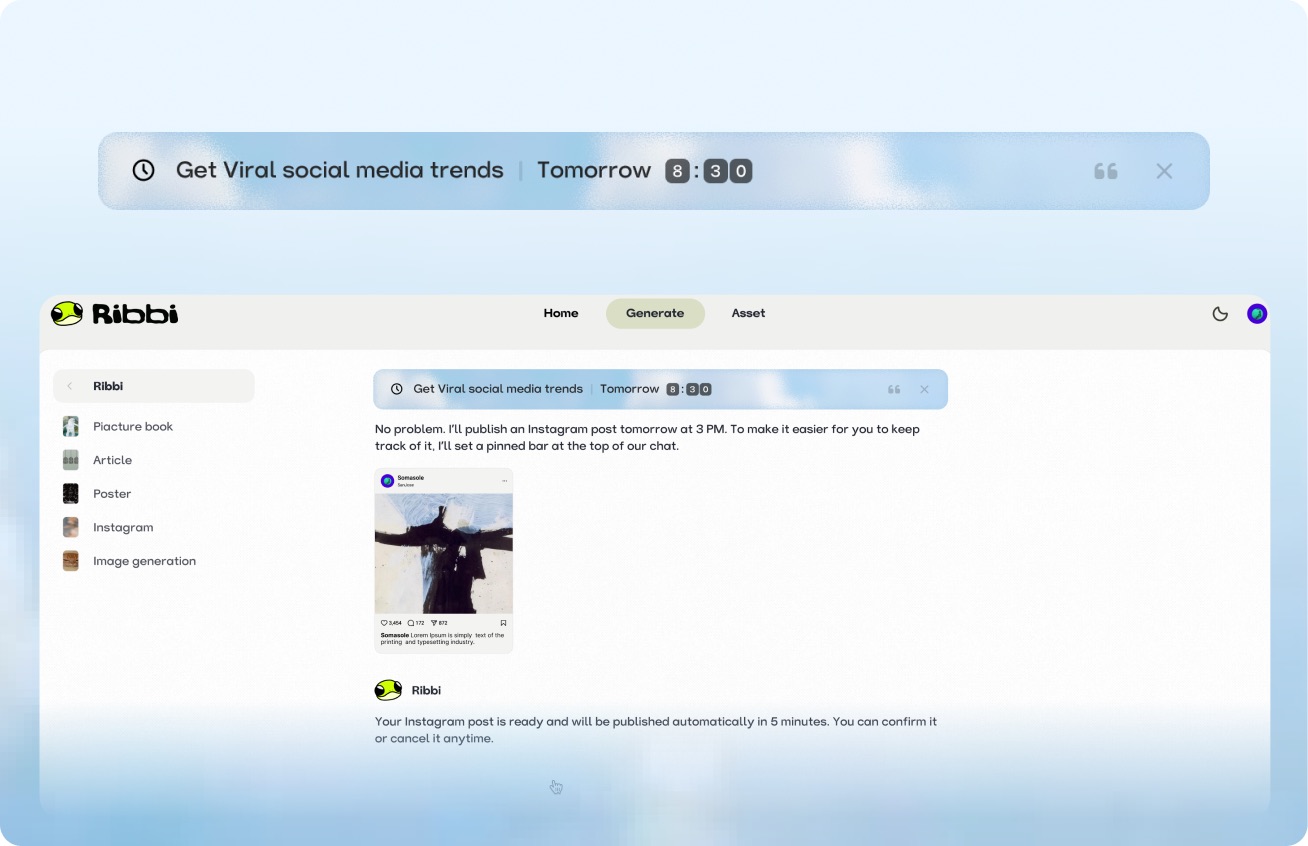
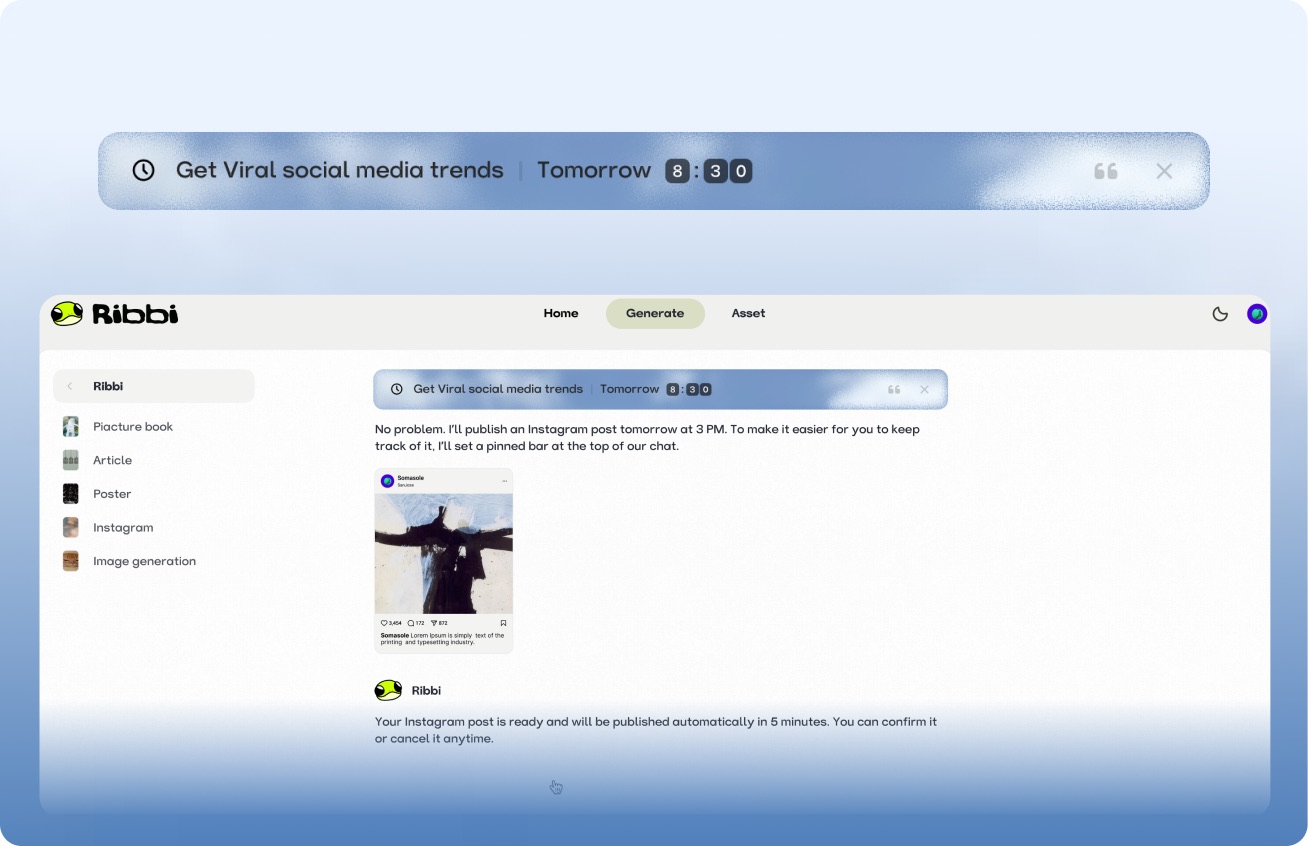
AI Timed Reminder Tool

Use "Follow Up Customers" to set up automatic notifications for timely reminders. Use "Daily Release" to trigger the creation process at regular intervals. From meeting schedules to content scheduling, once you set it, you don't need to remember again. Ribbi reminds you on time and automatically executes.

Try it free

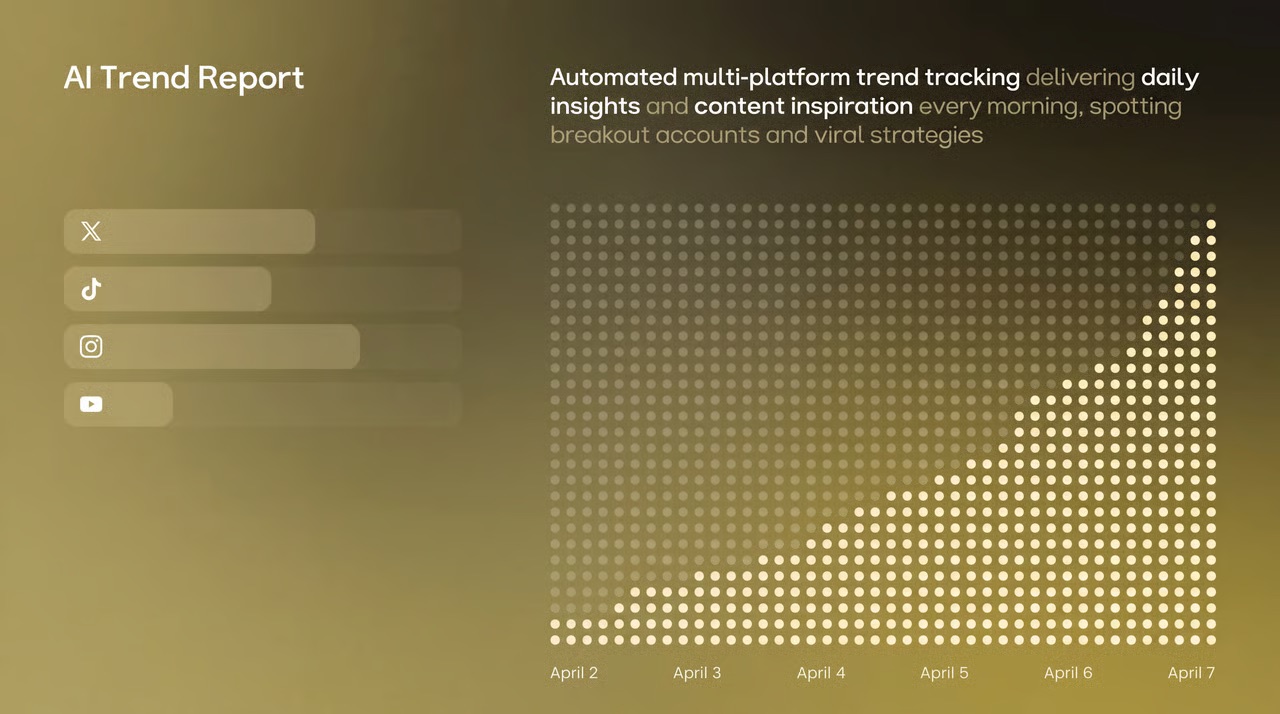
AI Hot Trend Analysis Tool

Use the "Trend Summary" Skill to automatically obtain the popularity of trending topics and keywords on TikTok, Xiaohongshu, and Instagram every day. Use the "Inspiration Analysis" Skill to determine the direction for your content, from following hot trends to setting a direction, helping you quickly find the next viral entry point.

Try it free
Viral Loop#TrendAlert#GenZAuthenticUGC#CollabShort-form#AIVideo
Sendimmediately

One-click multi-platform publishing

The content will be directly synchronized and published to major social platforms such as TikTok, Instagram, YouTube, and X. Once the account is connected, the entire process from generation to distribution will be automated each time, eliminating the need to switch between multiple apps and upload one by one.

Try it free

AI Skill Creation Template Library

Create a complete advertising video using the "Product Advertisement" Skill. The "Story Book" Skill can generate storyboards in one click. The "Brand Poster" Skill can produce images in just three minutes. It covers hundreds of AI creation templates such as videos, images, music, and copywriting. We continuously update popular features and cover all the creative scenarios you can imagine.

Try it free

A few things you might be wondering

Ribbi Skill · MORE TO EXPLORE

Try Generate Illustrated Explainer Videos from Content
Try It Free