HomeBad MS Paint Style Redraw

AI Doodle Generator – Bad MS Paint Redraws

Ribbi's AI doodle generator redraws any image as a clumsy MS Paint scribble—then turns it into stop-motion or timelapse drawing videos

The full creative process

5 chapters, from first brief to final asset.

01/ 05
05-12 11:21

One Photo, One Locked-In "Trash Art" Prompt

U
User brief
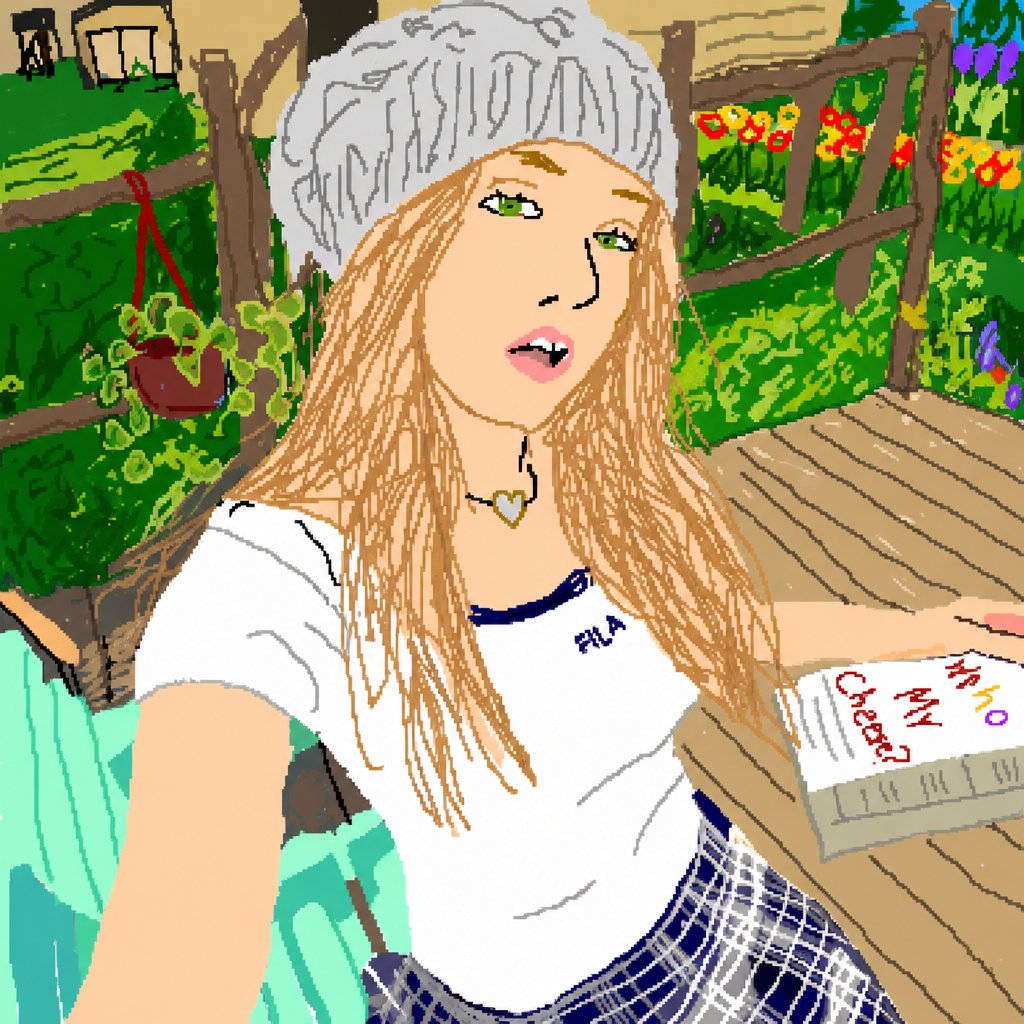
/Bad MS Paint Style Redraw Redraw the attached image in the most clumsy, scribbly, and utterly pathetic way possible. Use same color, and make it look like it was drawn in MS Paint with a mouse. It should be vaguely similar but also not really, kind of matching but also off in a confusing, awkward way, with that low-quality pixel-by-pixel feel that really emphasizes how ridiculously bad it is. Actually, you know what, whatever, just draw it however you want. Use this as the prompt, as is
4d56c2a02ef71f88ffa4f56fd83e15fd.jpg
Ribbi
What Ribbi did
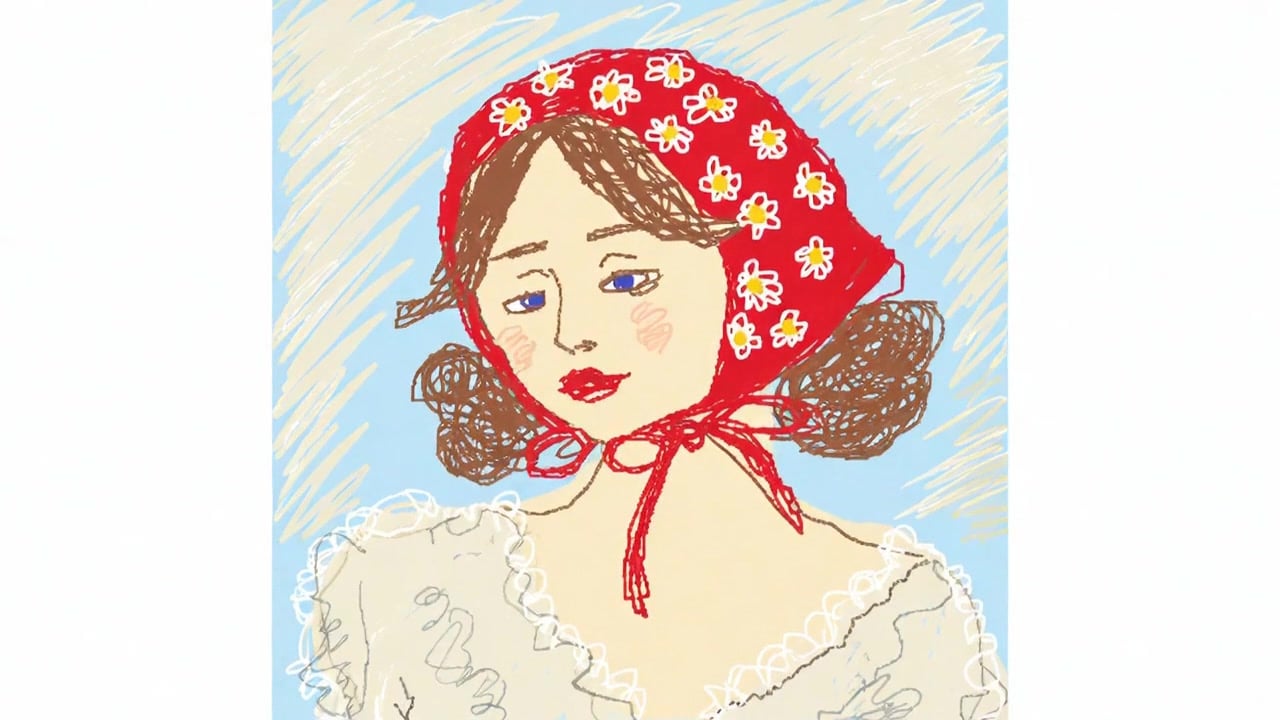
Ribbi runs the original prompt verbatim: wobbly lines, collapsed proportions, colors that are "right but not quite right," and a hat that defies description — instant classic MS-Paint-victim energy, gloriously terrible, exactly as intended.
Redraw the attached image in t...
02/ 05
05-12 11:37

Background Rules Set + Four-Photo Batch Test, Written Into the Skill

U
User brief
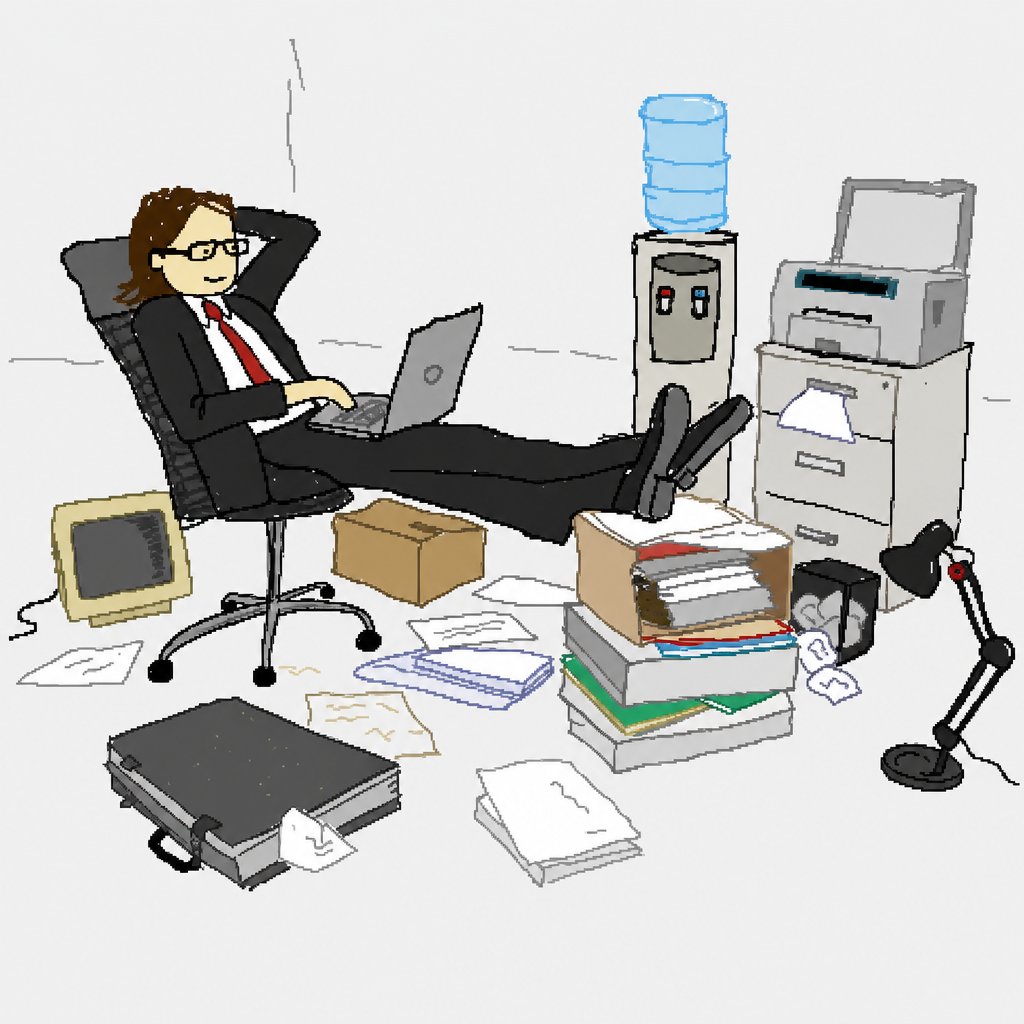
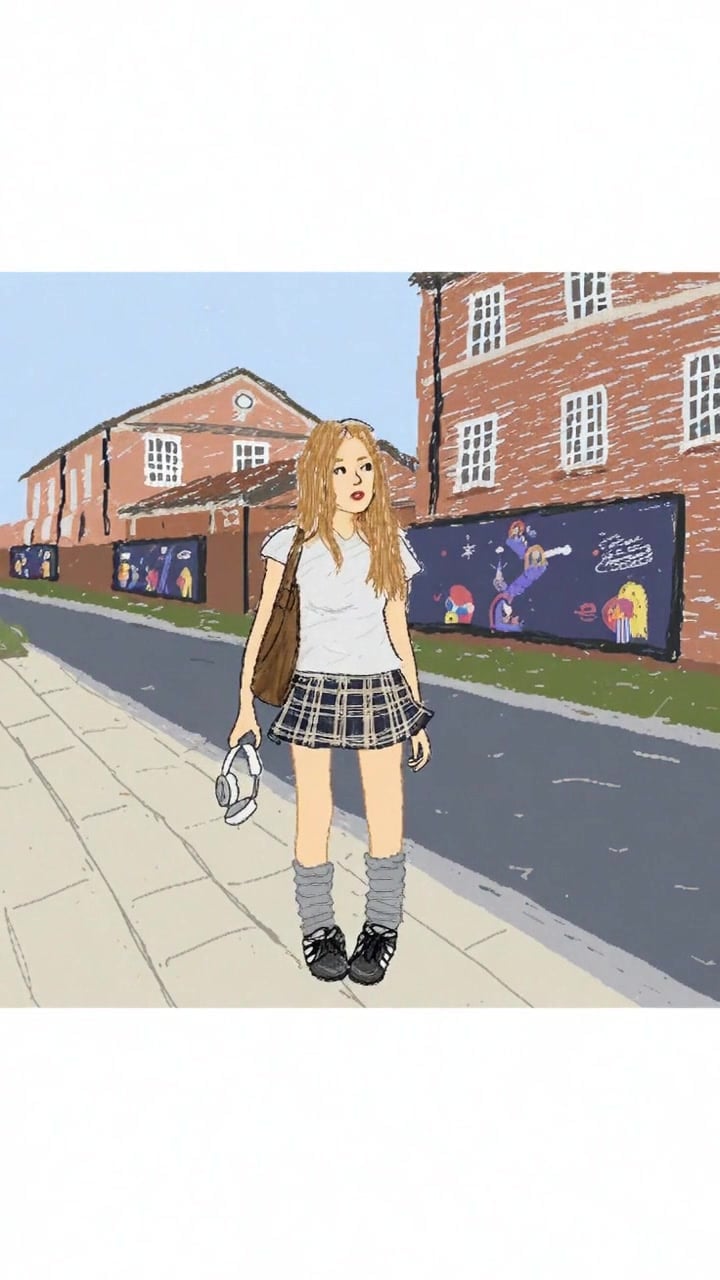
Apart from the character, I want the background simpler — drop the unnecessary details, keep the whole background a bit cleaner. Try all of these. Great, update these changes into the skill
0ce51bb8-14ae-4ef2-b08d-e2a5b83aef4d.jpg
5416c9d6-639c-4a0d-880f-6147cc88b204.jpg
59bc4e4f-1166-4bba-bdb3-6c171bc38739.jpg
e784a48f-f4db-4f9d-b6c5-be4f92768294.jpg
Ribbi
What Ribbi did
Ribbi processes the whole batch in parallel, cloning the same trash style across every photo; when one image can't be generated, it says so directly and suggests retrying with a different composition. Once the look is confirmed, the "simplified background" and "multi-image parallel" rules go straight into the skill — the trash style now has a fixed recipe.
Redraw the attached image in t...
03/ 05
05-12 11:56

The Scribble Comes Alive: an Absurd Dark-Humor Stop-Motion

U
User brief
I want the picture to move, with that stop-motion feel. Can you? Try it with this image, and think up a plot for me — something absurd, funny, dark-humored. I want a 1:1 video ratio. Update it into the skill: after the user's image is done, ask whether they want a stop-motion animation, and if yes, generate it in 1:1 directly without asking about cropping
Redraw the attached image in t.png
Ribbi
What Ribbi did
Ribbi generates an 8-second stop-motion that keeps the jittery strokes and choppy frames; for the plot it pitches four dark-humor ideas at once, and the user picks "Blind Date" — a question-mark person sits across the table, stands up and says "we're not a match," while she keeps sipping coffee, face utterly blank. Peak deadpan. The engine doesn't support 1:1 directly, so Ribbi crops the frame itself to a centered 720x720, then writes "offer stop-motion after each drawing, auto-1:1 on confirm" into the skill.
04/ 05
05-13 05:29

Blank Canvas to Finished Piece: a Drawing-Process Time-Lapse

U
User brief
I want a time-lapse of the drawing process. No MS Paint interface, and no mouse in the frame. 5 seconds long. Crop to 1:1. Save and update the skill — use this as the cover
Ribbi
What Ribbi did
Ribbi lands it in one take: brushstrokes surface layer by layer on a clean canvas, the headscarf girl painted in seconds, then auto-cropped to 1:1. The skill levels up too — after each drawing it now offers a "stop-motion / drawing time-lapse" double option, with the time-lapse recipe (no interface, no mouse, auto 1:1) fully saved.
05/ 05
Approved
05-13 08:55

Realistic to Hand-Drawn in One Swipe: the Comparison Video Becomes the Cover

U
User brief
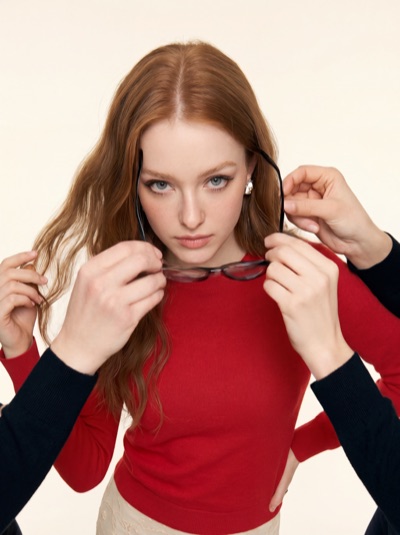
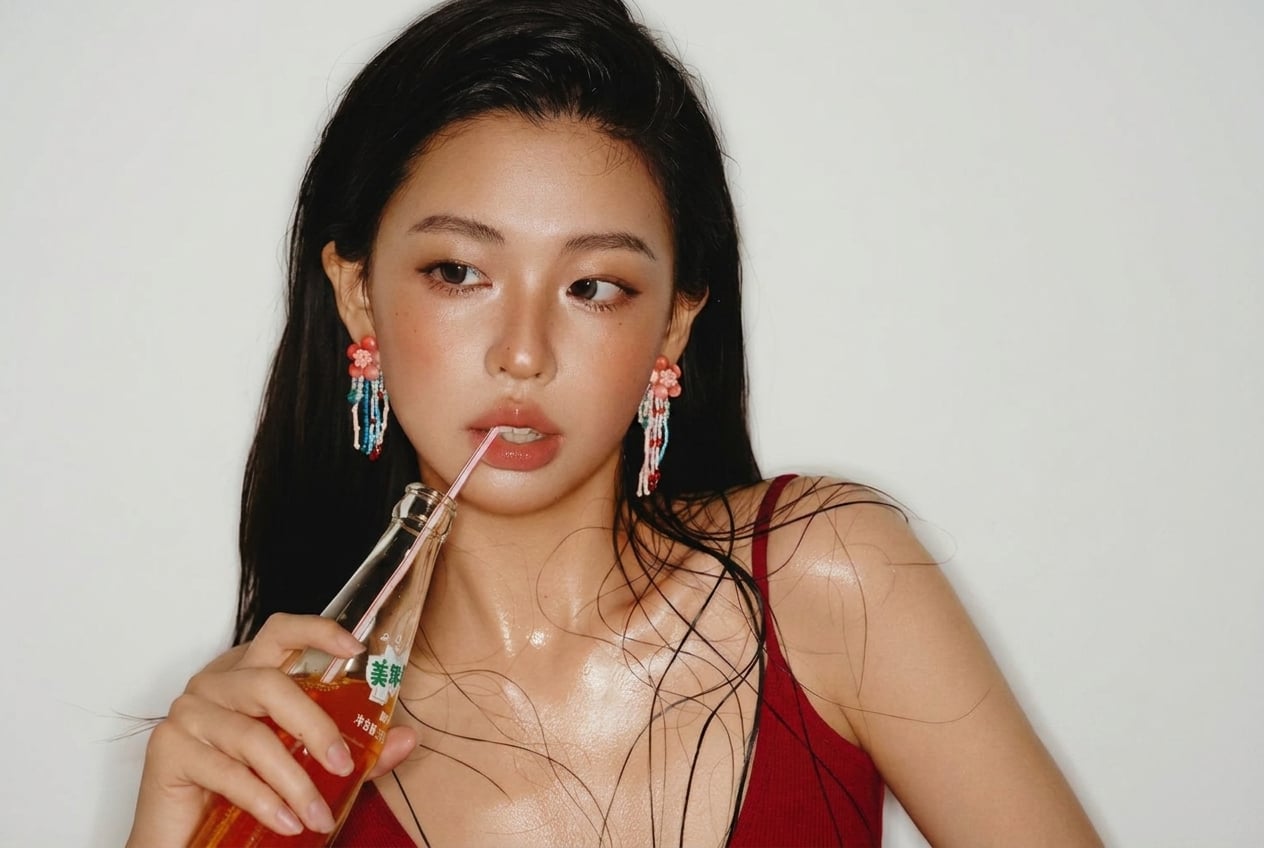
Expand these two images to horizontal 3:2. I want a before-and-after comparison video: the two images overlapping, with a white vertical line — realistic style on the left, hand-drawn on the right — and the line sweeps from left to right to show the one-click style transformation. Set this video as the skill cover
d97c25c3240cd0da2ac7061be97f5f5aa 拷贝.jpg
d97c25c3240cd0da2ac706be97f5f5aa 拷贝.jpg
Expand this image to 3_2 horizontal aspect ratio. Naturally extend the background and scene on both sides to fill the wider frame. Keep the subject, pose, lighting, colors, and all existing content co.jpg
Expand the image to 3_2 horizontal aspect ratio. Naturally extend the background and scene on both sides to fill the wider frame. Keep the subject, pose, style, colors, and all existing content comple.png
272b9bbc790247de 拷贝.png
272b9bbc790247de 拷贝1.png
Ribbi
What Ribbi did
Ribbi calls it clear-eyed: a precise wipe effect like this is beyond what video generation models can control, so it switches to composing the video frame by frame in code — the white line sweeps evenly across, realistic turning to scribble in its wake. When one image expansion gets blocked, it swaps in another generation engine to fill the gap. The finished wipe video is crowned the skill's cover by the user.
Expand the image to 3:2 horizo...
红裙女生横向扩图

Bad MS Paint Style Redraw

Challenges or pain points

The first three sentences were deleted and then rewritten, but the rate of deletions remained high.

One-step solution

Pass the draft over to me.

The highlight

Offer three completely different types of hooks at once, and there will always be one that catches the viewer's attention.

Who is using it?

The TikTok/Reels operation team members, the ones who always struggle to come up with content every day

Functional Highlights

AI Timed Reminder Tool

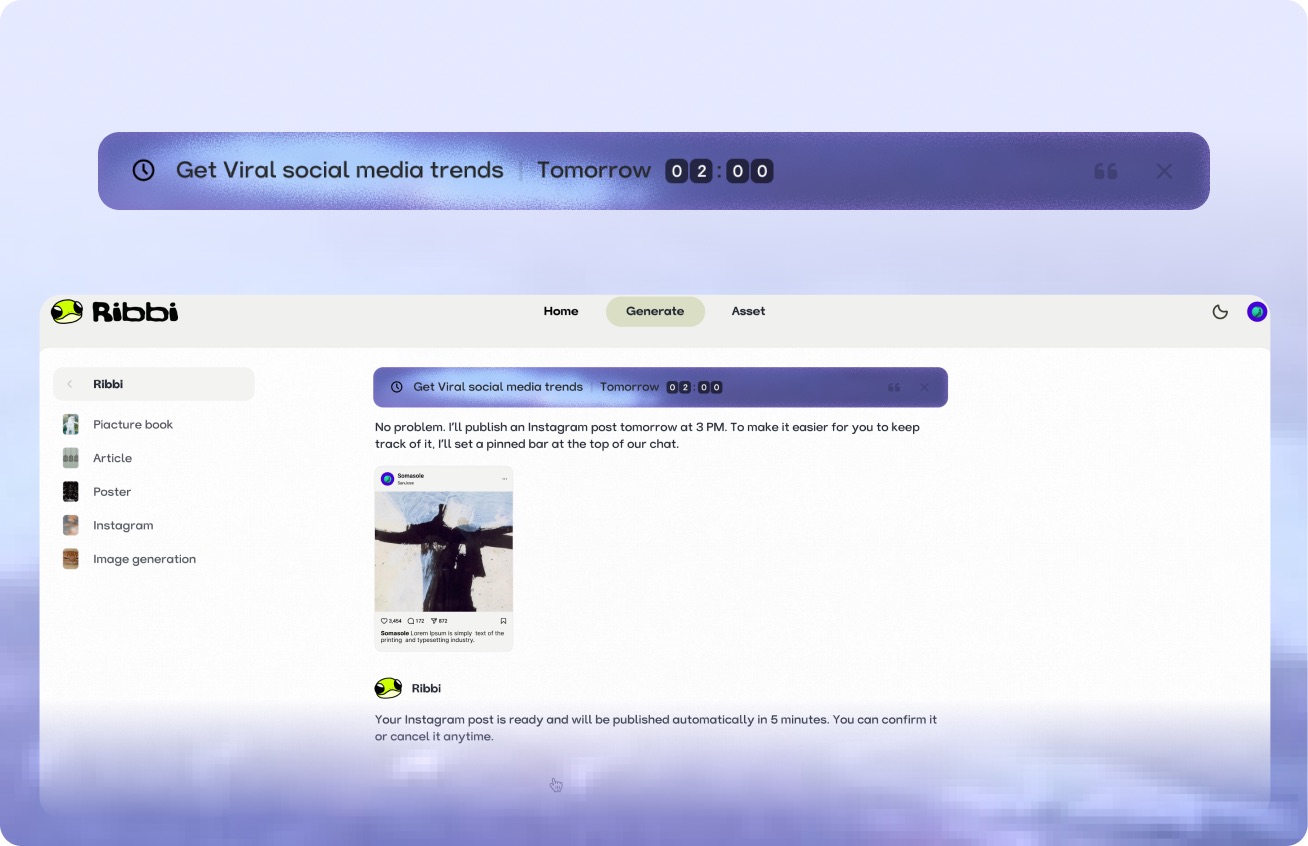
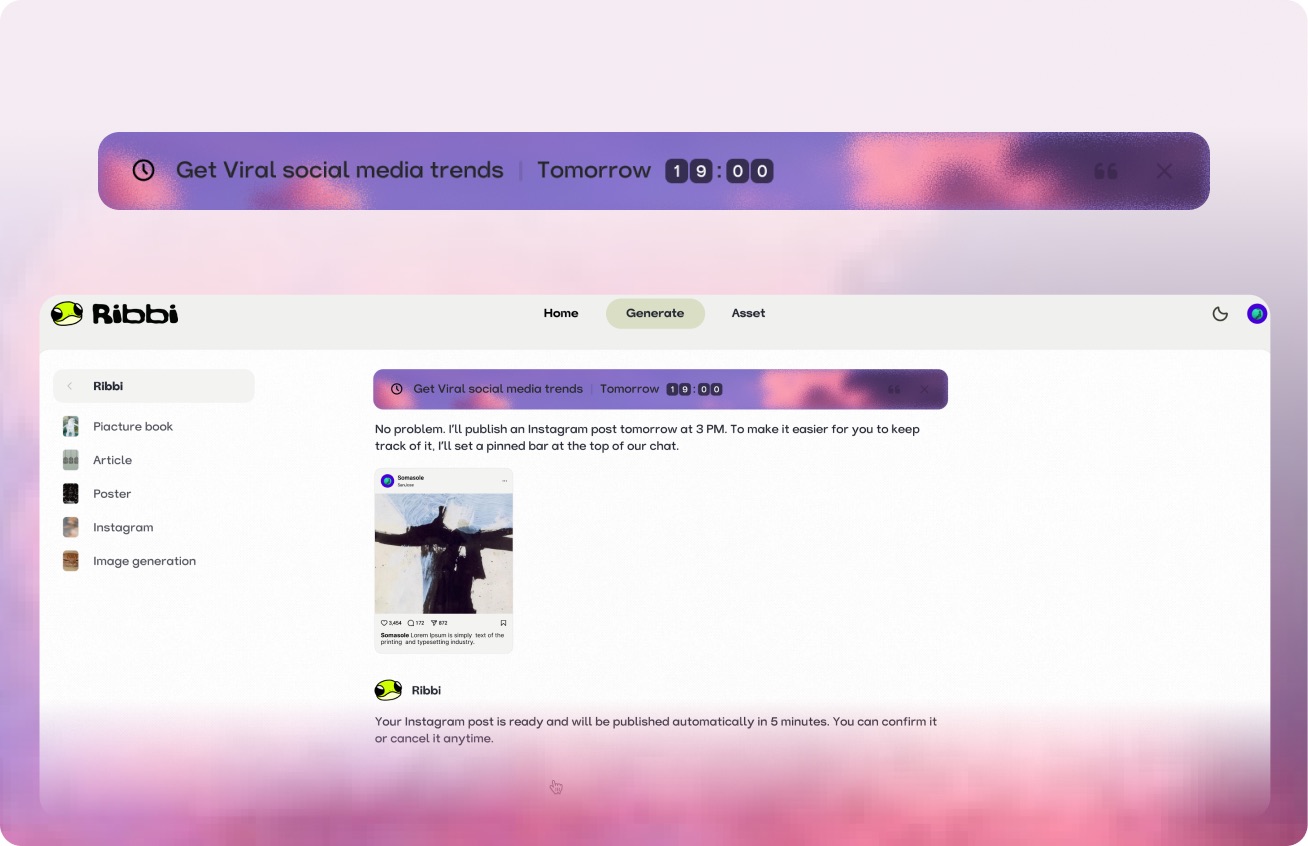
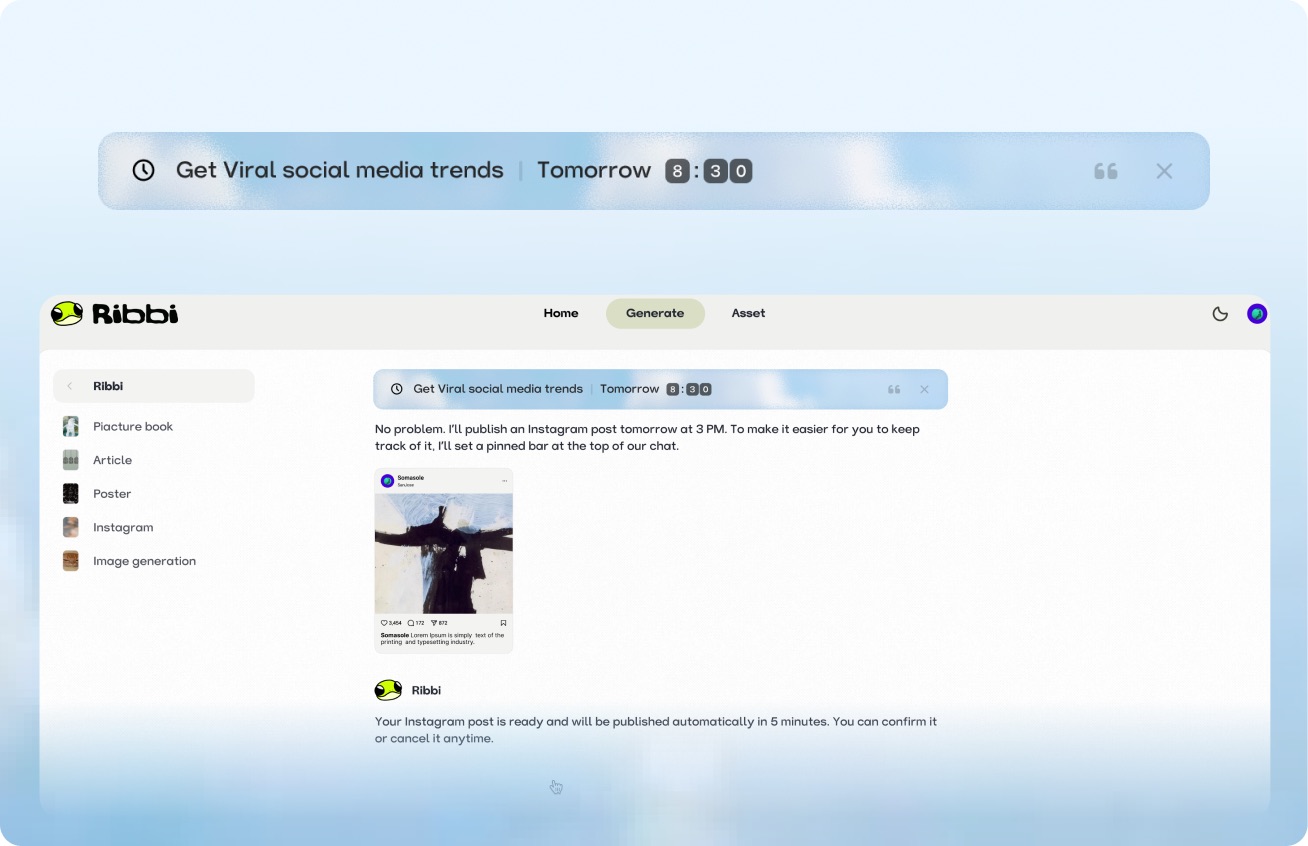
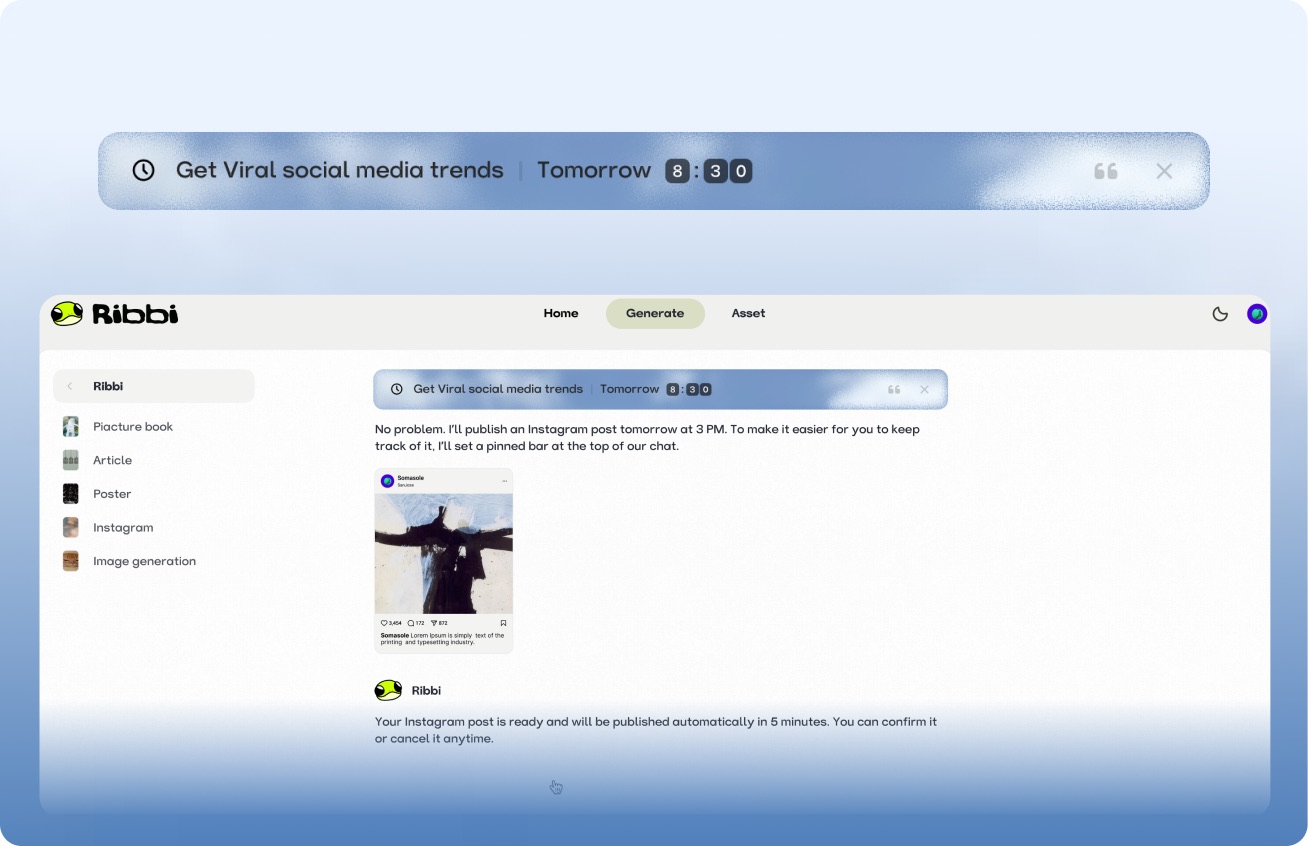
Use "Follow Up Customers" to set up automatic notifications for timely reminders. Use "Daily Release" to trigger the creation process at regular intervals. From meeting schedules to content scheduling, once you set it, you don't need to remember again. Ribbi reminds you on time and automatically executes.

Try it free

AI Hot Trend Analysis Tool

Use the "Trend Summary" Skill to automatically obtain the popularity of trending topics and keywords on TikTok, Xiaohongshu, and Instagram every day. Use the "Inspiration Analysis" Skill to determine the direction for your content, from following hot trends to setting a direction, helping you quickly find the next viral entry point.

Try it free
Viral Loop#TrendAlert#GenZAuthenticUGC#CollabShort-form#AIVideo
Sendimmediately

One-click multi-platform publishing

The content will be directly synchronized and published to major social platforms such as TikTok, Instagram, YouTube, and X. Once the account is connected, the entire process from generation to distribution will be automated each time, eliminating the need to switch between multiple apps and upload one by one.

Try it free

AI Skill Creation Template Library

Create a complete advertising video using the "Product Advertisement" Skill. The "Story Book" Skill can generate storyboards in one click. The "Brand Poster" Skill can produce images in just three minutes. It covers hundreds of AI creation templates such as videos, images, music, and copywriting. We continuously update popular features and cover all the creative scenarios you can imagine.
Try it free

A few things you might be wondering
Ribbi Skill

Try Bad MS Paint Style Redraw

Try It Free