HomeStadium Fan Cam Reaction Shot

Fancam Maker – Put Anyone Into a KBO Fan Cam

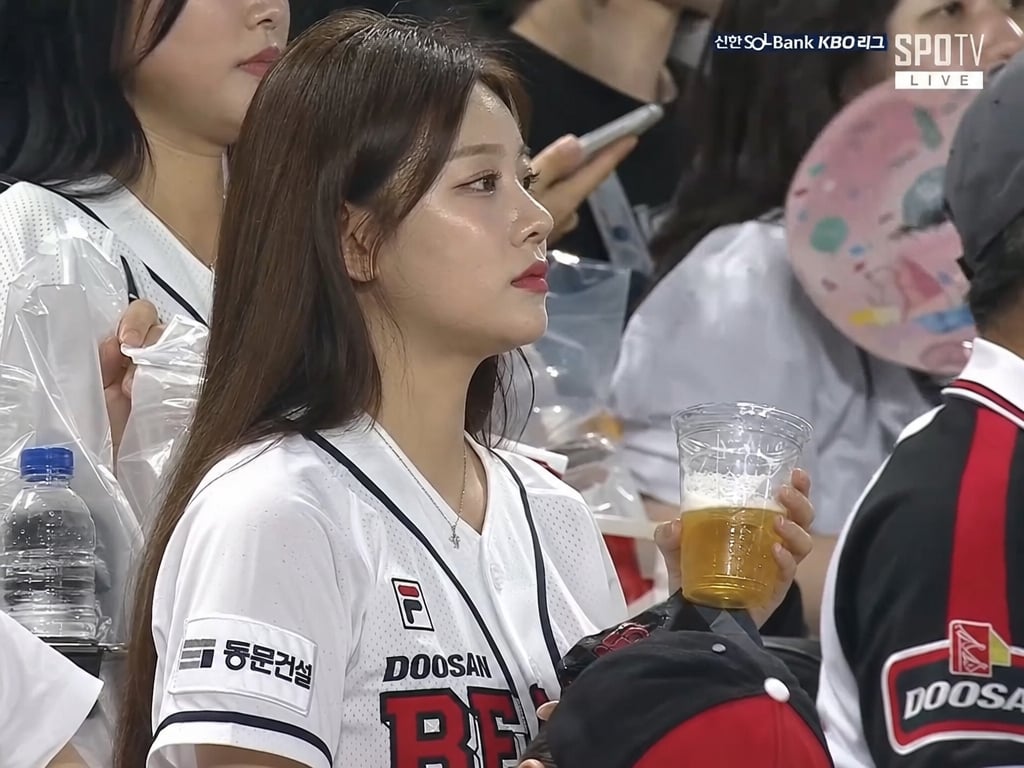
Upload a selfie or pet photo and Ribbi's fancam maker drops it into an ultra-realistic Korean baseball stadium crowd cam—hilarious reactions built to blow up on social

The full creative process

5 chapters, from first brief to final asset.

01/ 05
05-12 12:25

One Selfie, Dropped Into the KBO Stands

U
User brief
/Stadium Fan Cam Reaction Shot Keep the mouth closed — watching the game naturally and attentively, influencer vibes, Korean-girl makeup. Now generate the video — change the story to her just watching the game naturally, then taking a sip of her drink
Ribbi
What Ribbi did
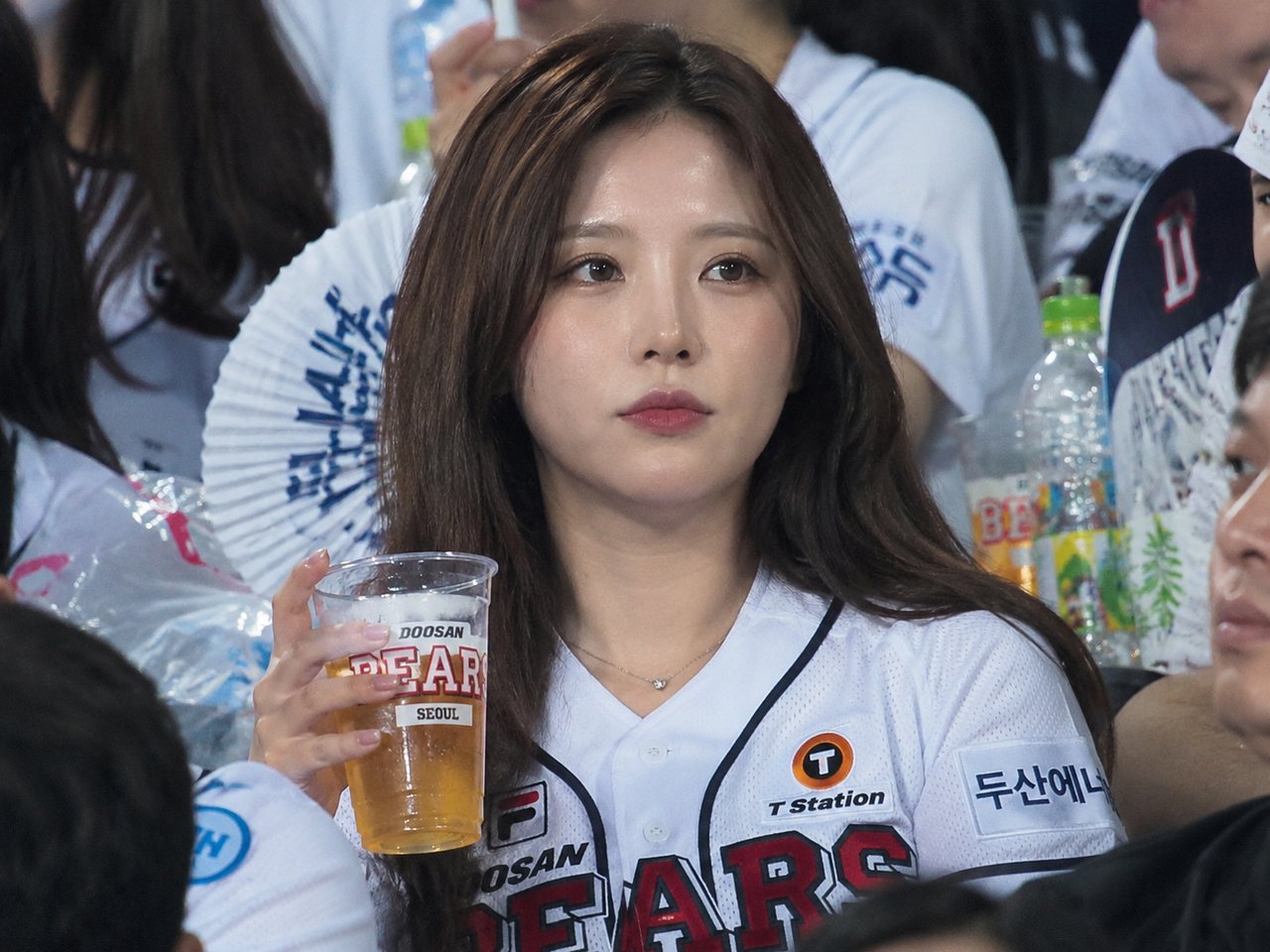
Ribbi composites a broadcast-grade grandstand first frame from the reference photo — packed crowd, dewy skin, candid-camera feel in one pass — then anchors a 5-second video on it. Absorbed in the game, casually raising her cup: the small gestures instantly sell that "caught by the fan cam" realism, and the very first clip sets the tone for the whole series.
00:05
02/ 05
05-13 12:12

A Three-Shot Script: Glance, Cheer, Sip

U
User brief
Change the story — make the third shot a close-up of her face, taking a sip of her drink
Ribbi
What Ribbi did
Going from one shot to a multi-shot cut is the leap. Ribbi slices the 10 seconds into a three-beat narrative: the protagonist's view, a crowd-reaction shot, a close-up finish — cutting rhythm straight out of a real sports broadcast. The user only describes the story; shot breakdown, timing and transitions are all Ribbi's.
00:10
03/ 05
05-14 06:42

Two Reference Photos Lock the Face

U
User brief
Generate a first frame from this photo. Nice — same angle and content, here are two photos for reference, it's the same person. Now the video: watching the game naturally, then turning to take a sip
Ribbi
What Ribbi did
A single photo has blind angles; Ribbi merges two references and the fidelity of face shape and eyes visibly jumps. The user signs off with one word and goes straight to the final clip — three seconds of watching, two of turning to sip — and the face holds steady even in motion.
00:05
04/ 05
05-17 06:10

A Multi-Angle Grandstand Portrait Set

U
User brief
Generate a few more from different angles — the face should be beautiful, more influencer-like, jersey in white, no black inner layer showing. I need three angles: front, profile, three-quarter — all from the grandstand view
Ribbi
What Ribbi did
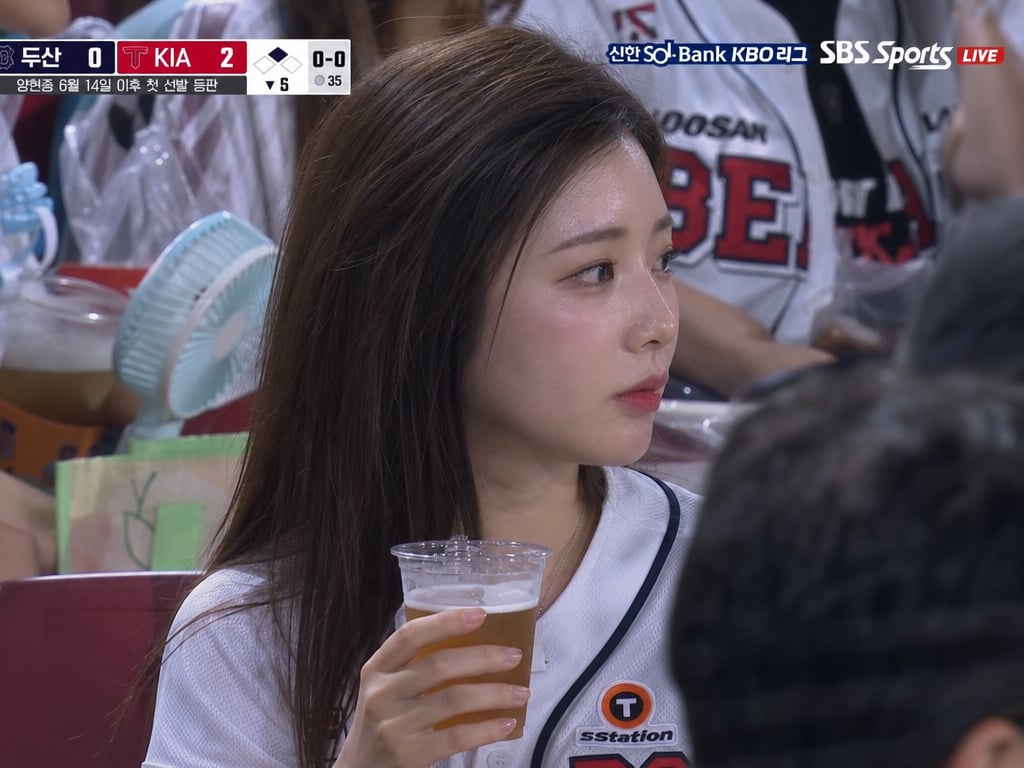
Ribbi outputs first frames from multiple camera positions in one pass — same person, same grandstand, with hair color, jersey and makeup consistent across every angle. It's a casting portfolio for a virtual persona: pick any frame and it goes straight to video.
05/ 05
Approved
05-17 10:44

The 15-Second Broadcast Cut, With a Jumbotron Easter Egg

U
User brief
Regenerate — the broadcast score UI must stay on the whole time. Shot one: watching the game naturally. Shot two: cut to the crowd cheering a goal. Shot three: back to her, close-up, taking a sip. Shot four: the stadium jumbotron showing her on screen. Shot five: back to her — she realizes she's been spotted and shyly covers her mouth with a smile. 15s. Then change the person on the jumbotron to a guy, 5 seconds, just that segment — keep the UI consistent with the last one
Ribbi
What Ribbi did
The five-shot 15-second cut is the series finale: persistent broadcast UI, crowd shots, the jumbotron cameo, the shy hand-over-mouth ending — a full recreation of the viral fan-cam moment. Ribbi can even regenerate just the jumbotron segment with a guy swapped in, UI strictly matched — shot-level, controllable assembly.
00:15

Stadium Fan Cam Reaction Shot

Challenges or pain points

The first three sentences were deleted and then rewritten, but the rate of deletions remained high.

One-step solution

Pass the draft over to me.

The highlight

Offer three completely different types of hooks at once, and there will always be one that catches the viewer's attention.

Who is using it?

The TikTok/Reels operation team members, the ones who always struggle to come up with content every day

Functional Highlights

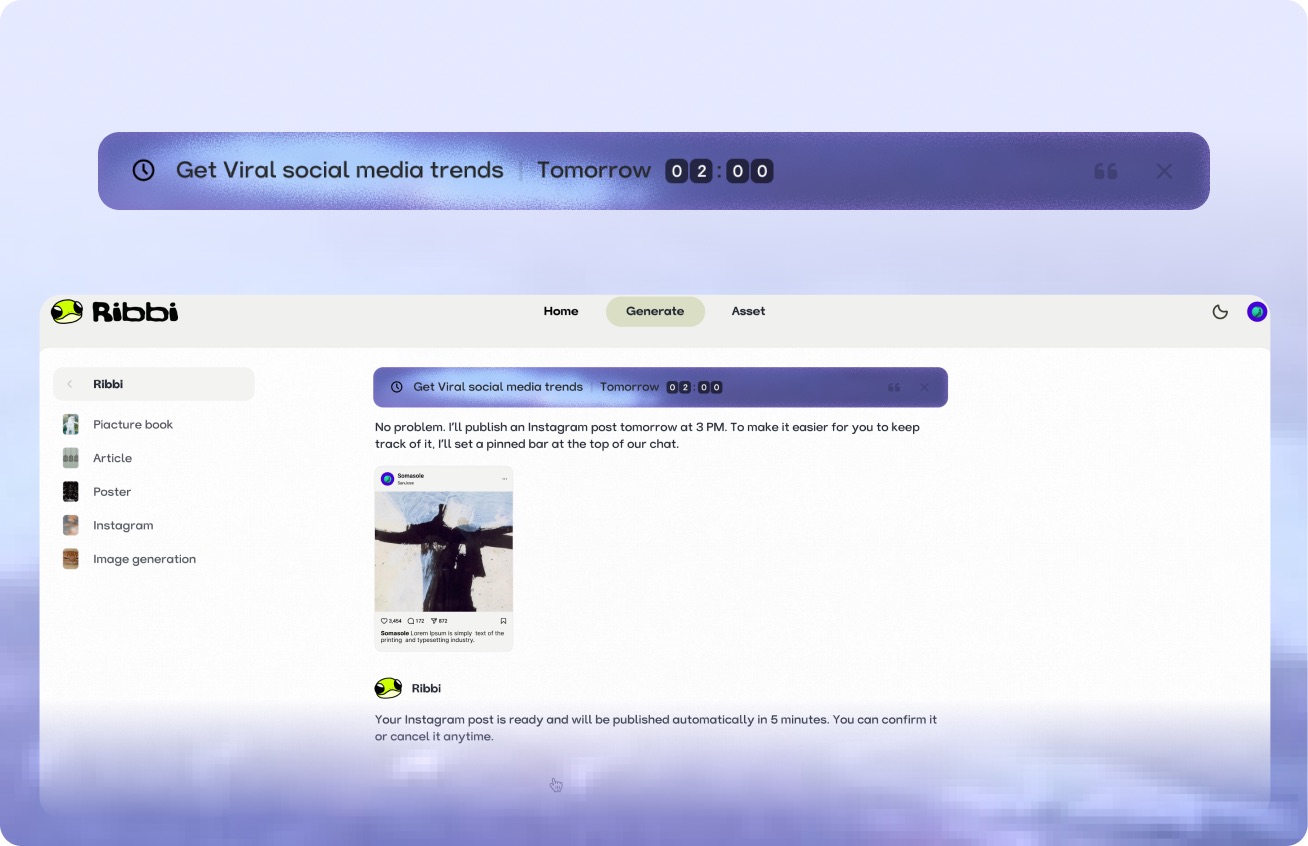
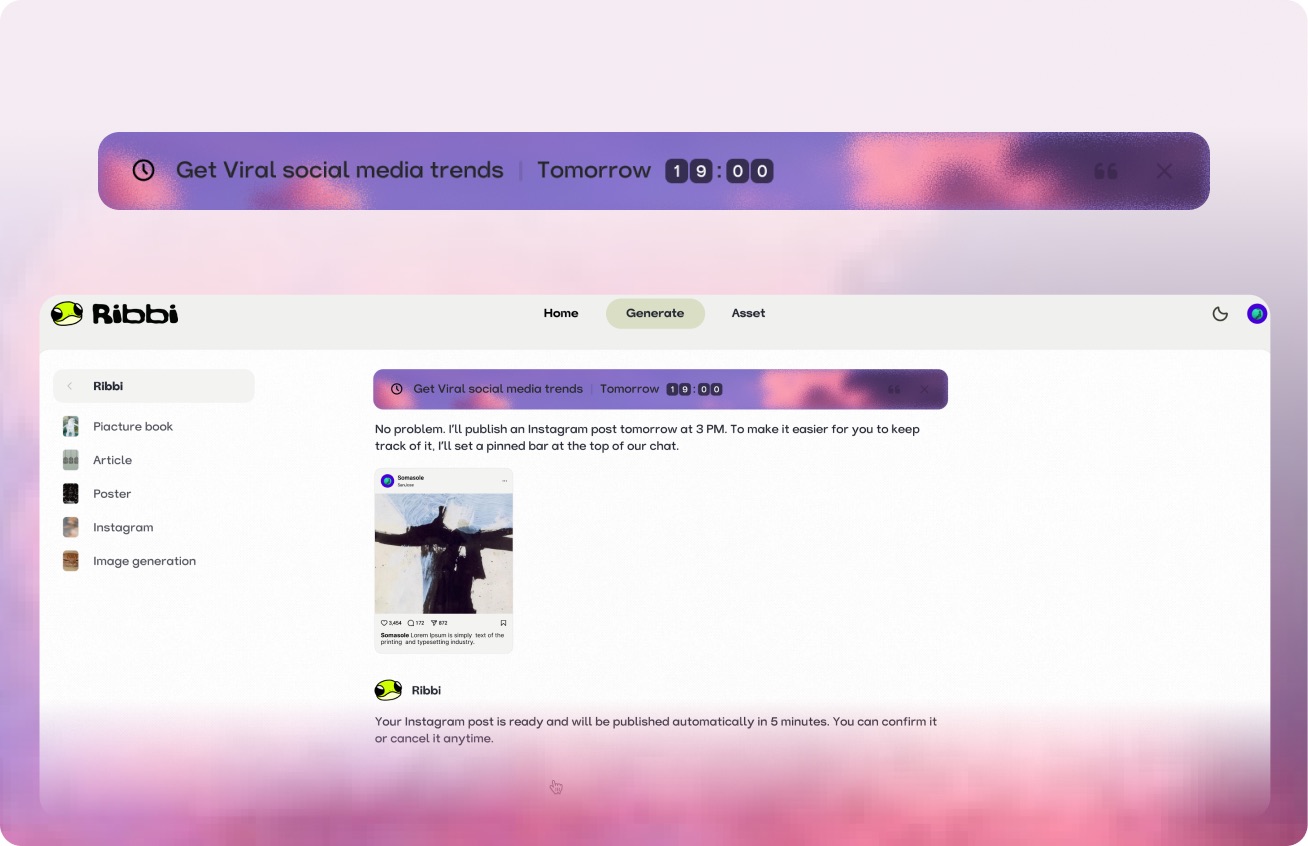
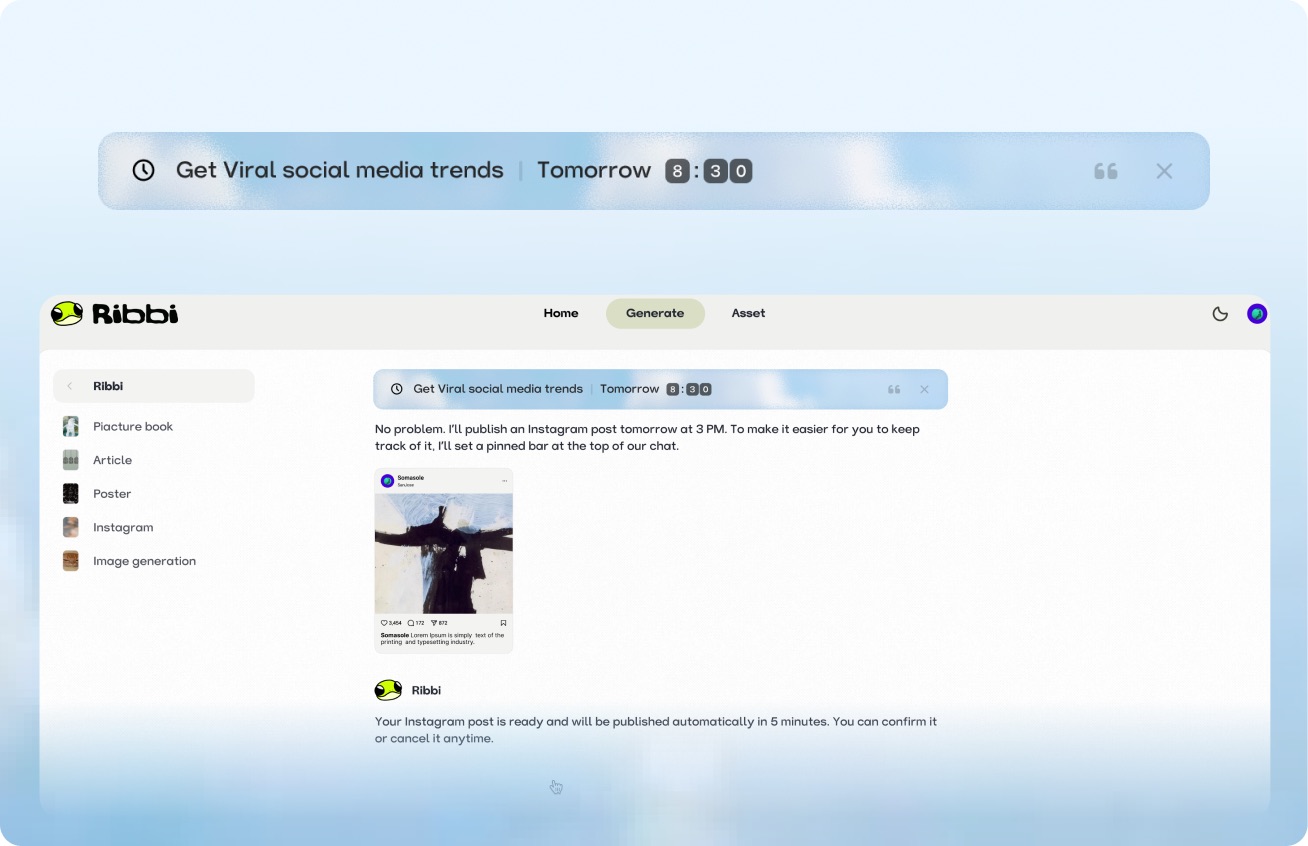
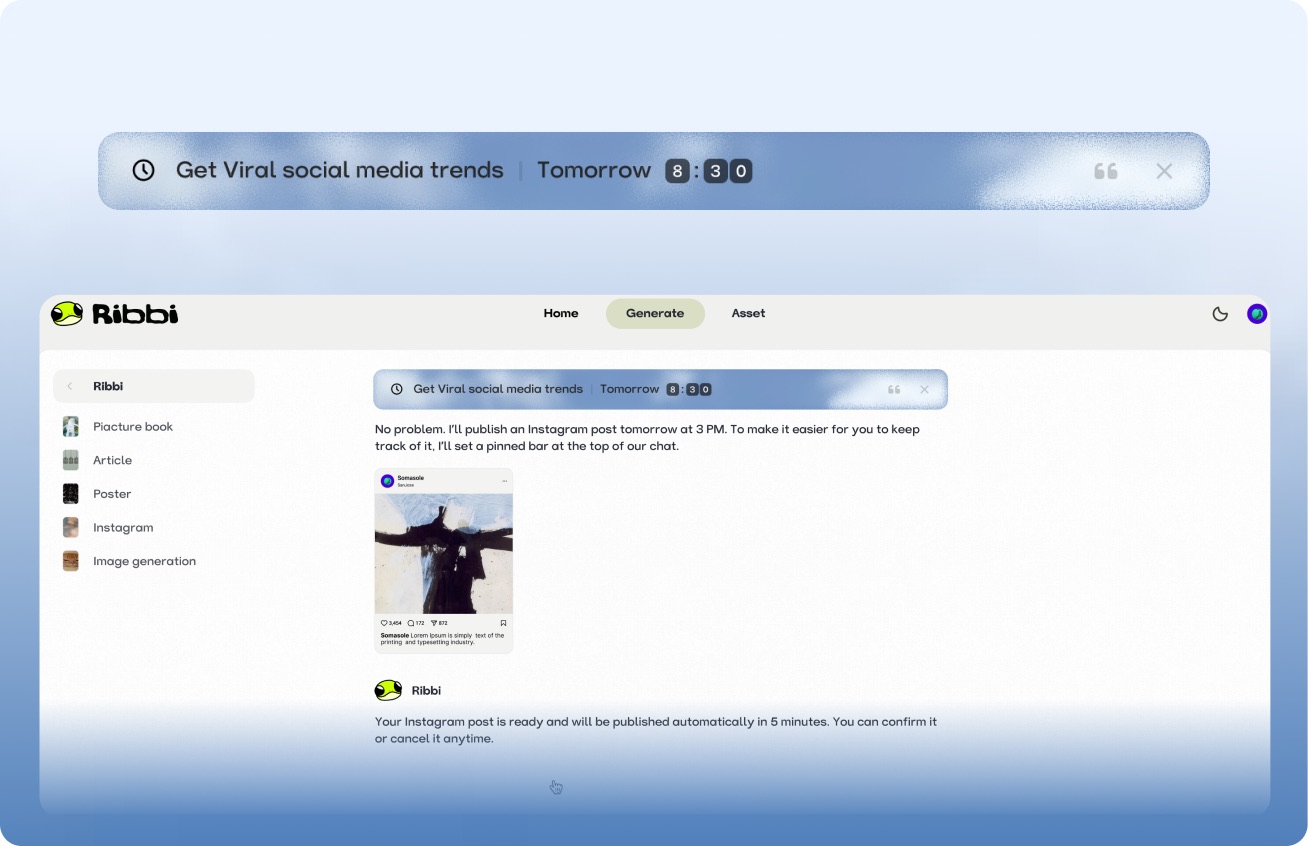
AI Timed Reminder Tool

Use "Follow Up Customers" to set up automatic notifications for timely reminders. Use "Daily Release" to trigger the creation process at regular intervals. From meeting schedules to content scheduling, once you set it, you don't need to remember again. Ribbi reminds you on time and automatically executes.

Try it free

AI Hot Trend Analysis Tool

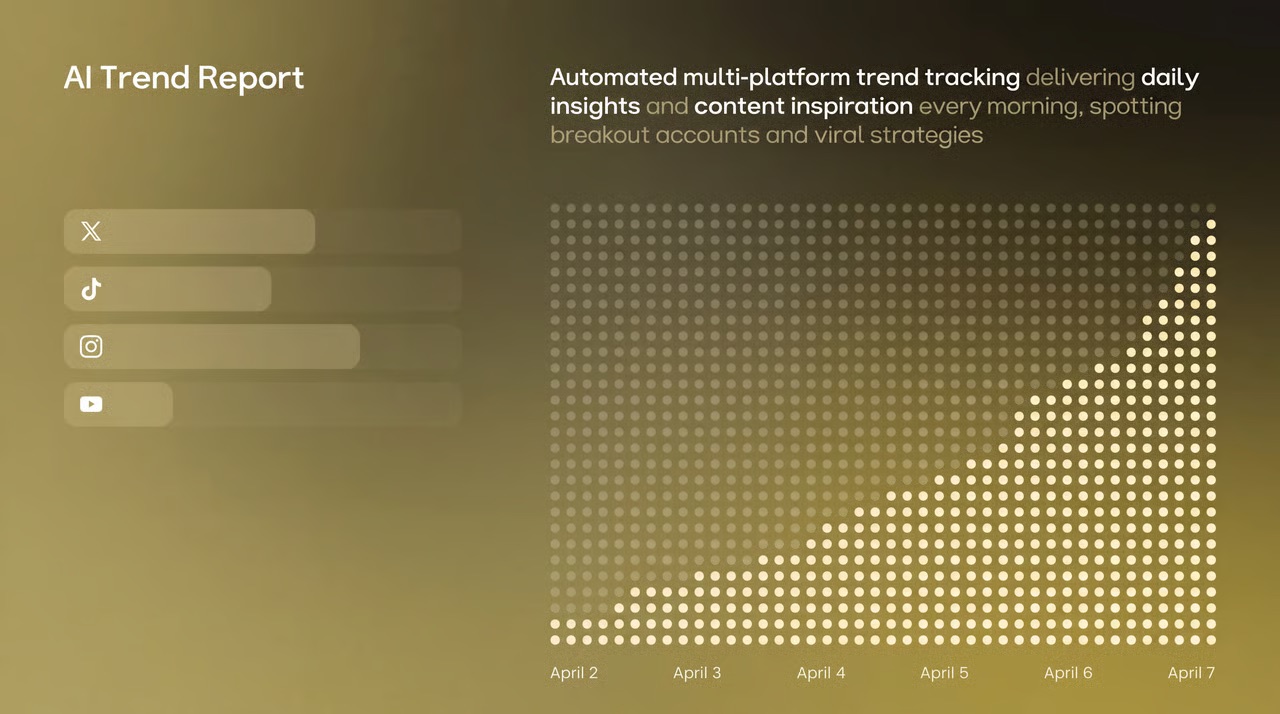
Use the "Trend Summary" Skill to automatically obtain the popularity of trending topics and keywords on TikTok, Xiaohongshu, and Instagram every day. Use the "Inspiration Analysis" Skill to determine the direction for your content, from following hot trends to setting a direction, helping you quickly find the next viral entry point.

Try it free
Viral Loop#TrendAlert#GenZAuthenticUGC#CollabShort-form#AIVideo
Sendimmediately

One-click multi-platform publishing

The content will be directly synchronized and published to major social platforms such as TikTok, Instagram, YouTube, and X. Once the account is connected, the entire process from generation to distribution will be automated each time, eliminating the need to switch between multiple apps and upload one by one.

Try it free

AI Skill Creation Template Library

Create a complete advertising video using the "Product Advertisement" Skill. The "Story Book" Skill can generate storyboards in one click. The "Brand Poster" Skill can produce images in just three minutes. It covers hundreds of AI creation templates such as videos, images, music, and copywriting. We continuously update popular features and cover all the creative scenarios you can imagine.
Try it free

A few things you might be wondering
Ribbi Skill

Try Stadium Fan Cam Reaction Shot

Try It Free