HomeShowcaseAmazon Product Image Set Kitchen Faucet Bed Frame
Showcase · Case studyPowered by Create Amazon Product Image Set

Amazon Product Image Generator: One Photo to a Full Amazon Listing Image Set

This amazon product image generator turns one faucet photo into AI Amazon listing images in minutes. One pass delivers the main image, 6 secondary images, and 8 A+ modules from an amazon a+ content generator.
100
rounds of dialogue
125
images generated
7
distinct directions
FINAL
ROUND 100
delivered by ribbi
从单张产品图到完整亚马逊套图,一次搞定主图、副图和A+模块
2048 × 2048 · square
The full creative process

100 rounds, 7 visible turning points.

01/ 07
03-20 02:44

Brief Intake and Main Image Generation
U
User brief
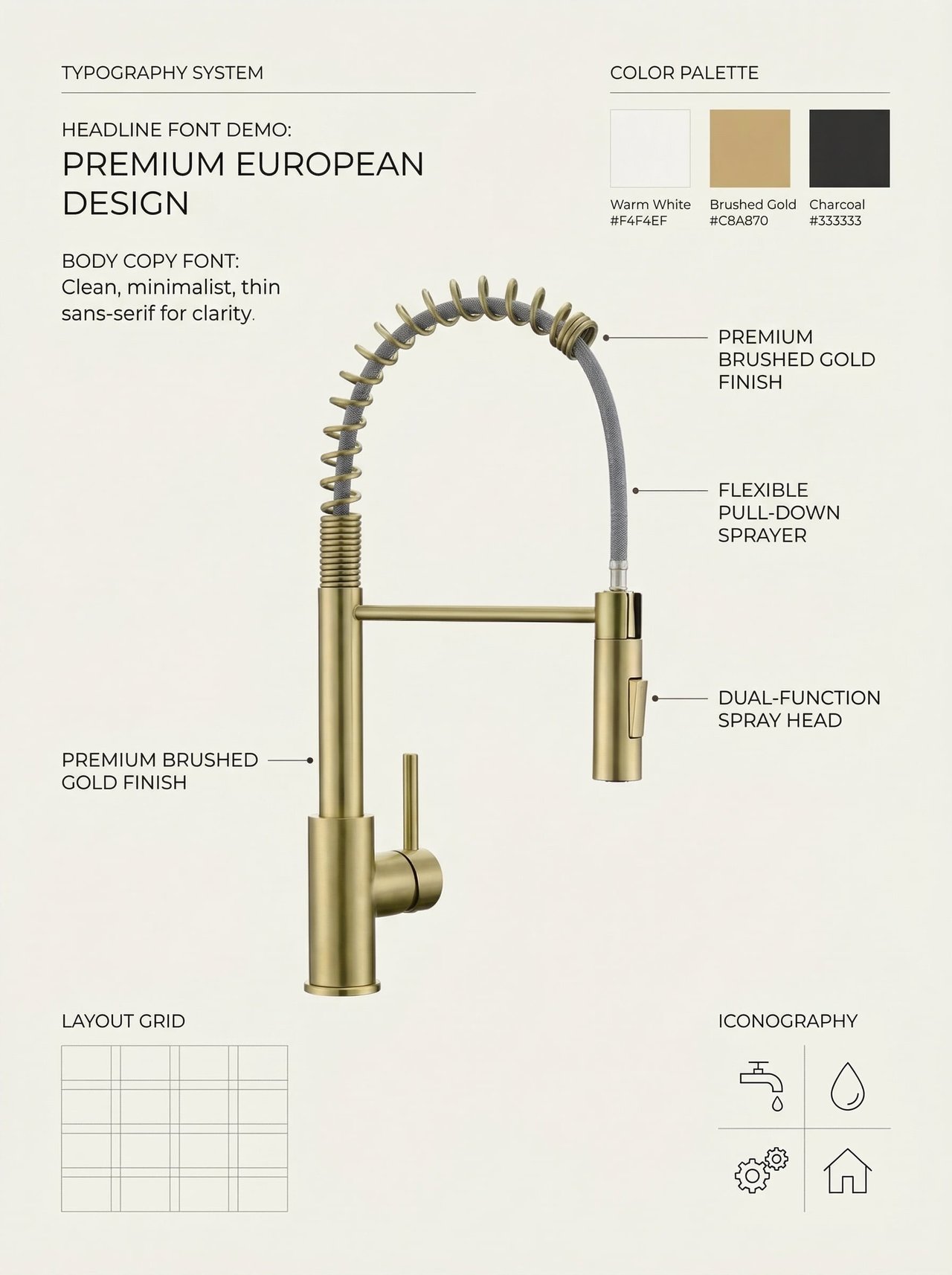
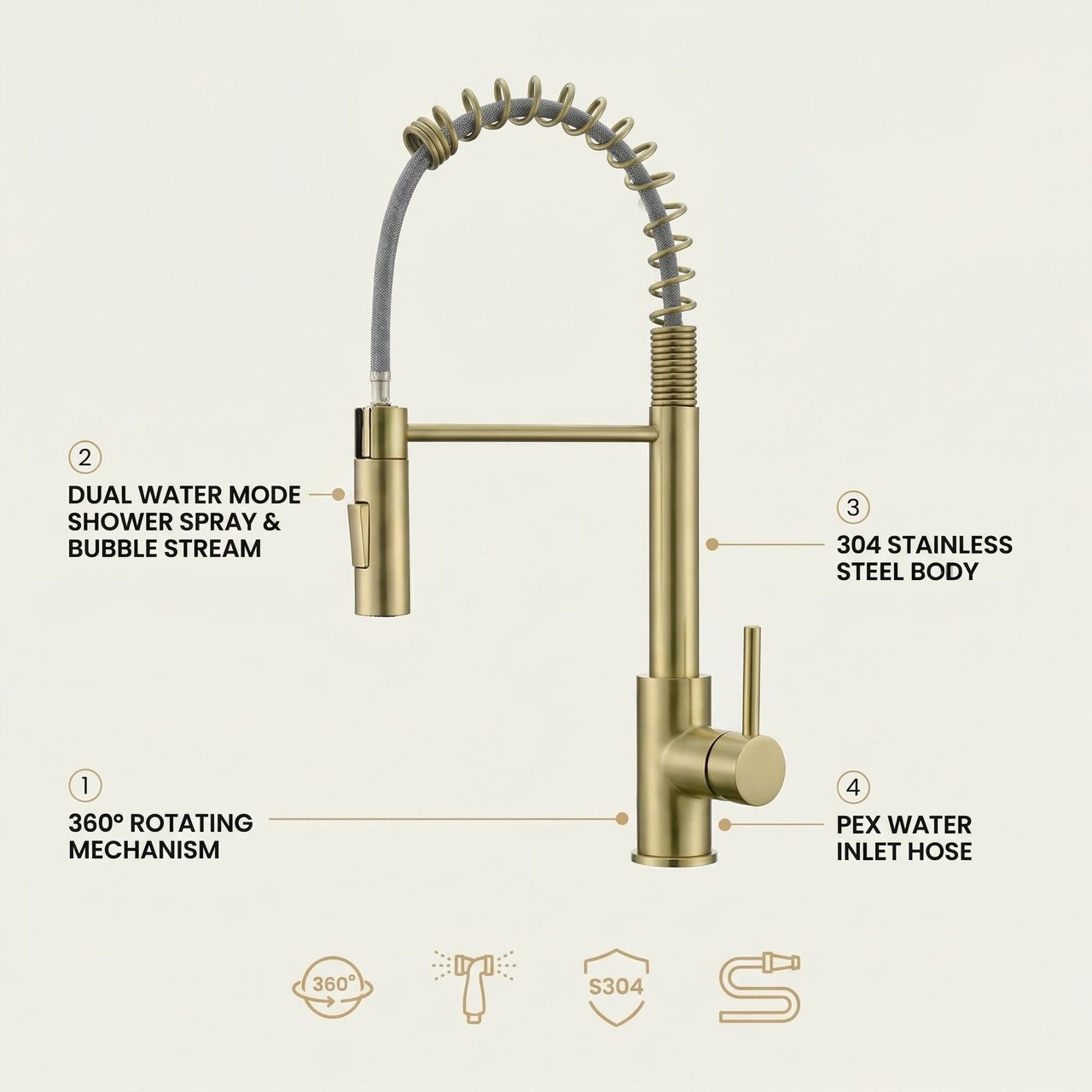
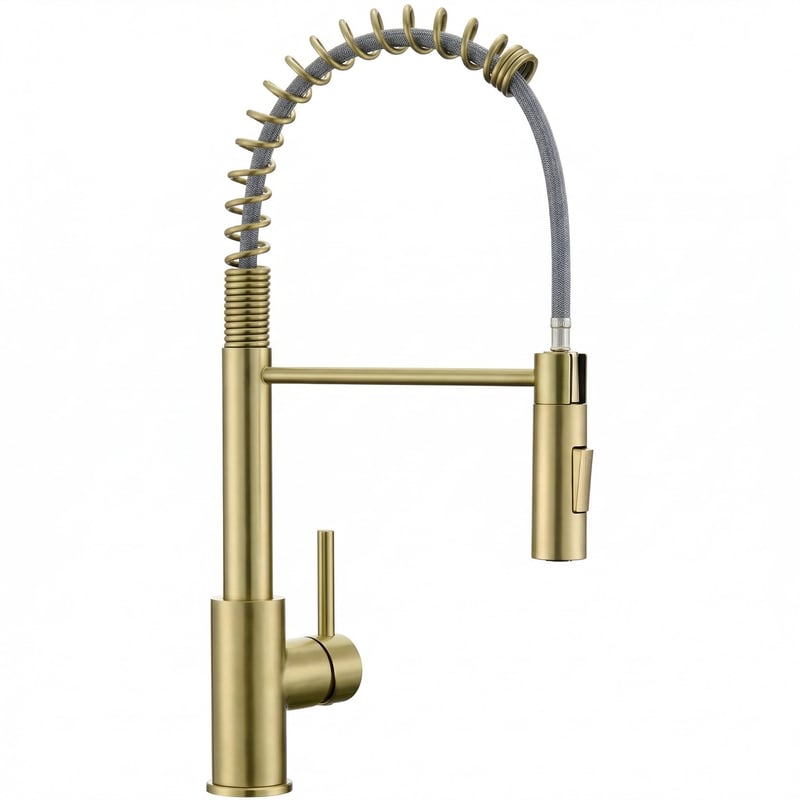
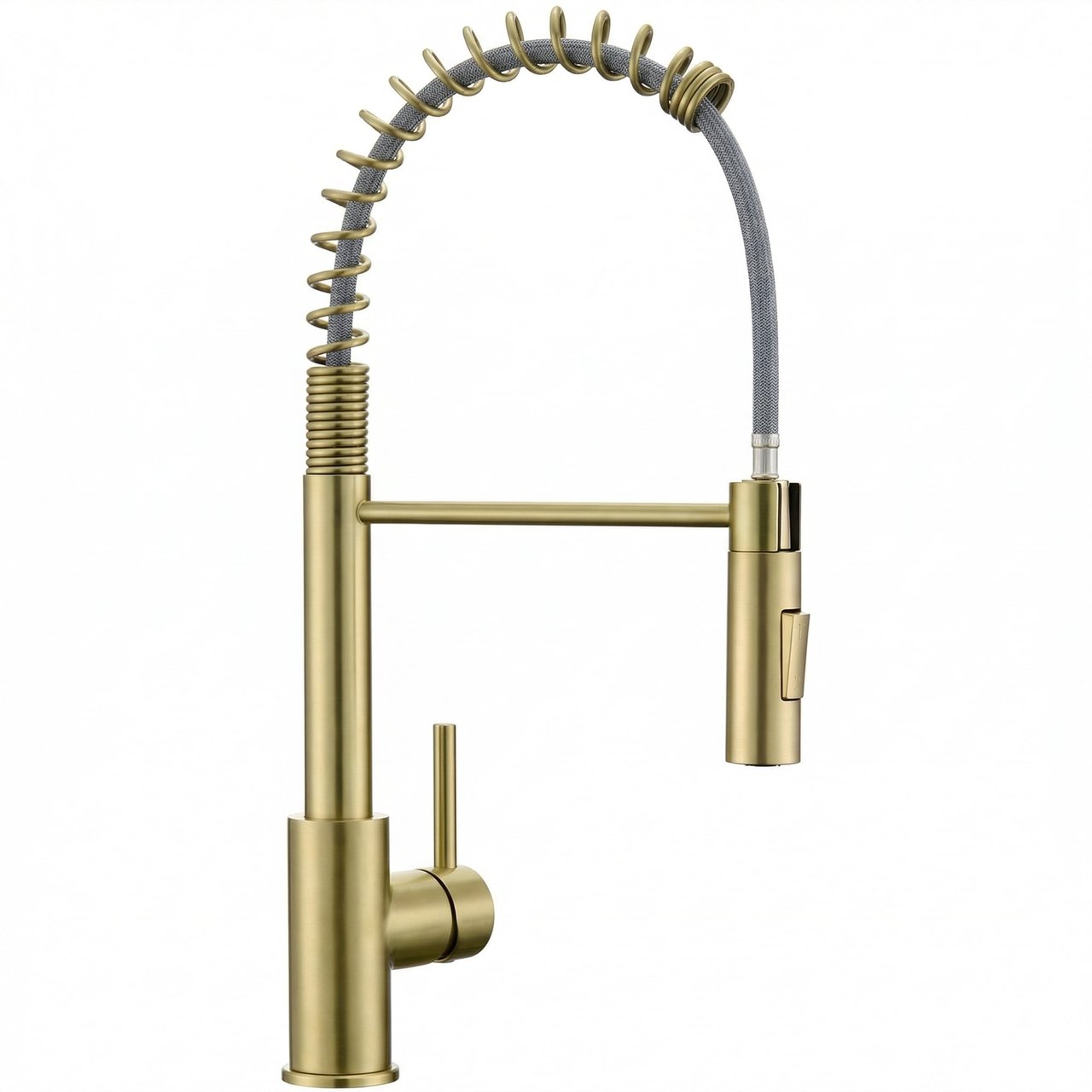
Uploaded a gold kitchen faucet product photo. Key selling points: 360 degree swivel, two spray modes, 304 stainless steel. Target market: the European Amazon audience.
R
What Ribbi did
The Skill moves straight from the seller's selling points and target market into execution, producing a clean white-background main image that meets Amazon's specs — product fill ratio and dimensions both hit platform requirements out of the box.
需求输入与主图生成
需求输入与主图生成
02/ 07
03-20 02:47

Locking the Style and Batch-Generating Secondary Images
U
User brief
Approved the main image and the look, then asked for the full set of secondary images.
R
What Ribbi did
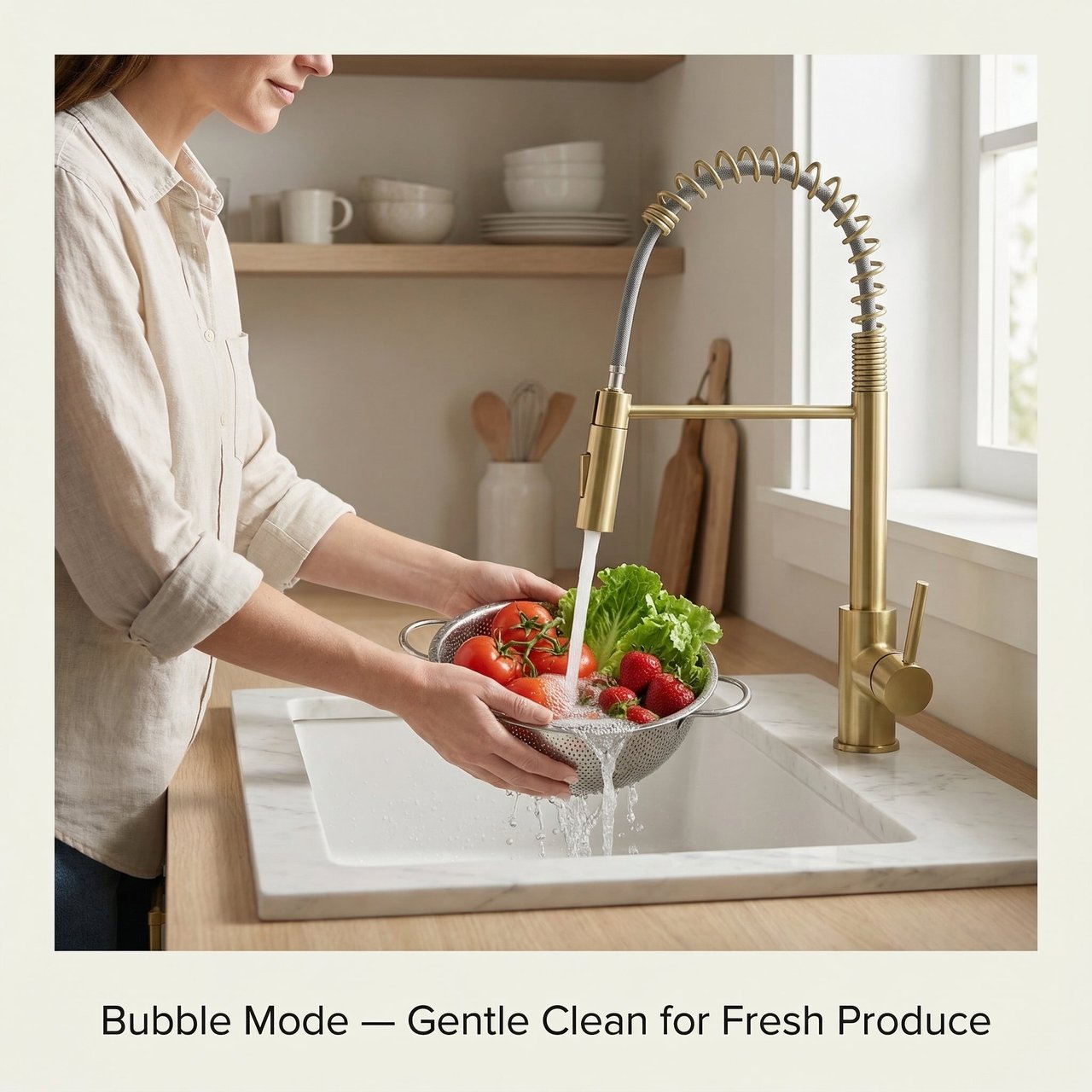
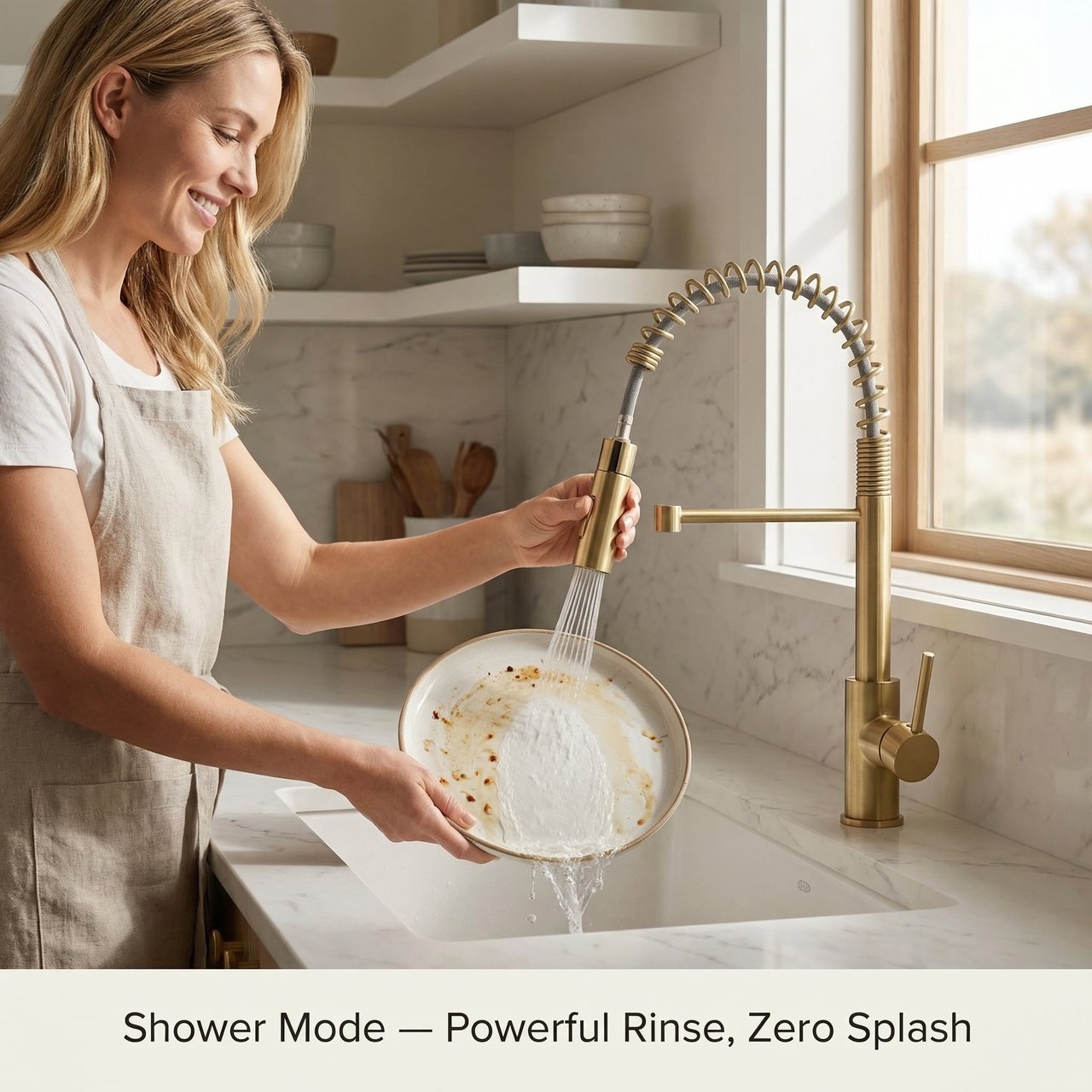
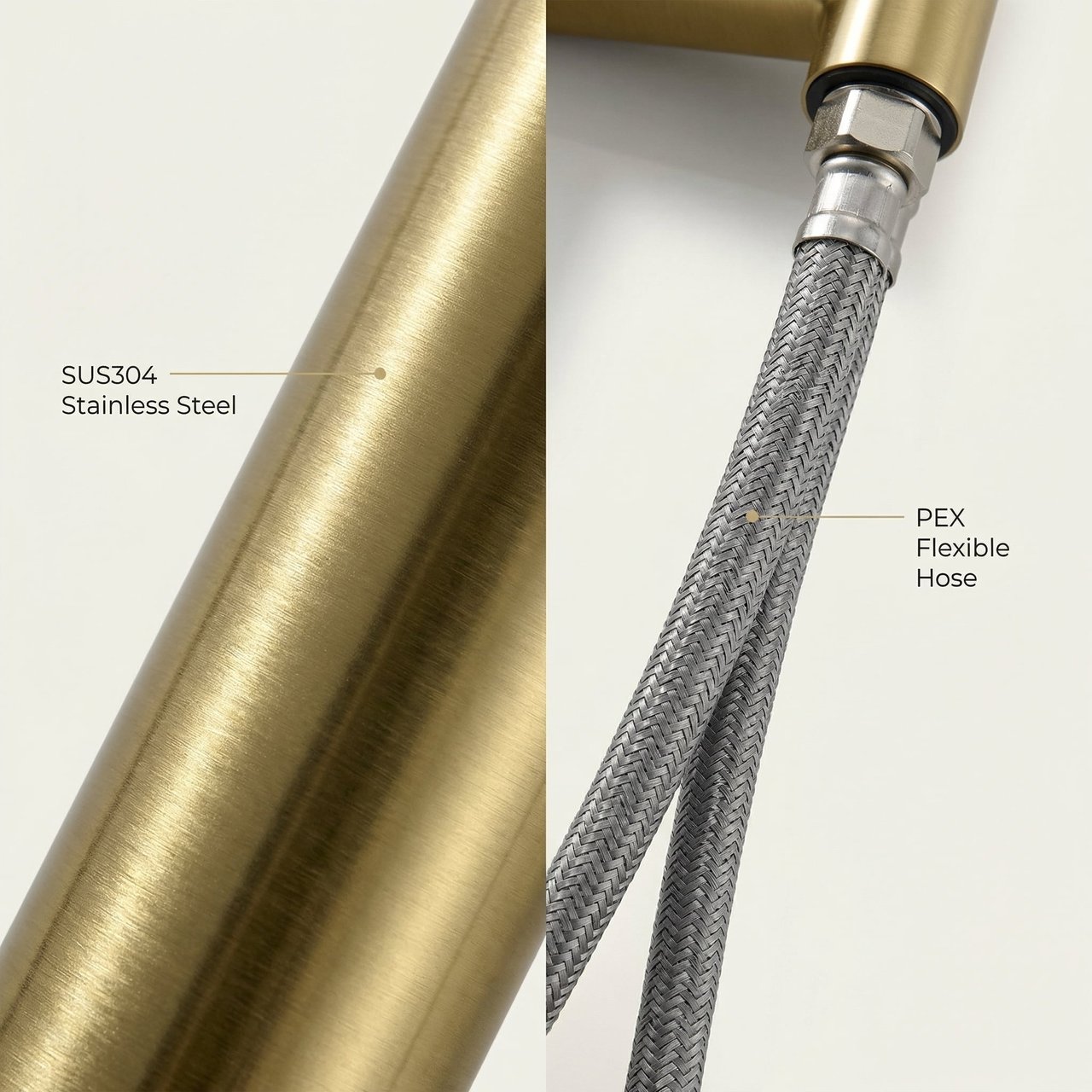
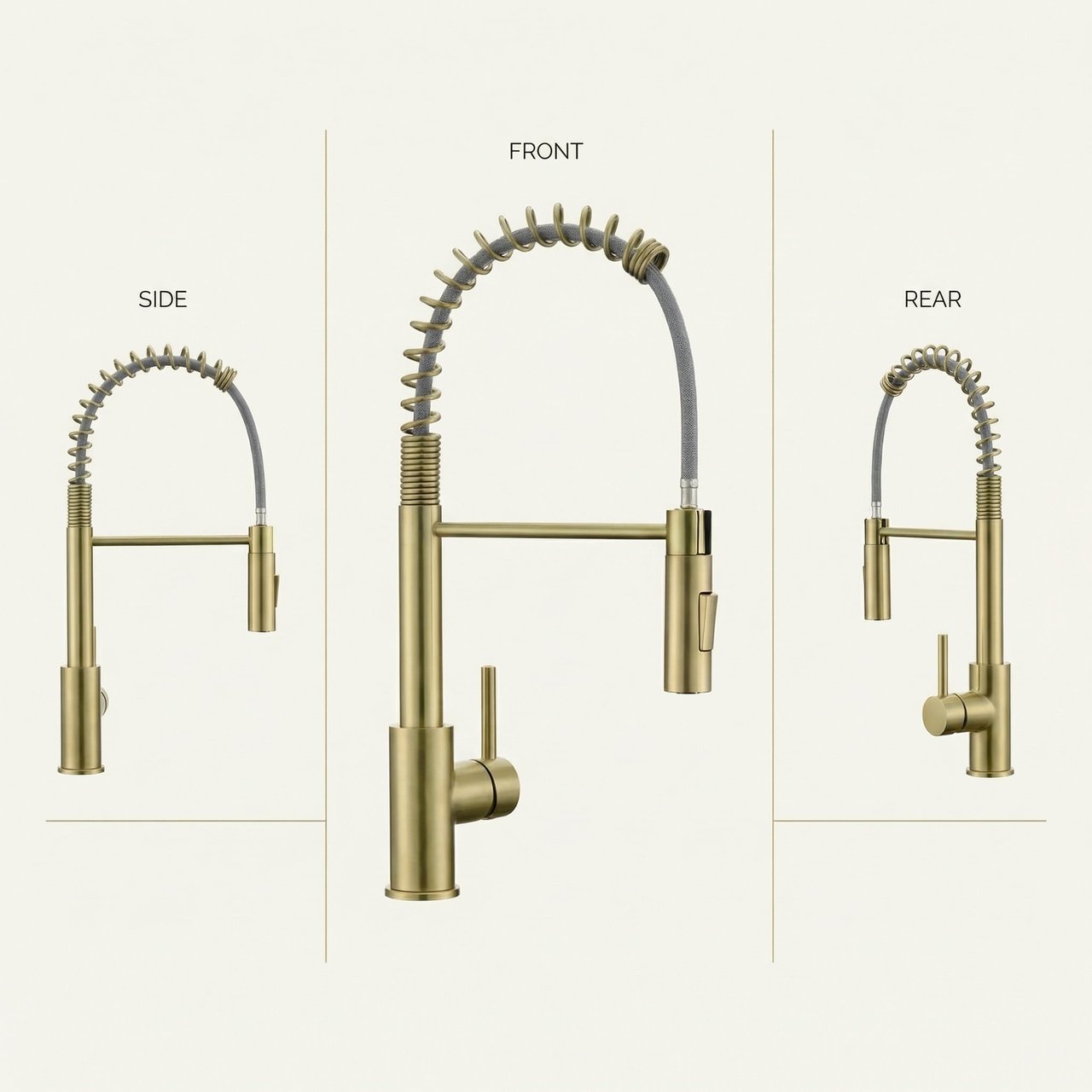
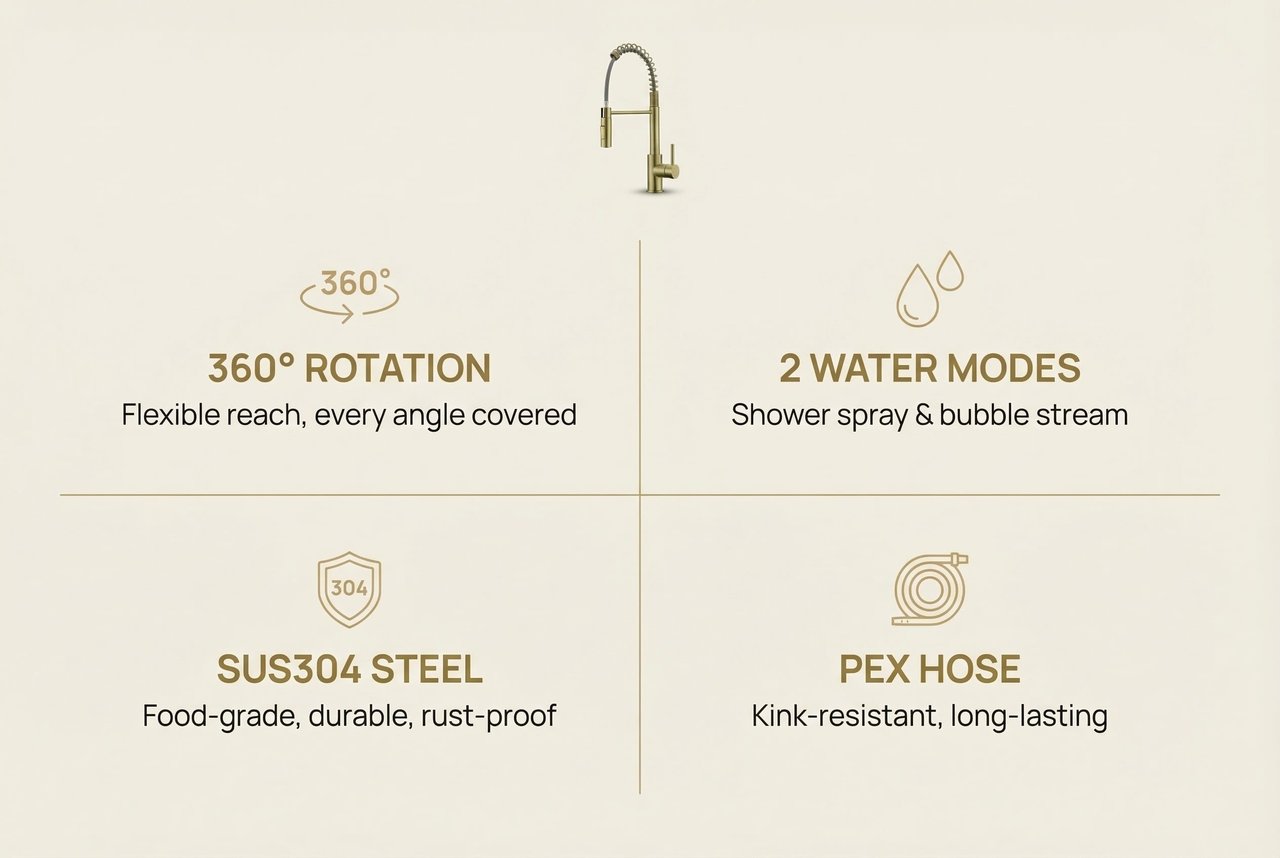
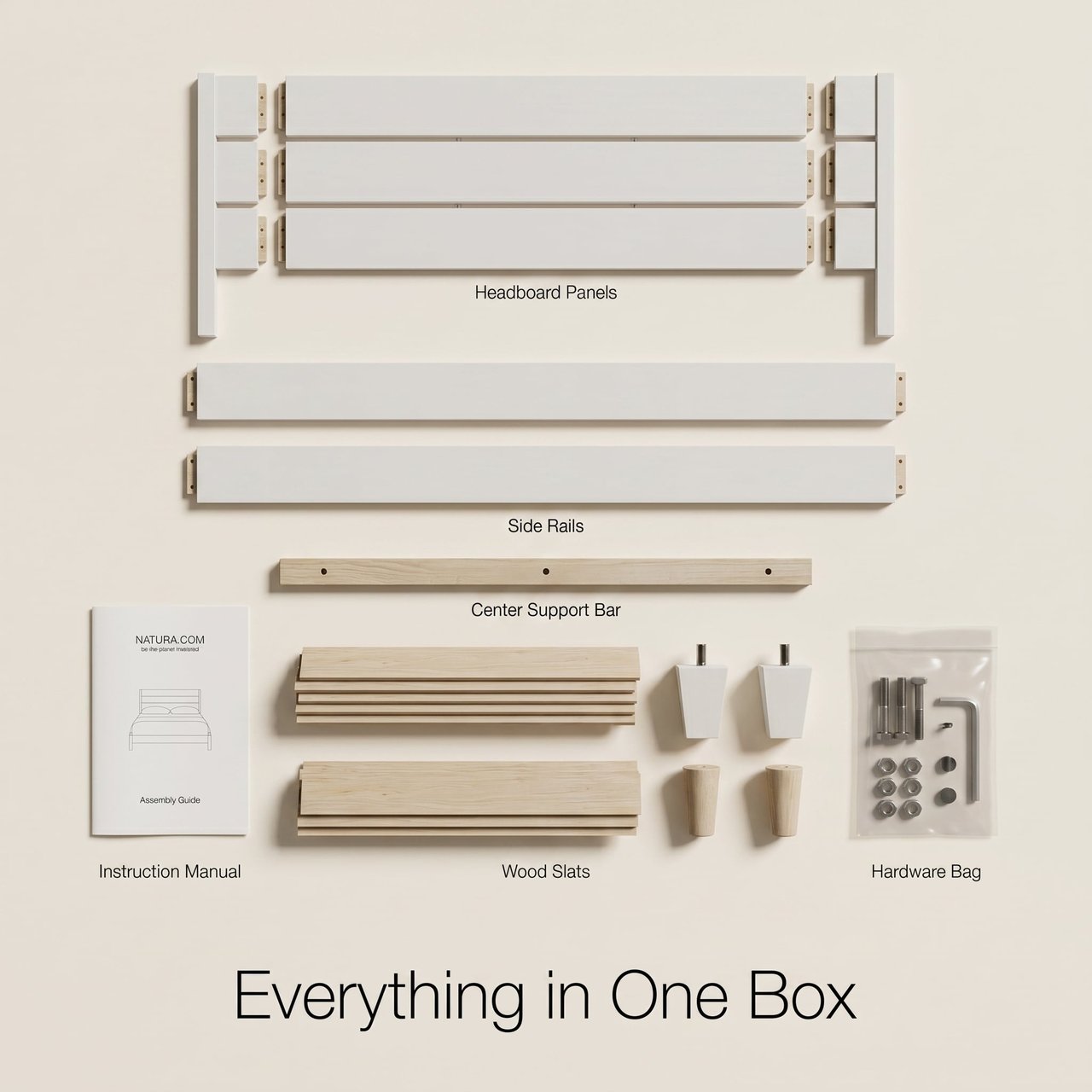
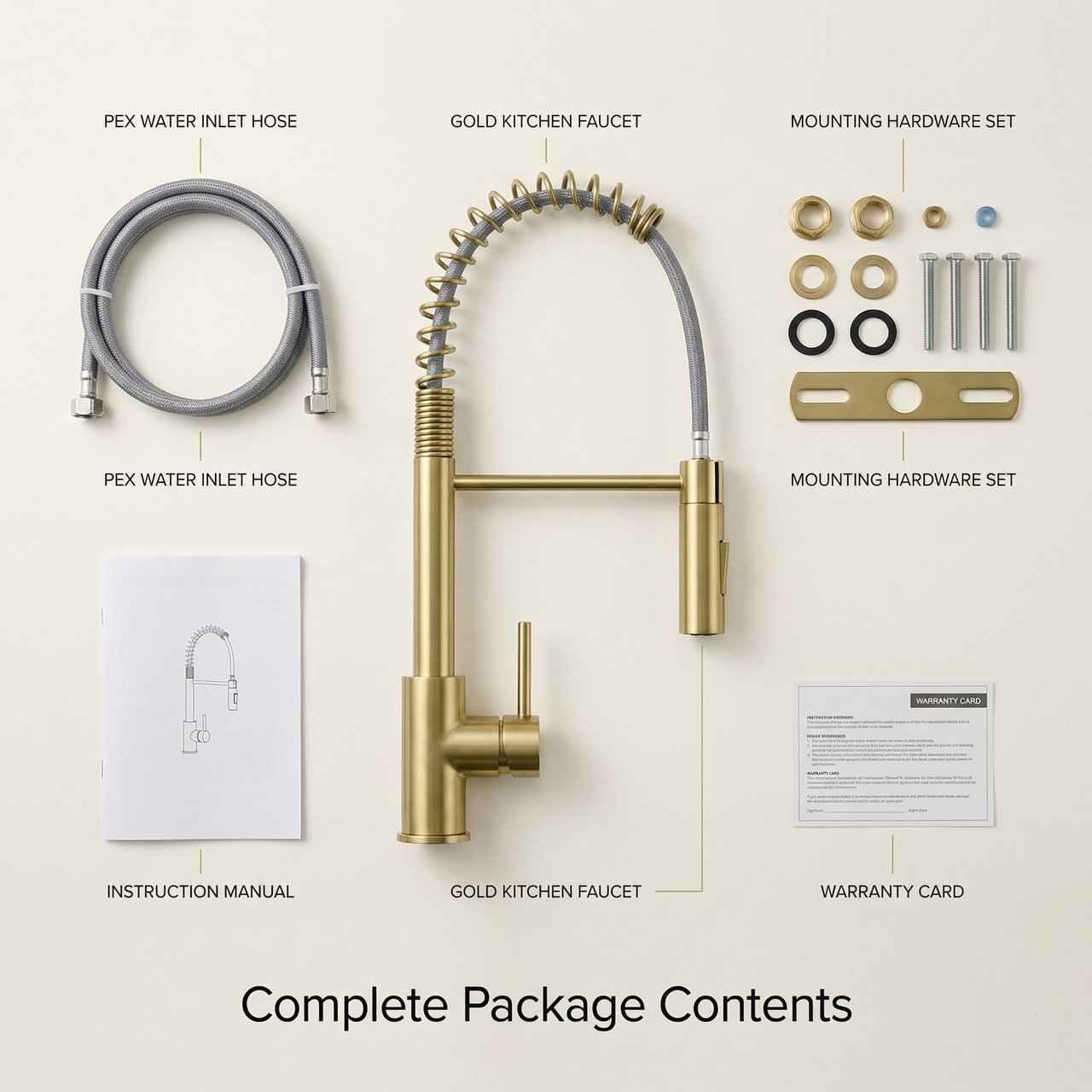
Six secondary images generate in parallel — feature callouts, multi-angle shots, detail close-ups, in-use scenes, and what's-in-the-box — all sharing the same visual language as the style-setting key art.
风格定调与副图批量生成
风格定调与副图批量生成
风格定调与副图批量生成
风格定调与副图批量生成
风格定调与副图批量生成
风格定调与副图批量生成
03/ 07
03-20 02:52

Batch Output of A+ Modules
U
User brief
Keep going with A+ content — generate 8 modules in parallel.
R
What Ribbi did
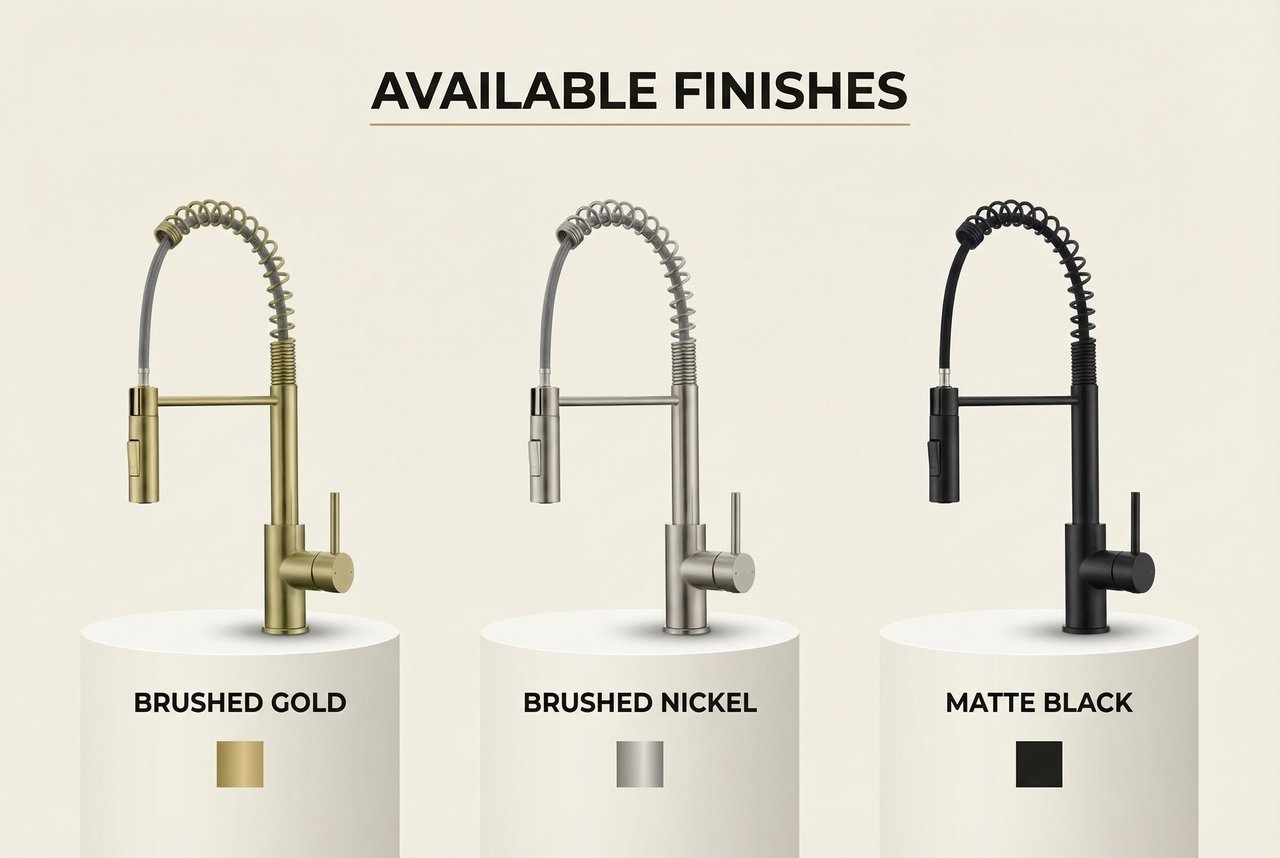
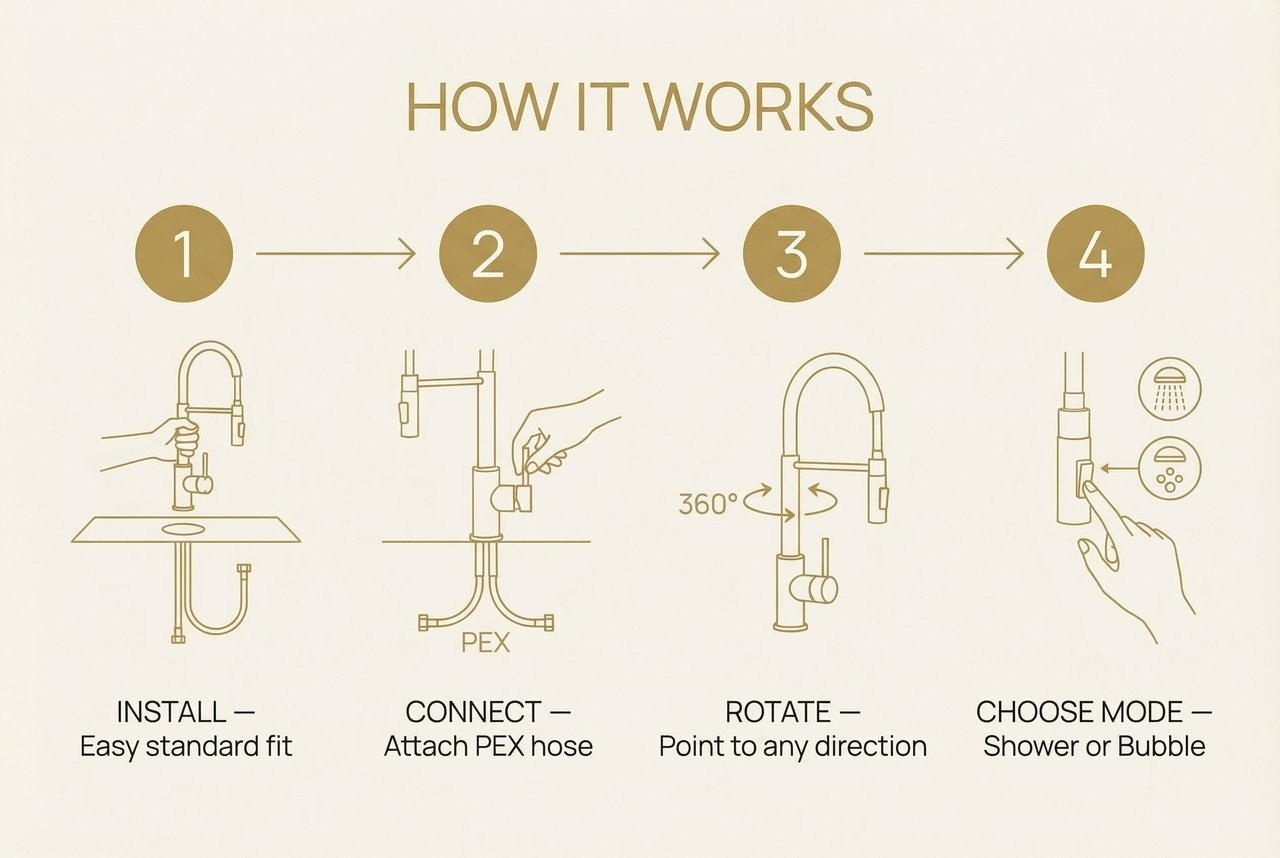
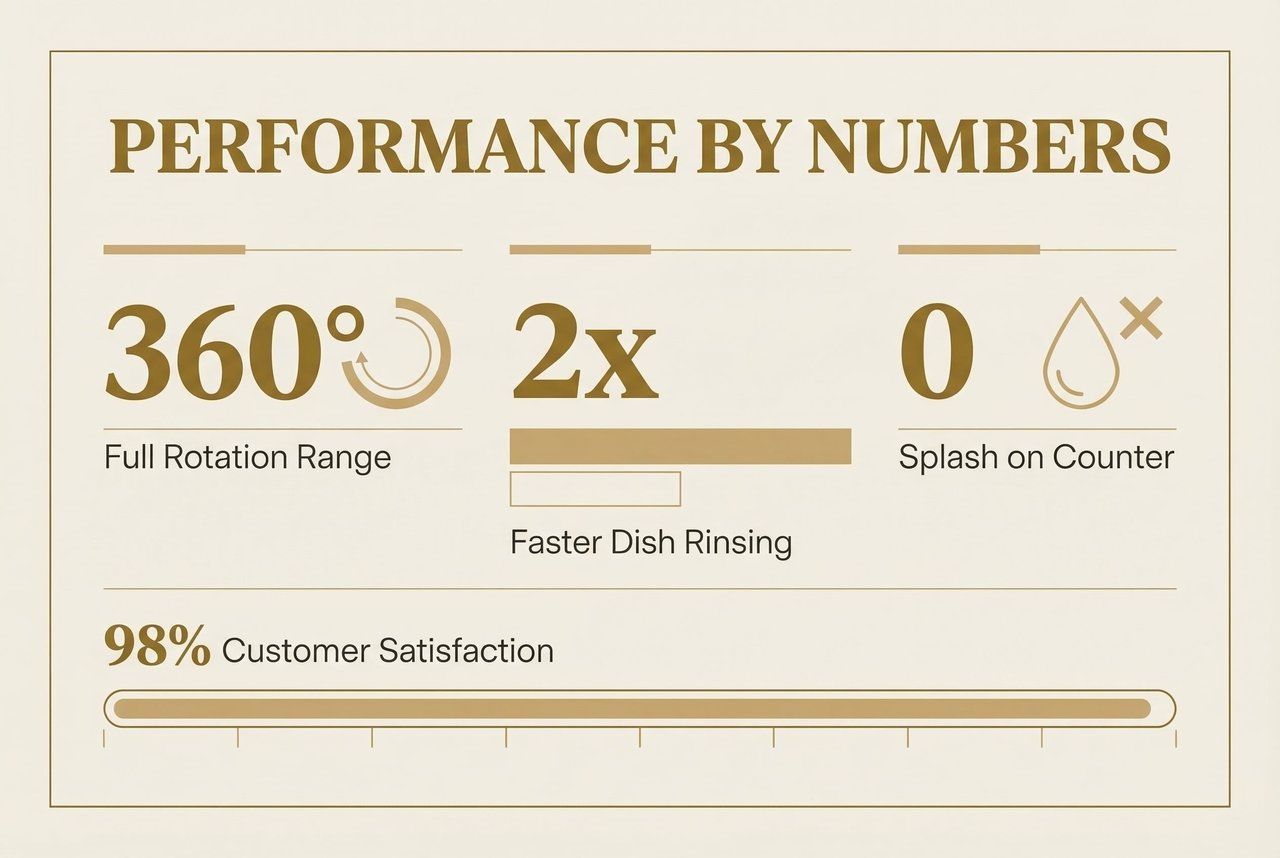
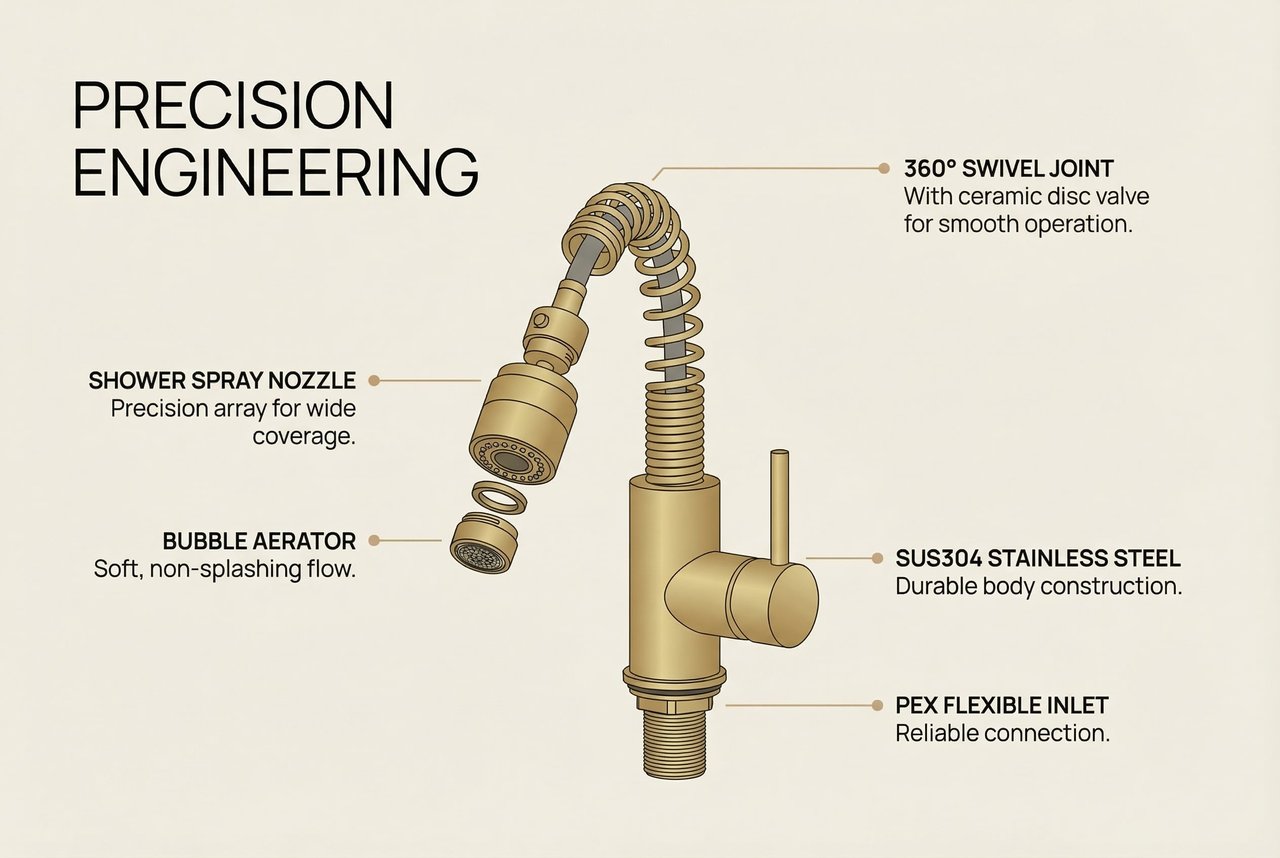
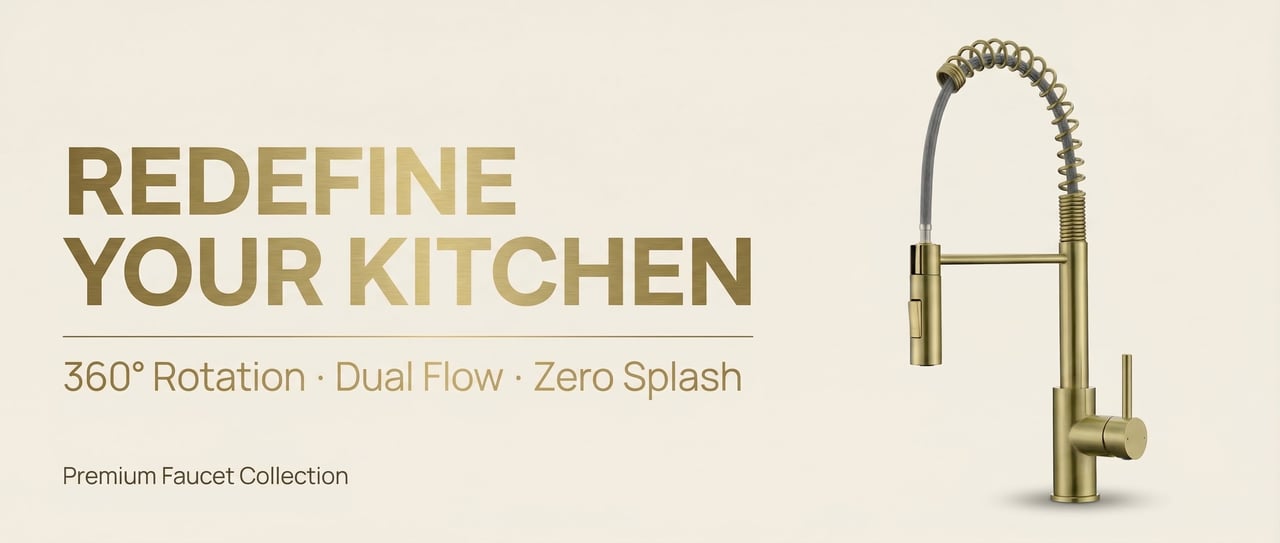
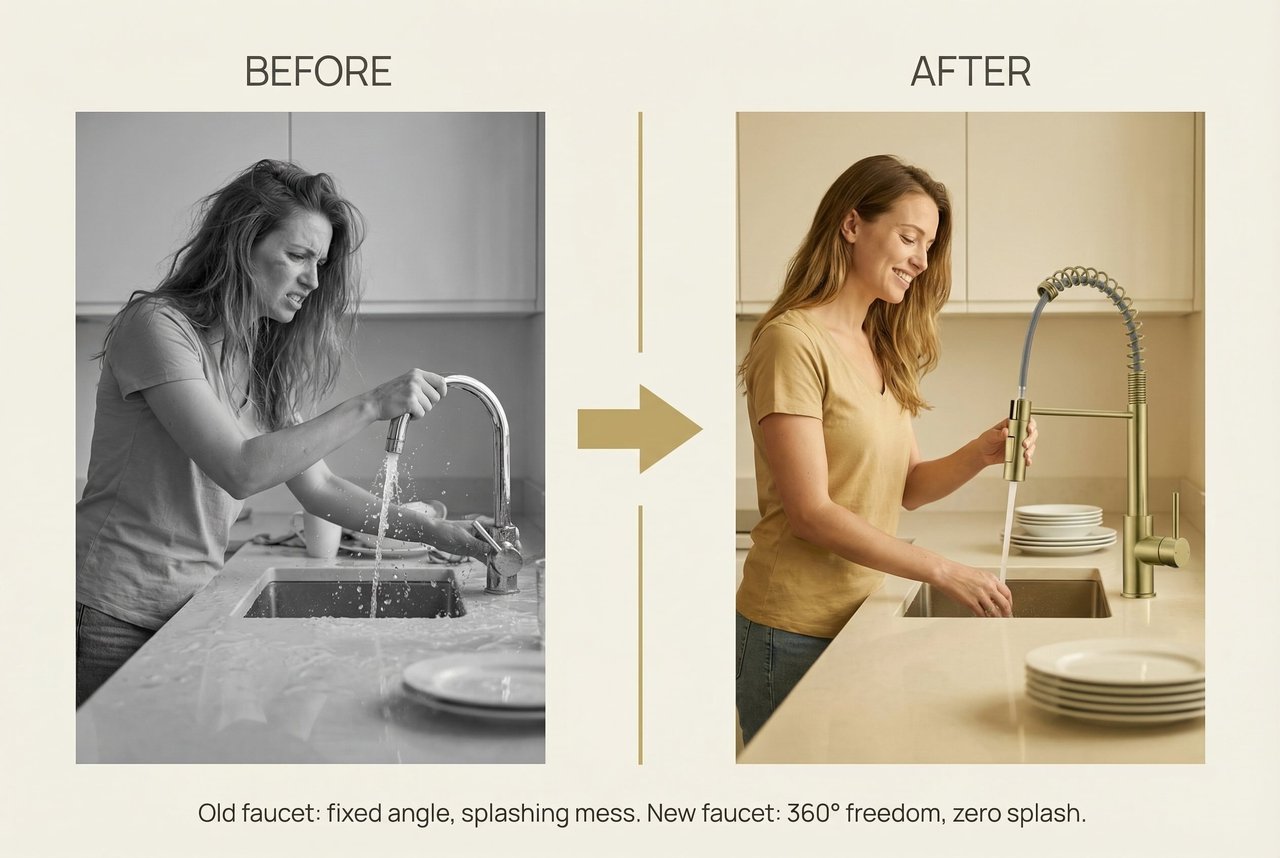
Eight A+ modules finish in parallel: hero banner, pain-point comparison, core features, technical diagram, data visualization, how-to steps, product range, and brand trust. Aspect ratios and safe zones all match Amazon's mobile display guidelines.
A+模块批量输出
A+模块批量输出
A+模块批量输出
A+模块批量输出
A+模块批量输出
A+模块批量输出
A+模块批量输出
A+模块批量输出
04/ 07
03-20 03:39

Rebuilding the Data Visualization Module on Feedback
U
User brief
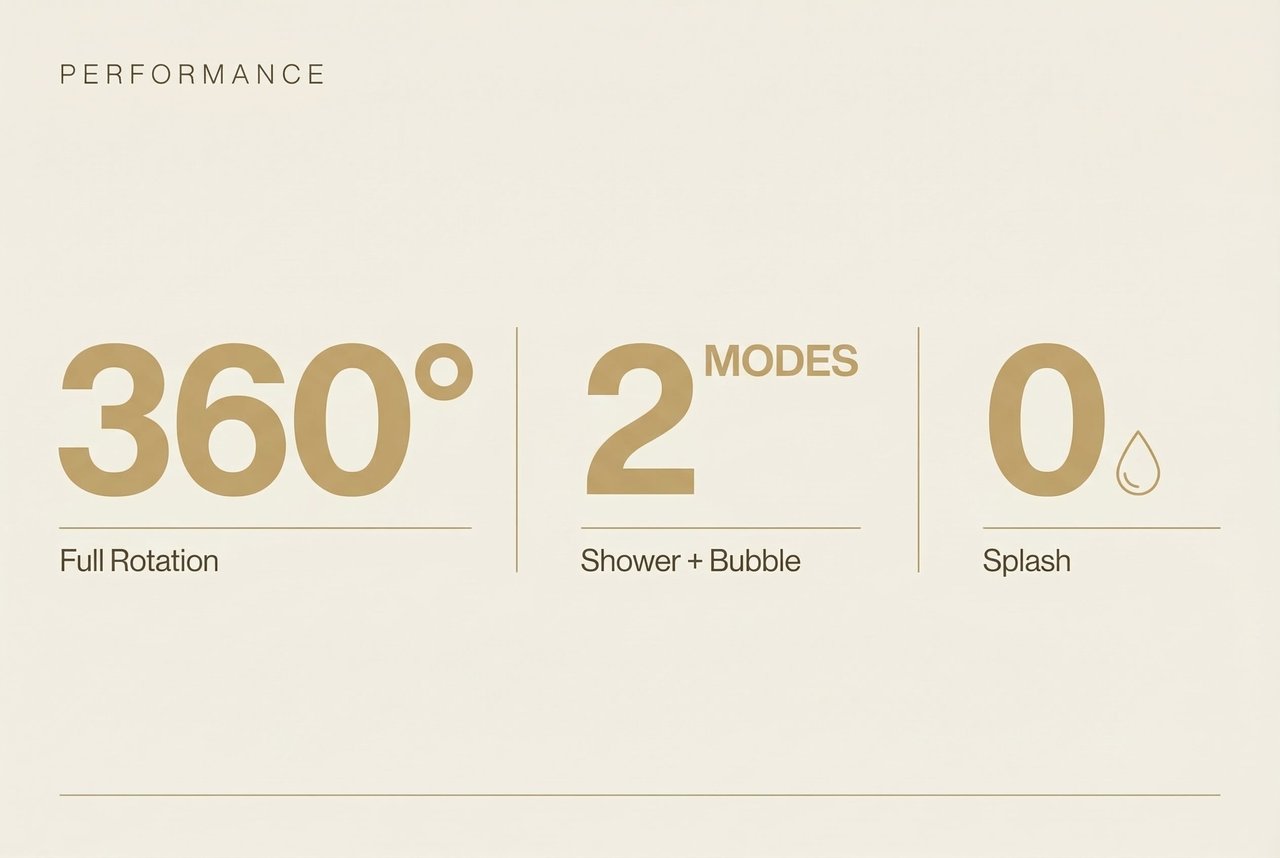
The A+ data module is too information-dense and lacks visual impact — needs a redo.
R
What Ribbi did
Acting on the seller's design feedback, the Skill regenerates the module, swapping the dense layout for big numbers and generous whitespace to deliver far stronger visual punch.
数据可视化模块按反馈重做
05/ 07
04-22 09:44

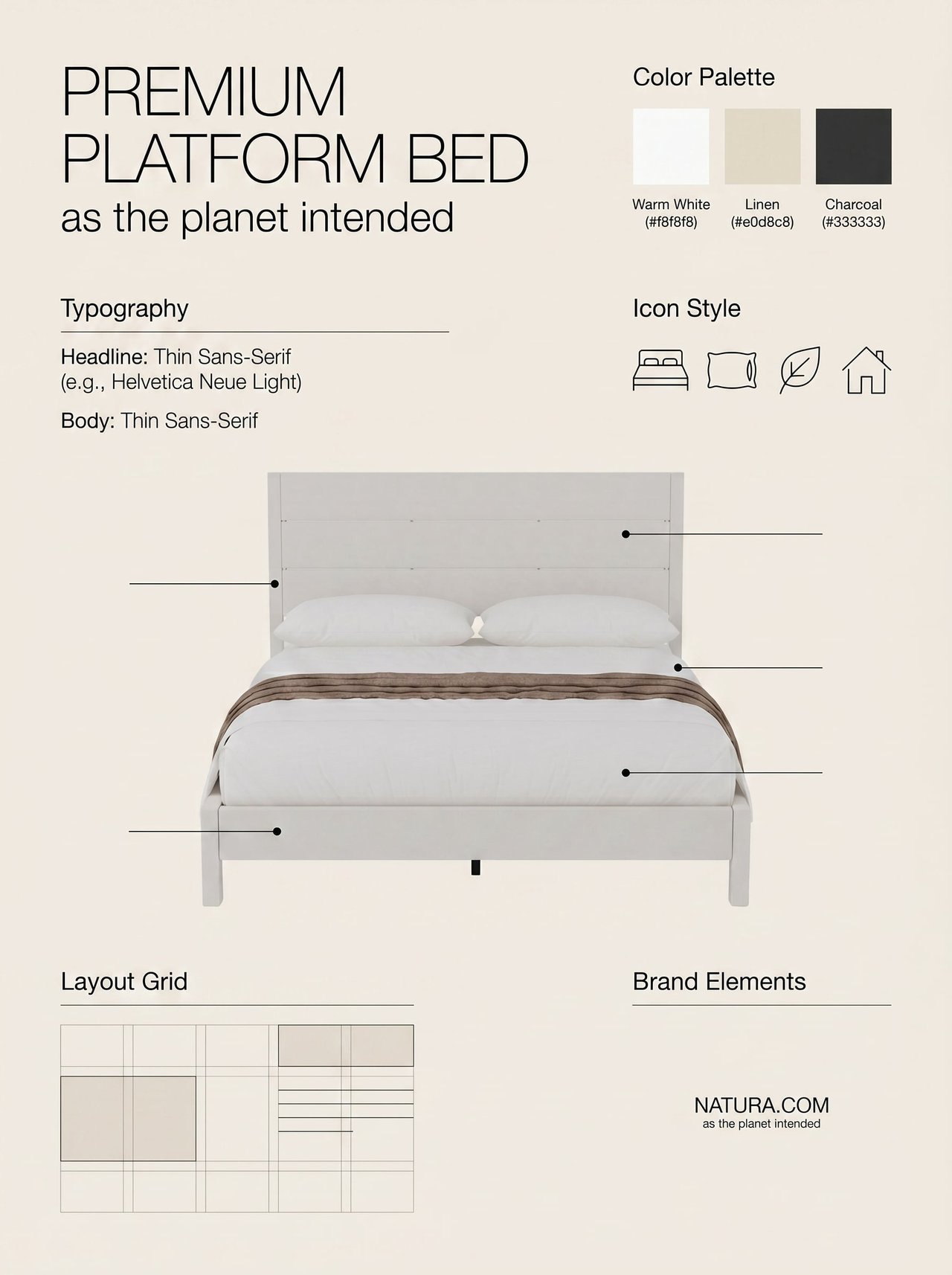
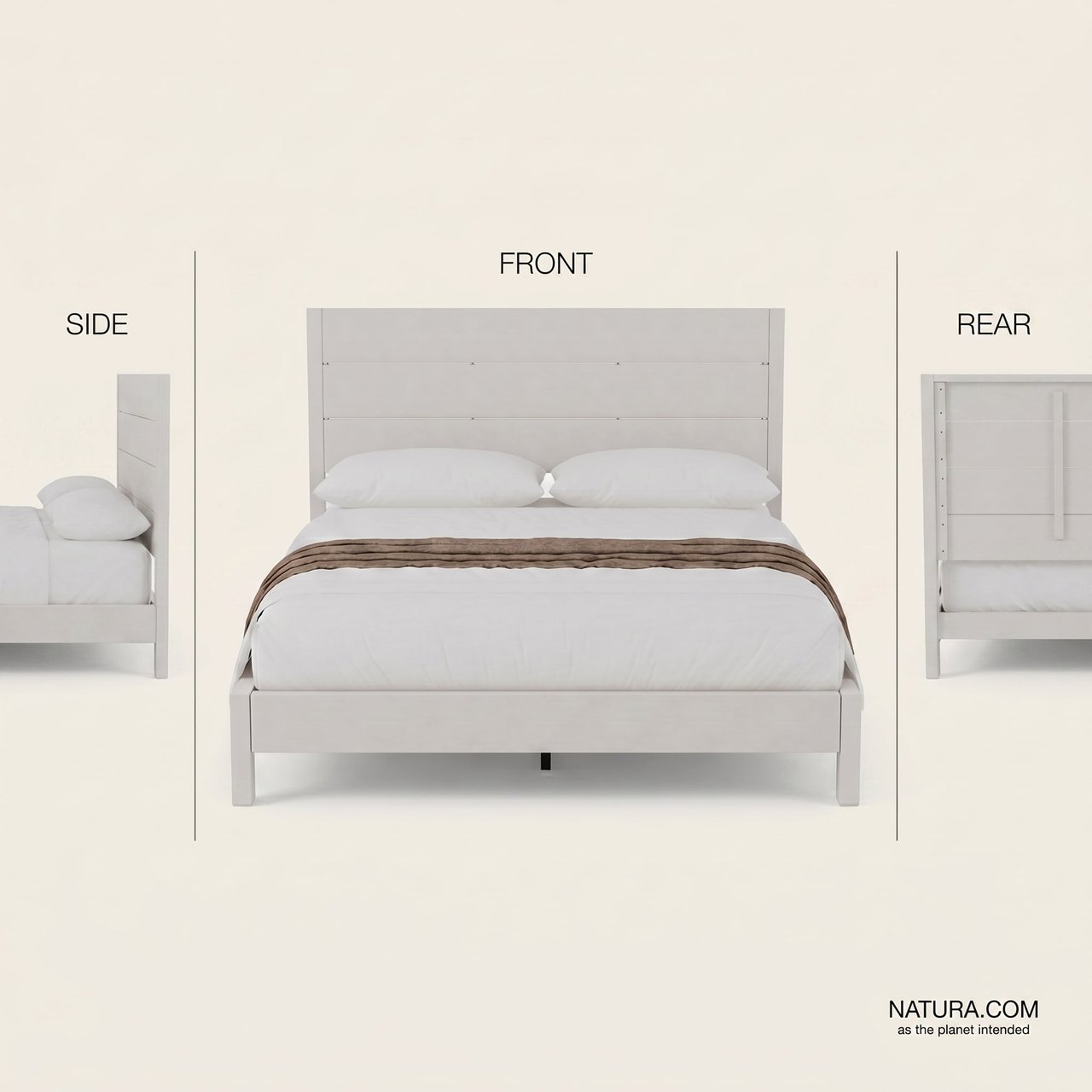
Reuse Across Categories: Kicking Off a Scandinavian Bed Frame Set
U
User brief
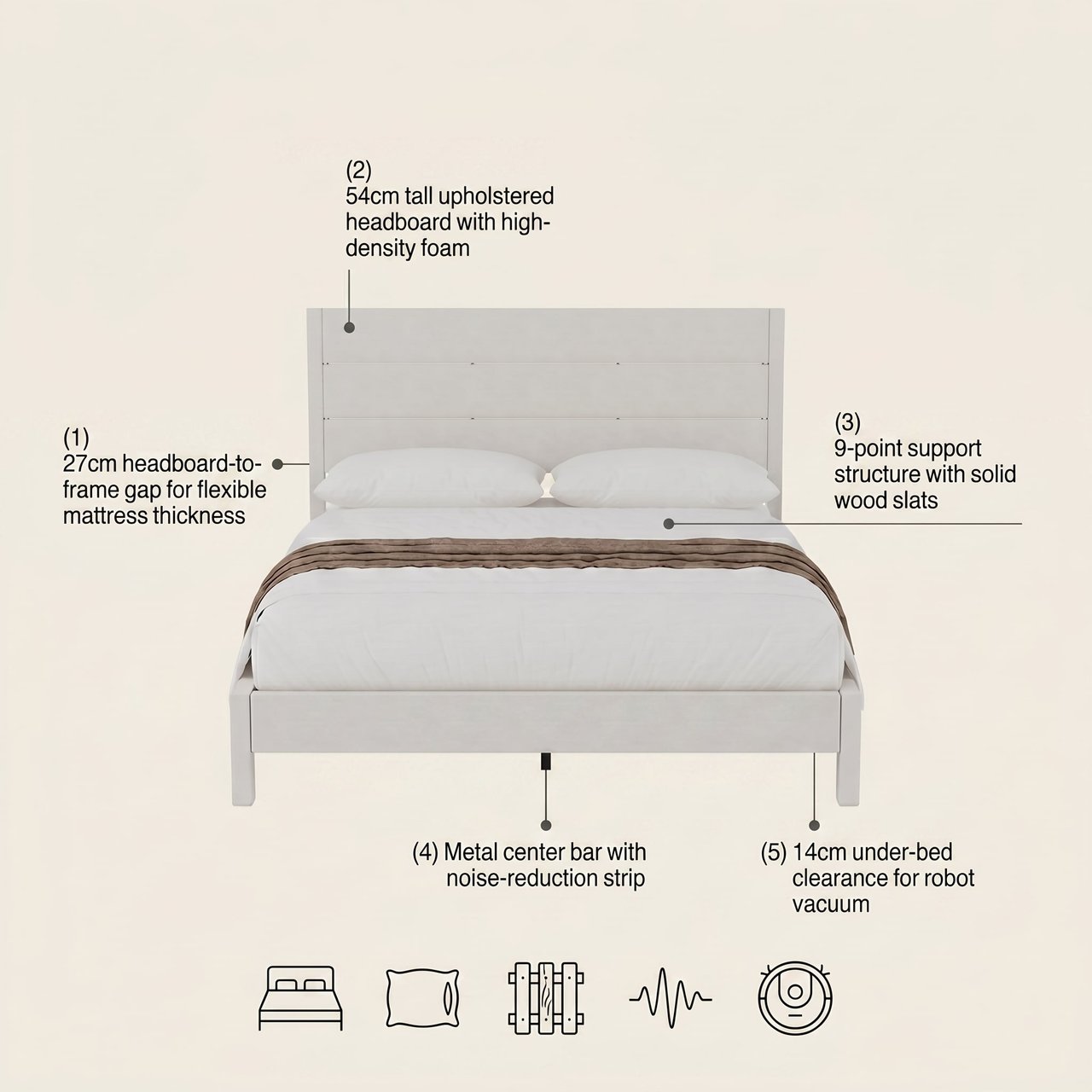
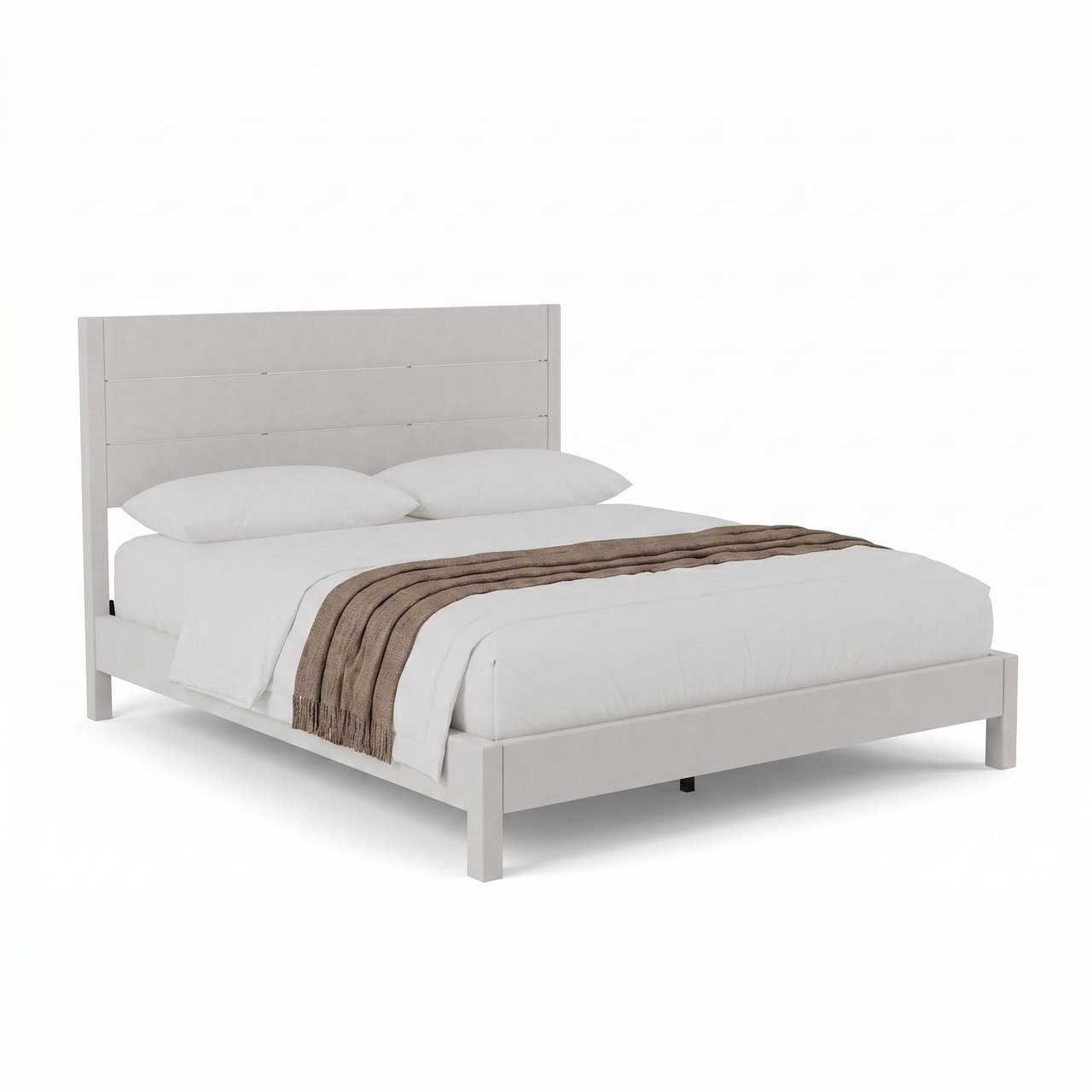
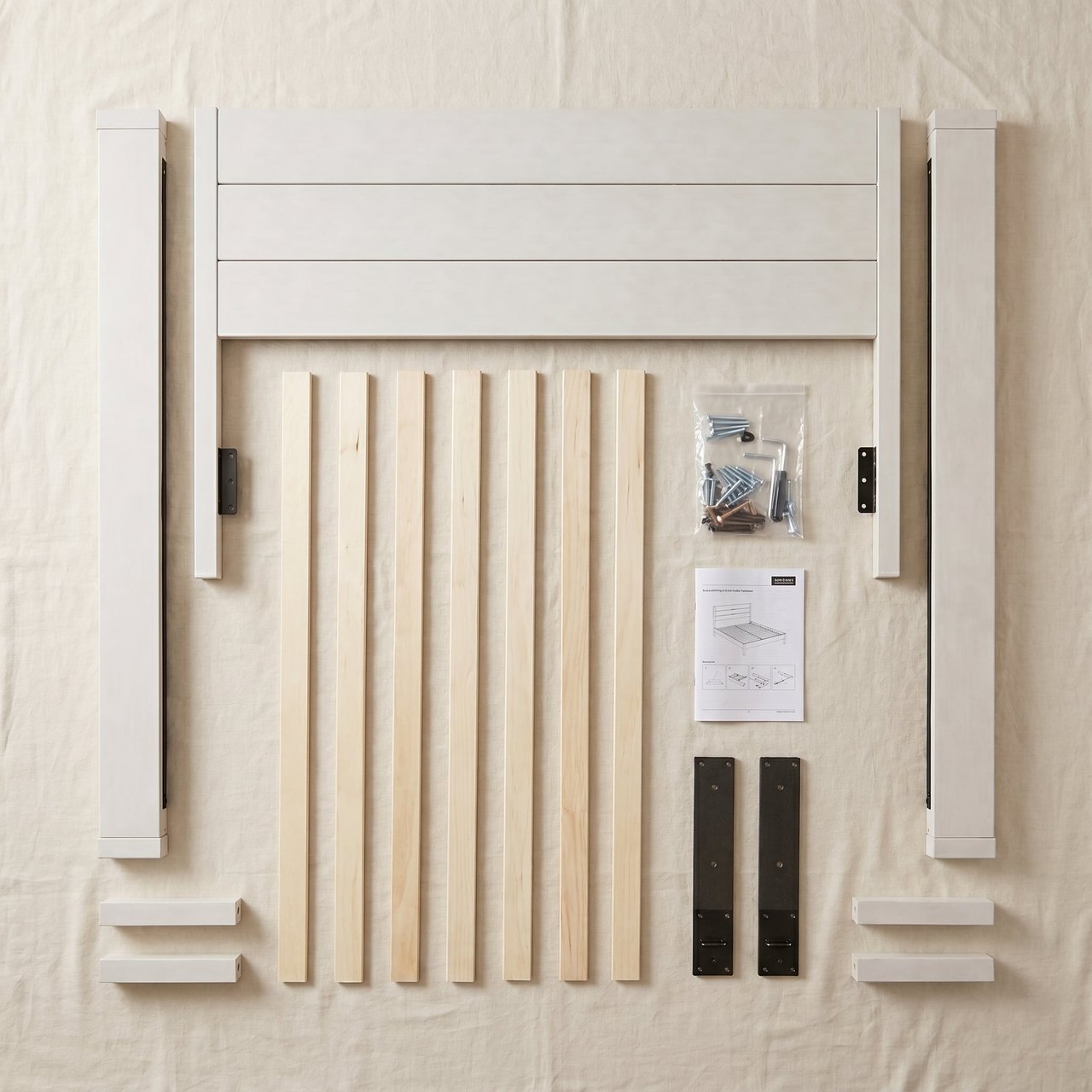
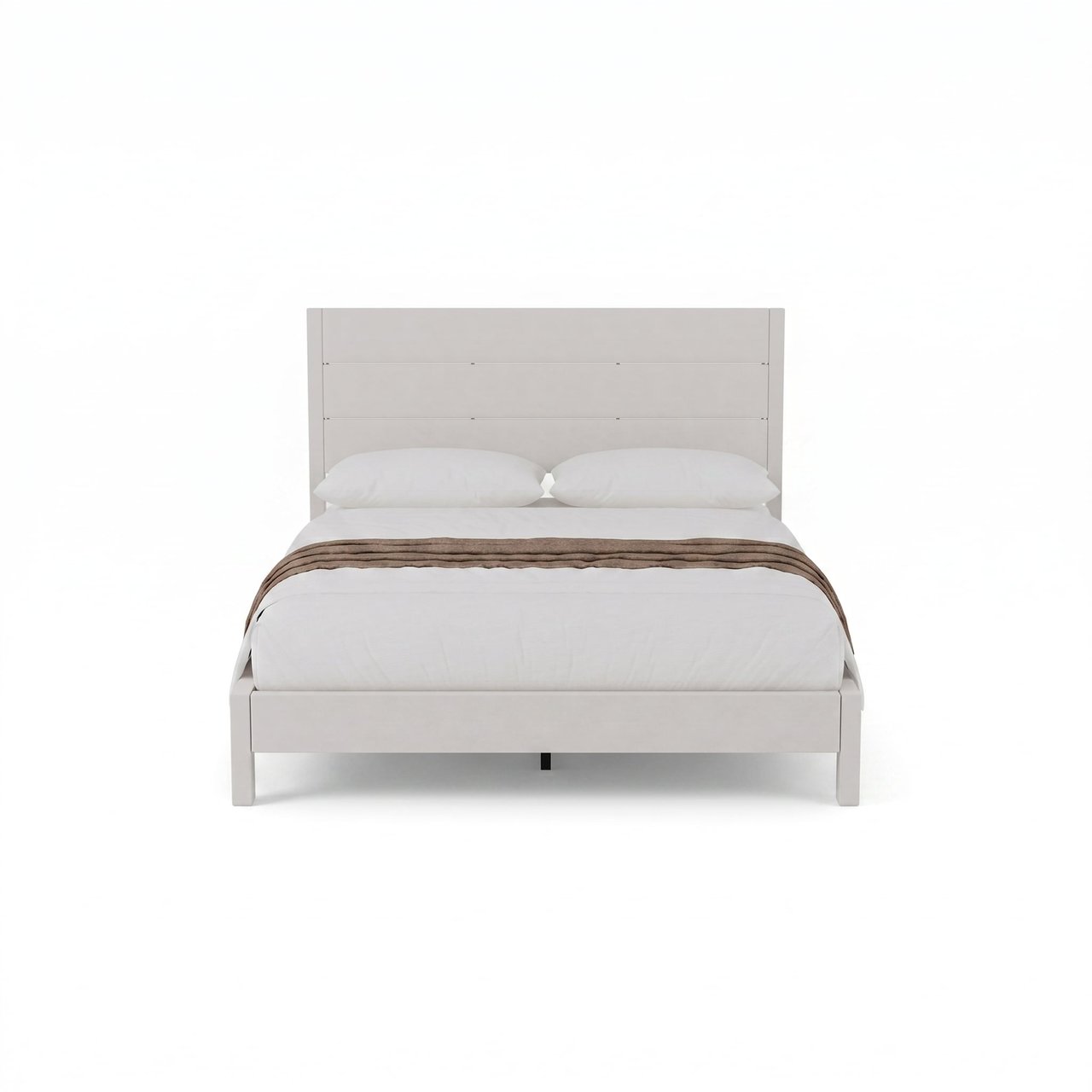
New product: a white minimalist bed frame with 8 core selling points. Target the US Amazon market, light-luxury minimalist style.
R
What Ribbi did
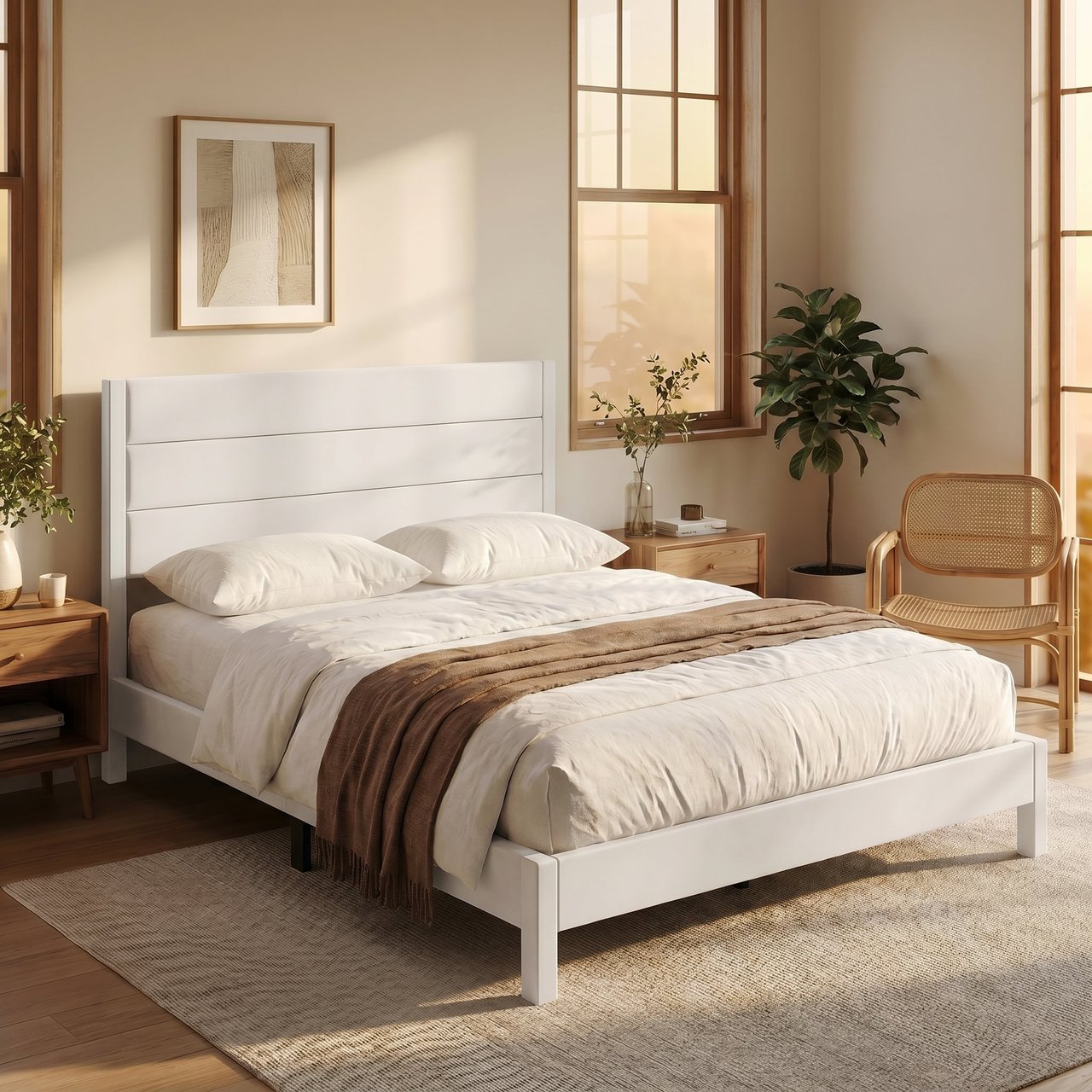
The same workflow switches seamlessly to a brand-new category. The Skill rebuilds the visual system from scratch and produces a main image and style-setting key art tuned to US-market taste.
跨品类复用:北欧风床架套图启动
跨品类复用:北欧风床架套图启动
跨品类复用:北欧风床架套图启动
跨品类复用:北欧风床架套图启动
跨品类复用:北欧风床架套图启动
跨品类复用:北欧风床架套图启动
跨品类复用:北欧风床架套图启动
跨品类复用:北欧风床架套图启动
06/ 07
04-22 10:07

Adding a Reference Image to Switch to a Lifestyle Look
U
User brief
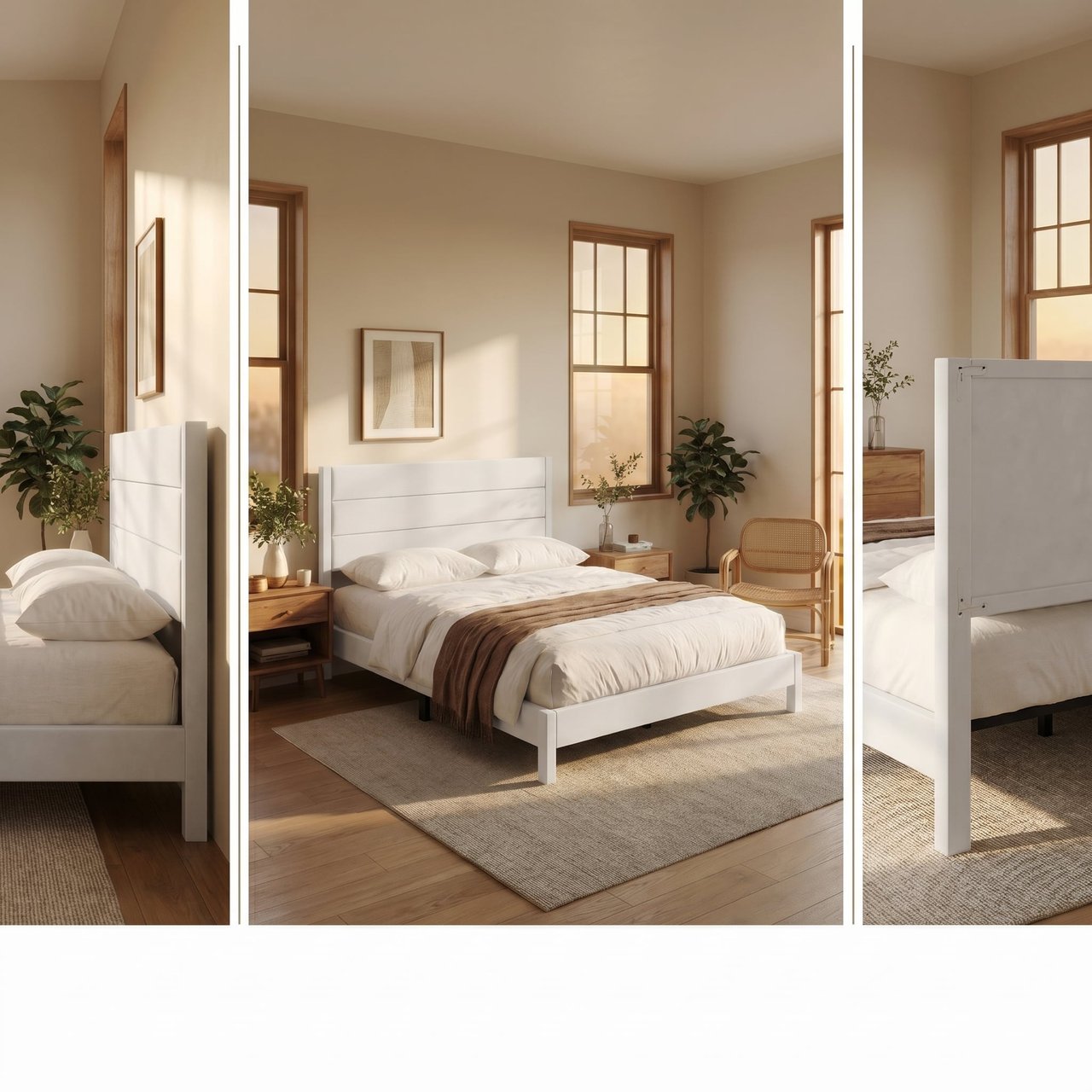
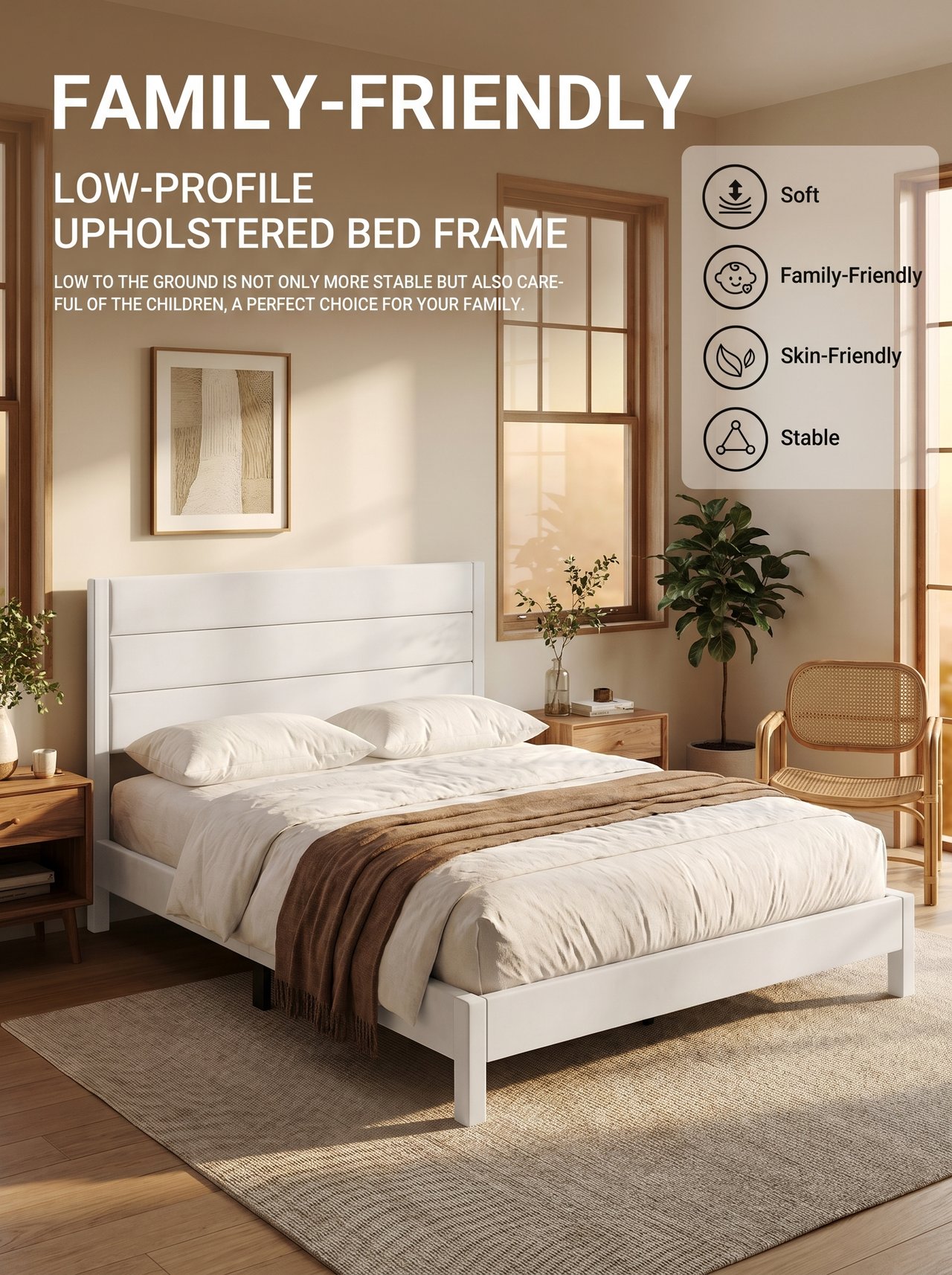
Supplied a style reference image and asked to switch to a real lifestyle direction, then re-run the main and secondary images.
R
What Ribbi did
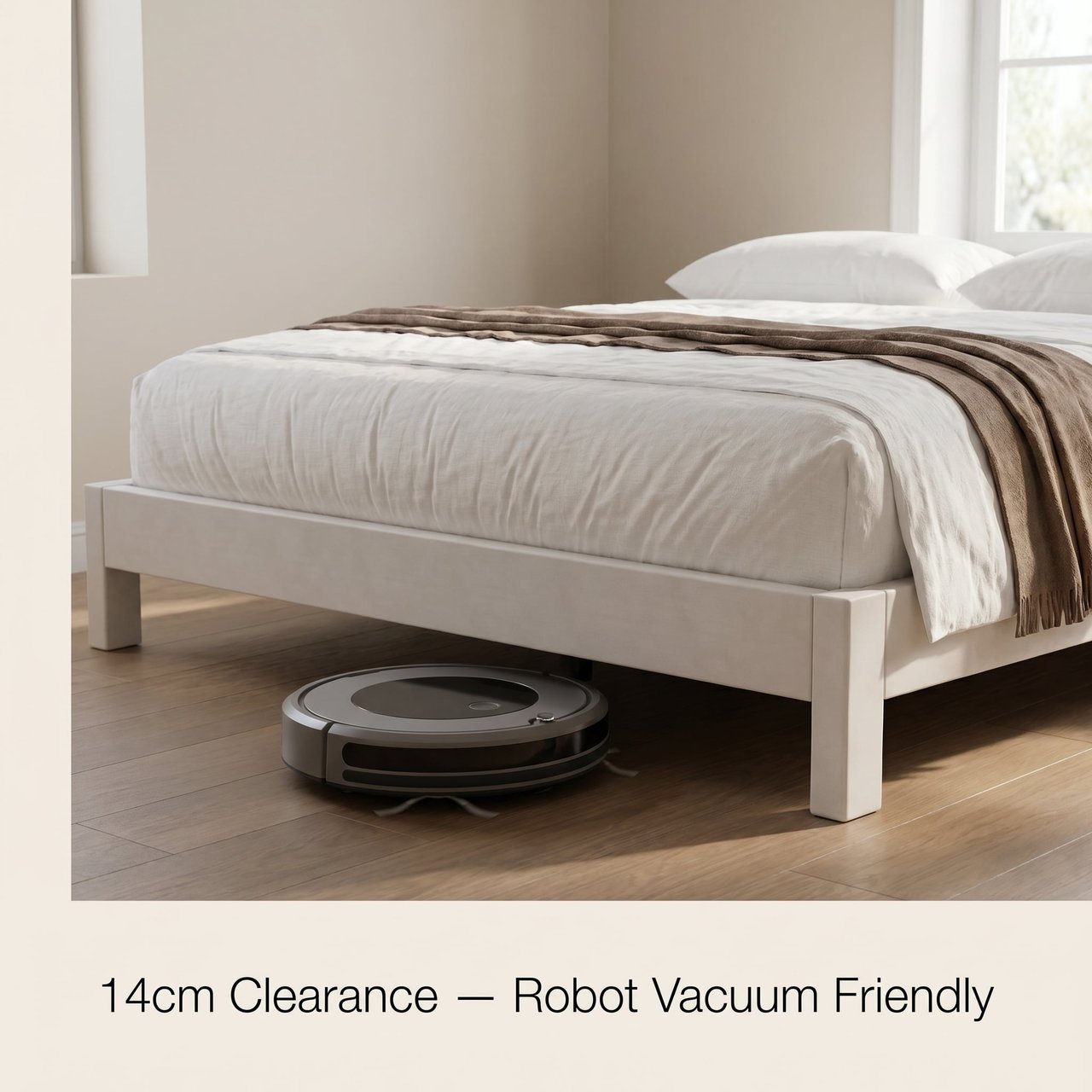
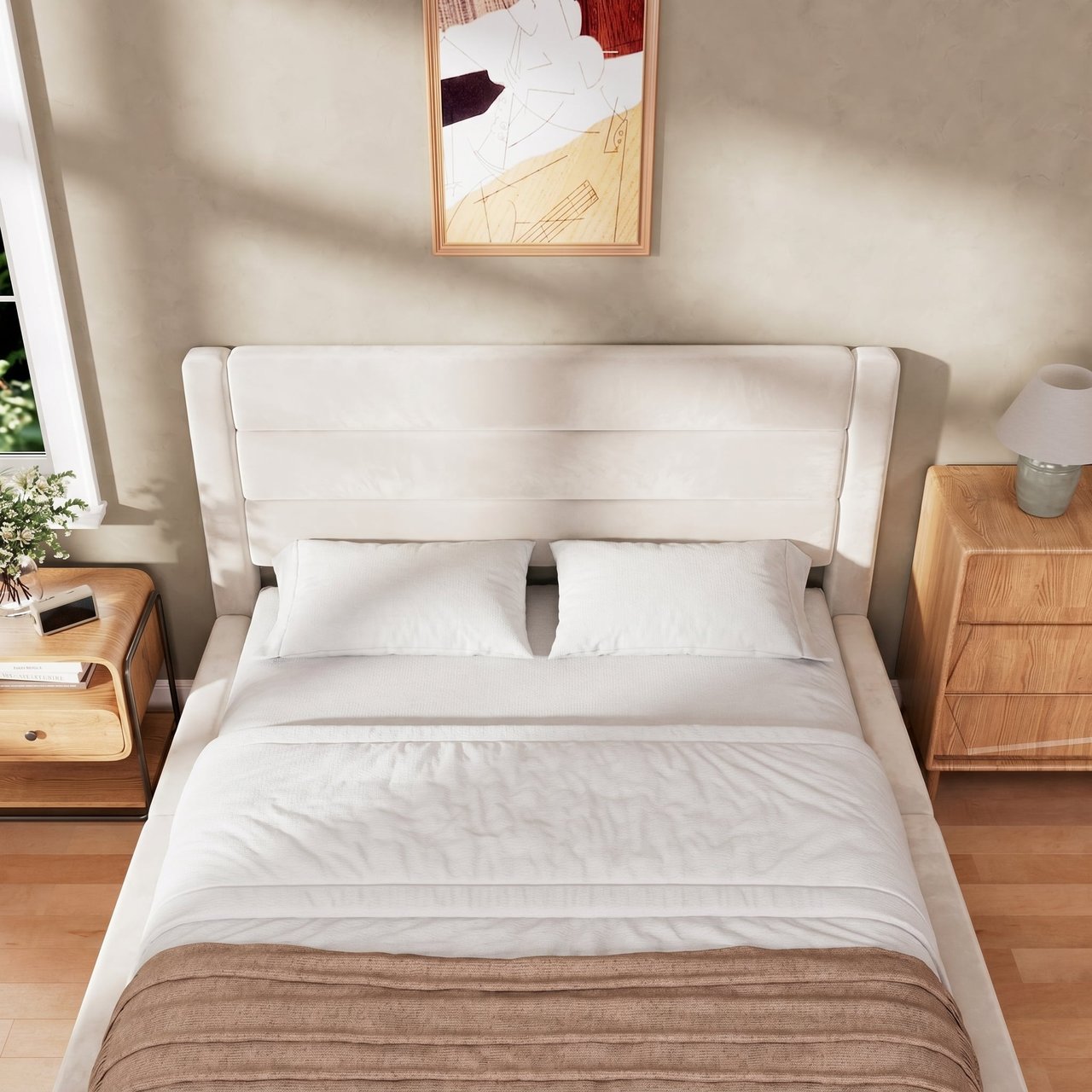
Using the seller's reference as the new style source, the Skill shifts the visual tone from white-background product shots to a warm-wood Scandinavian bedroom mood, and even supports fine-grained requests like dropping text callouts to output clean scene-only images.
引入参考图,切换场景化风格
引入参考图,切换场景化风格
引入参考图,切换场景化风格
引入参考图,切换场景化风格
引入参考图,切换场景化风格
引入参考图,切换场景化风格
引入参考图,切换场景化风格
引入参考图,切换场景化风格
07/ 07
Approved
04-23 07:06

Deep Polishing of Materials and Details
U
User brief
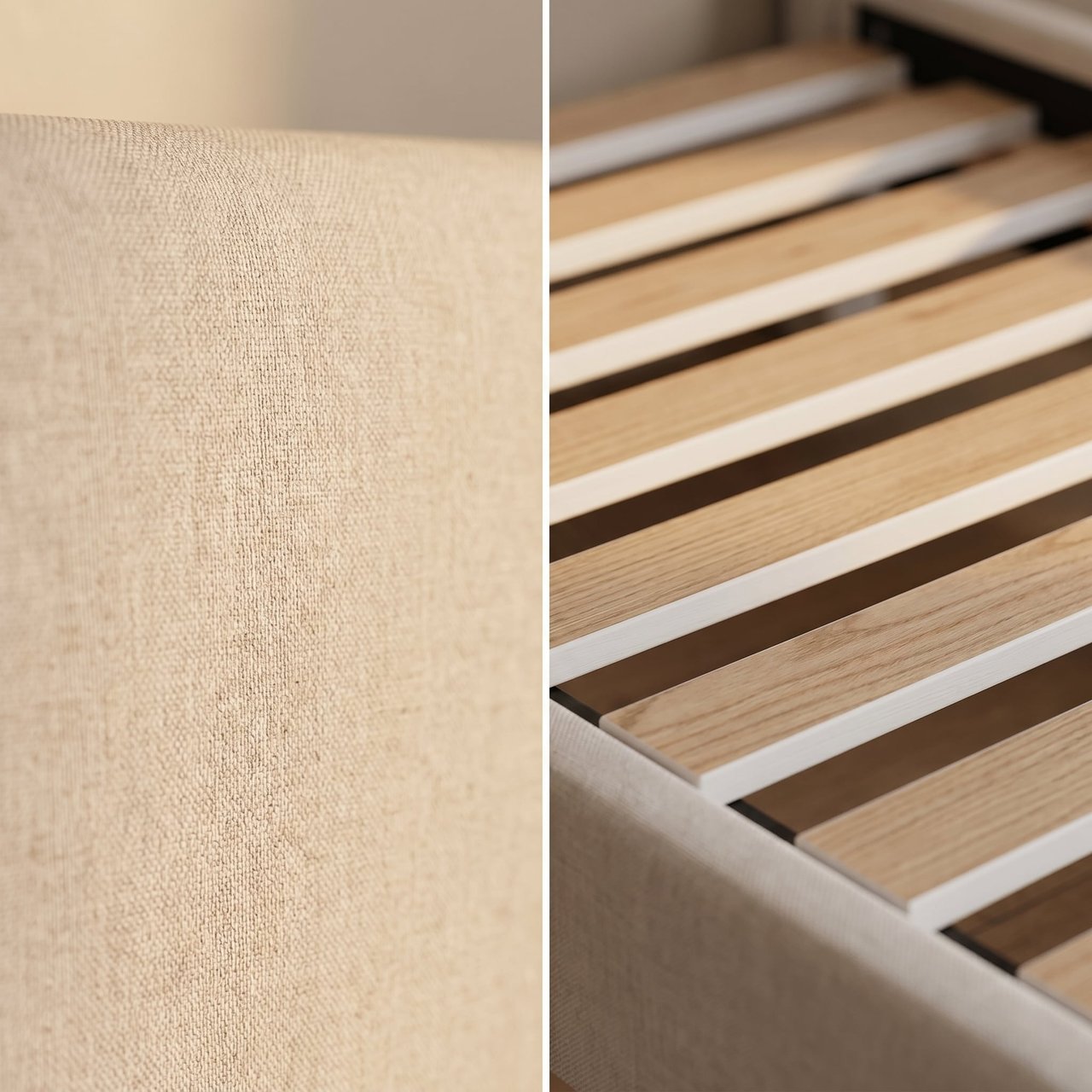
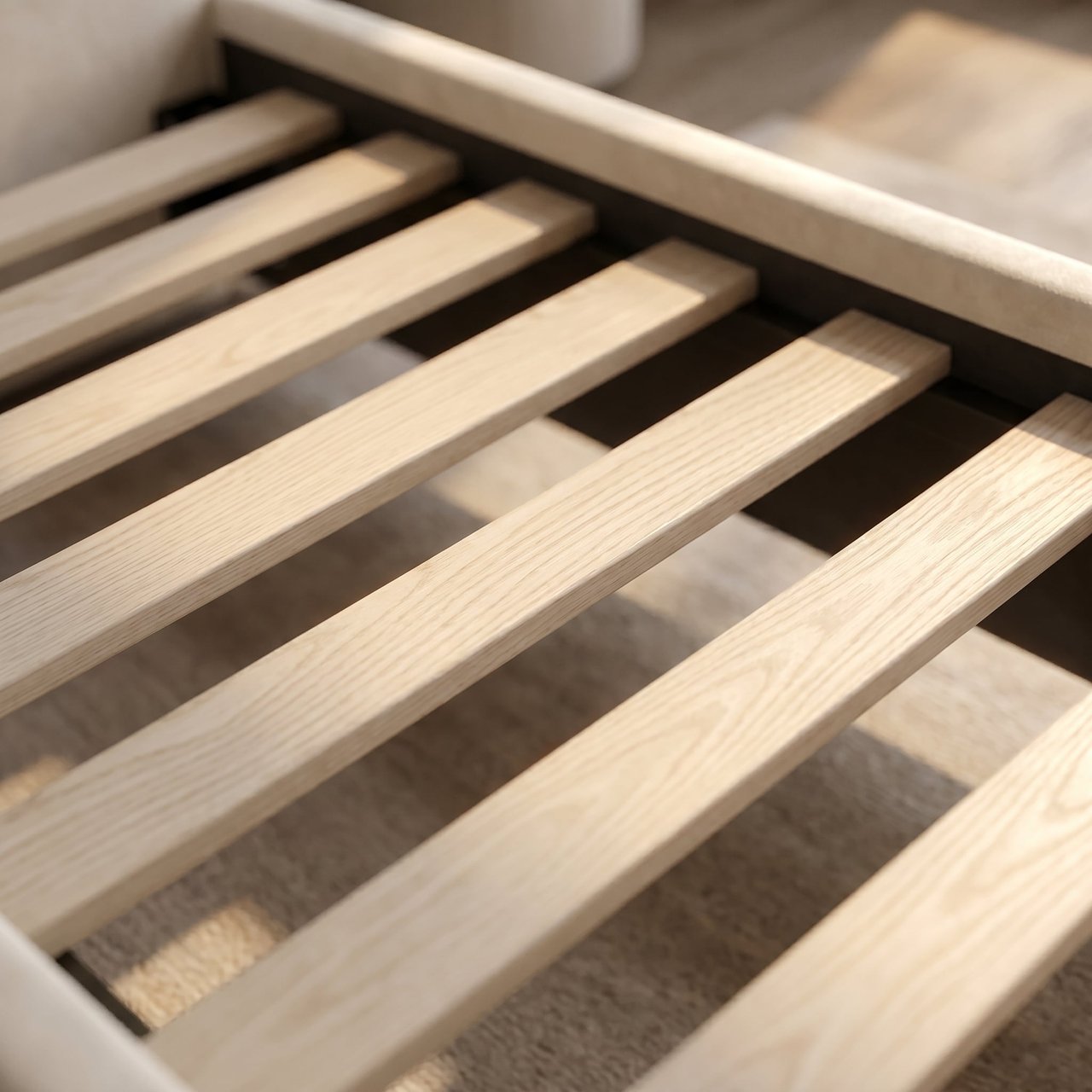
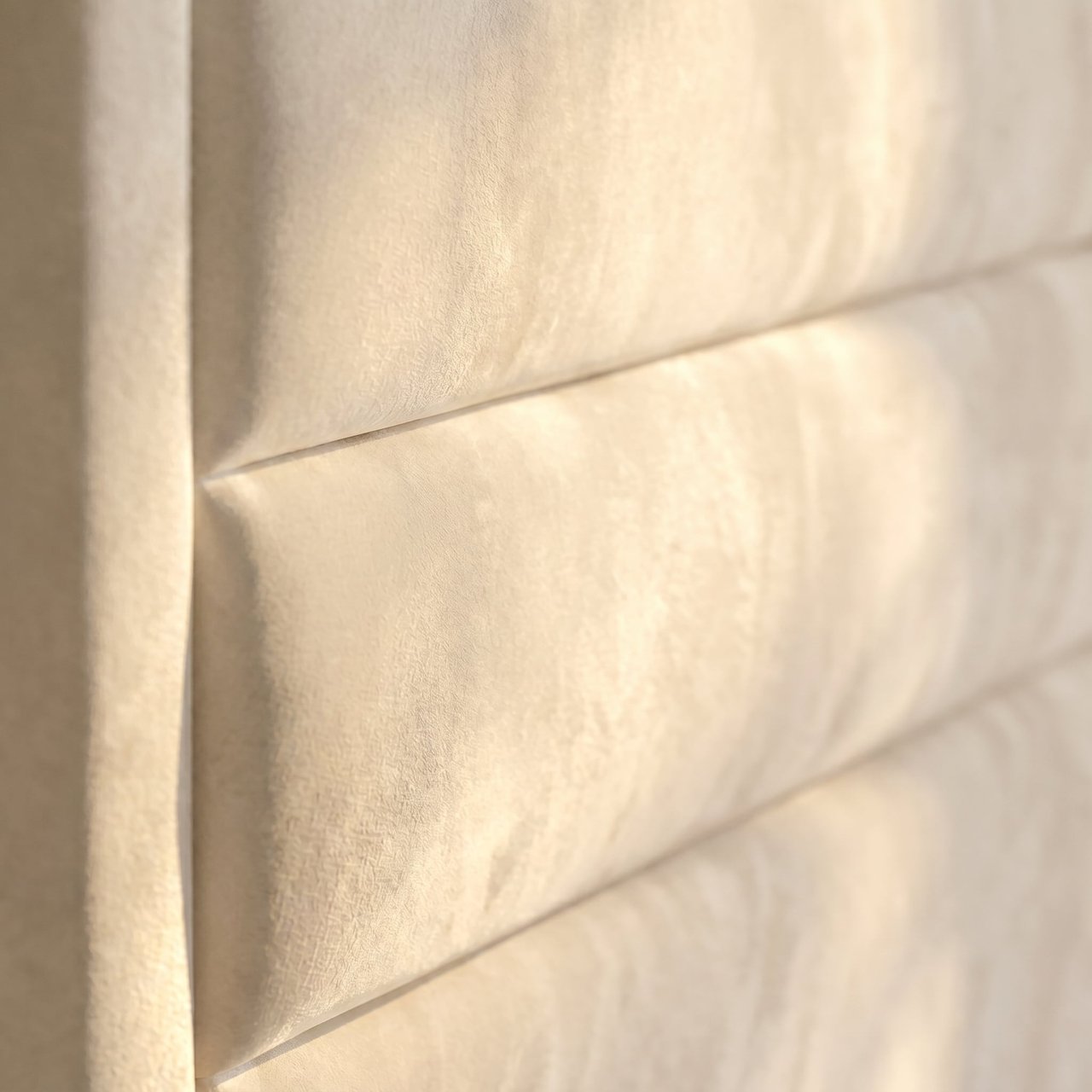
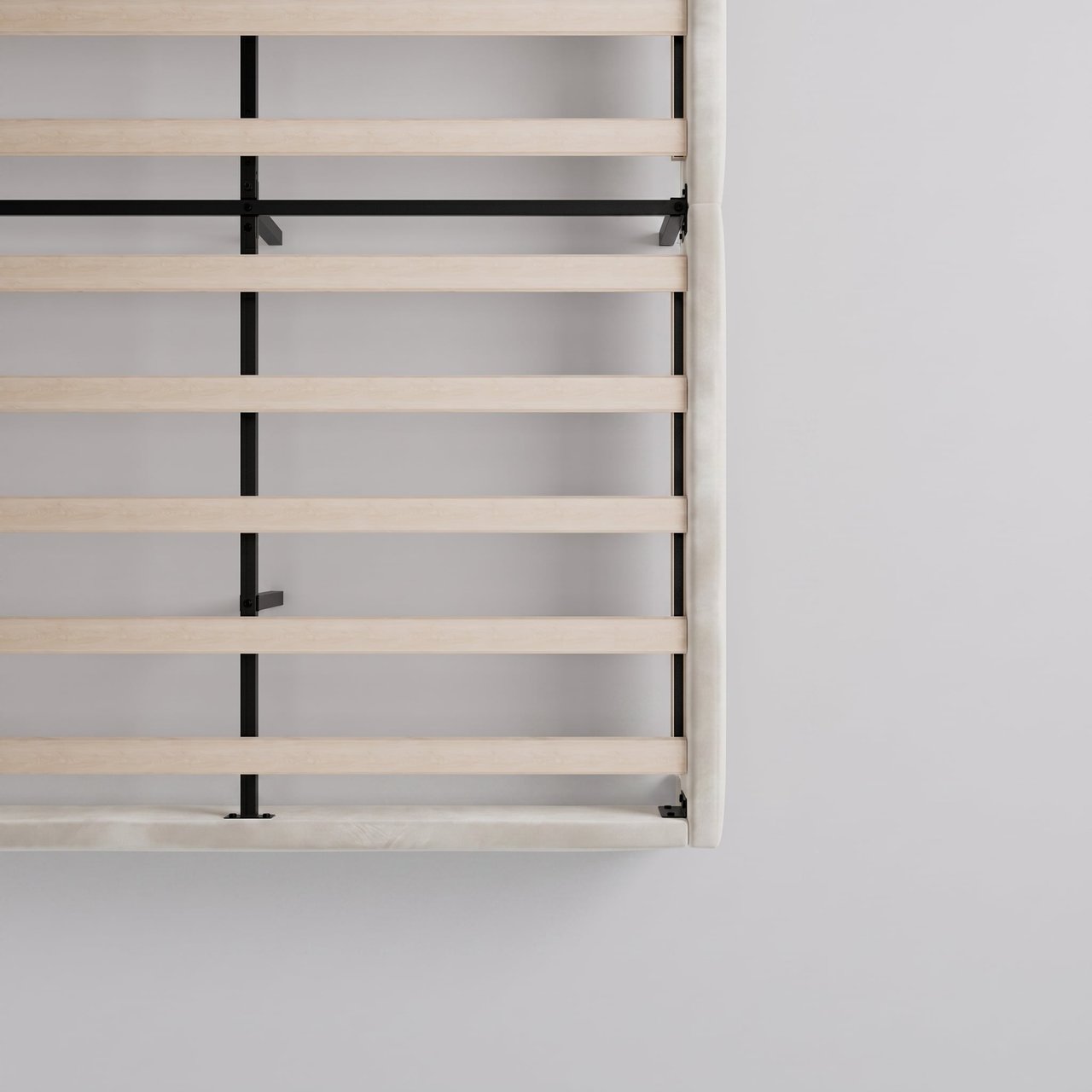
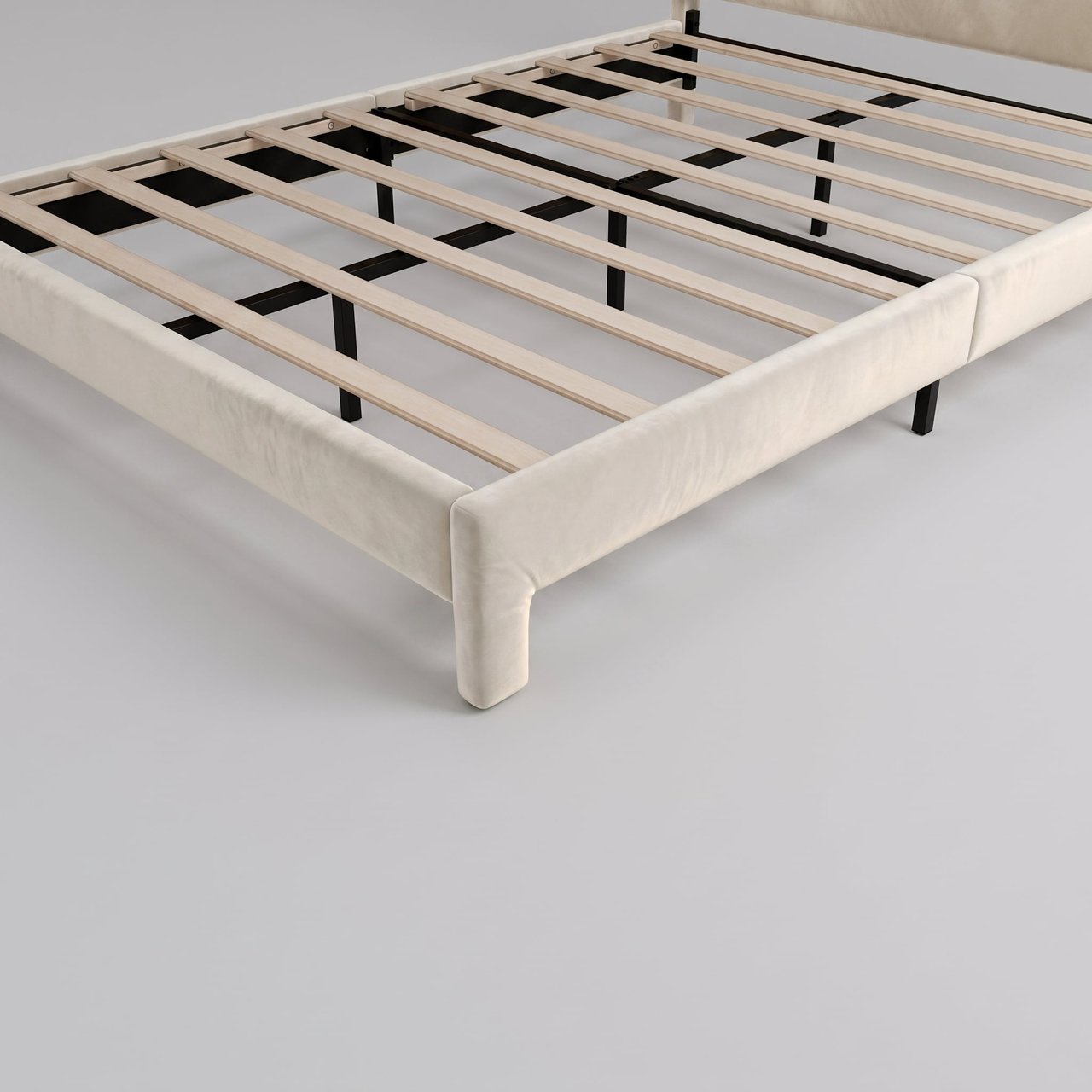
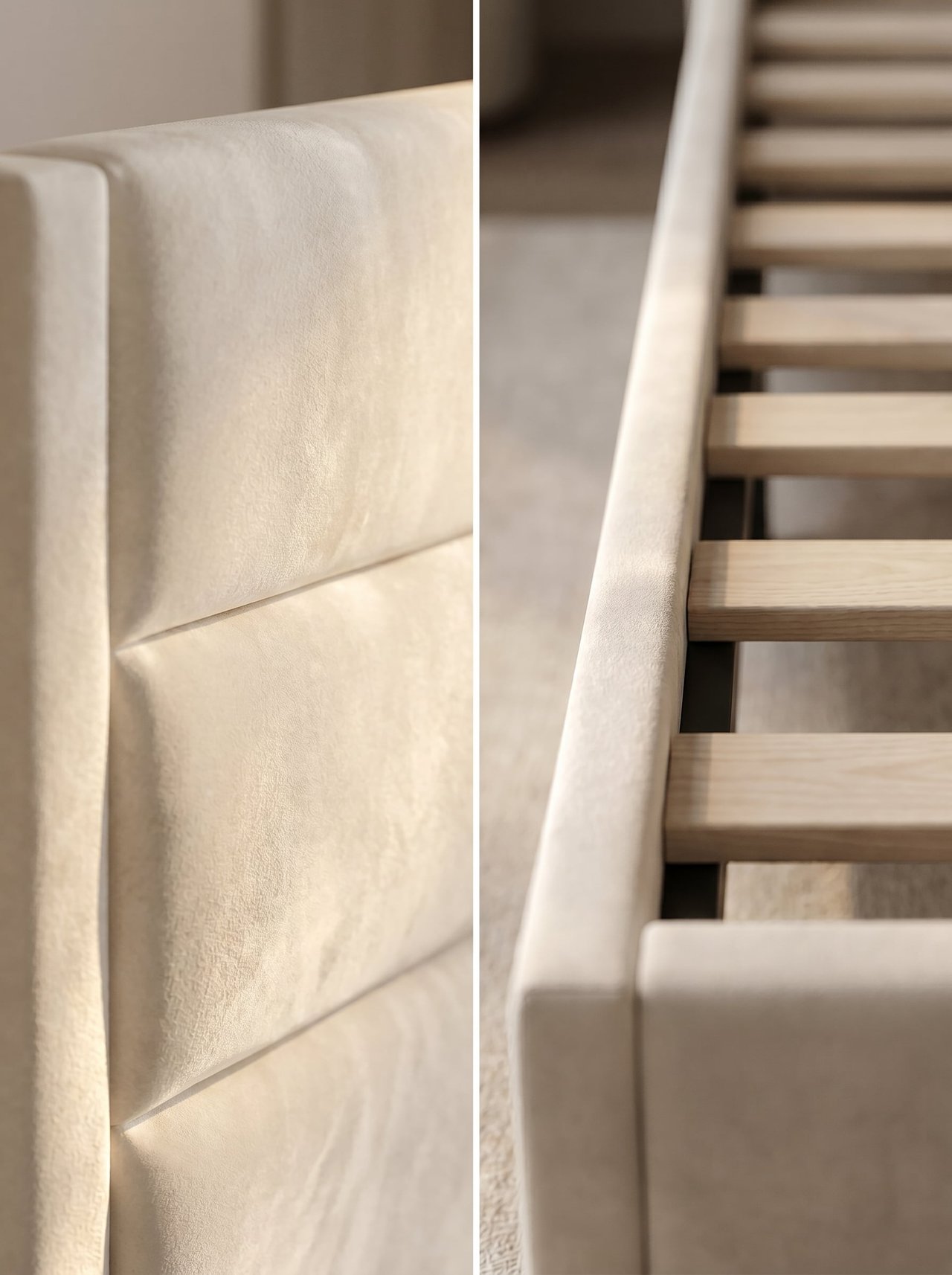
Change the upholstery to warm white velvet, make the bed frame thicker and fuller, add a reclining figure to some shots — multiple iteration rounds.
R
What Ribbi did
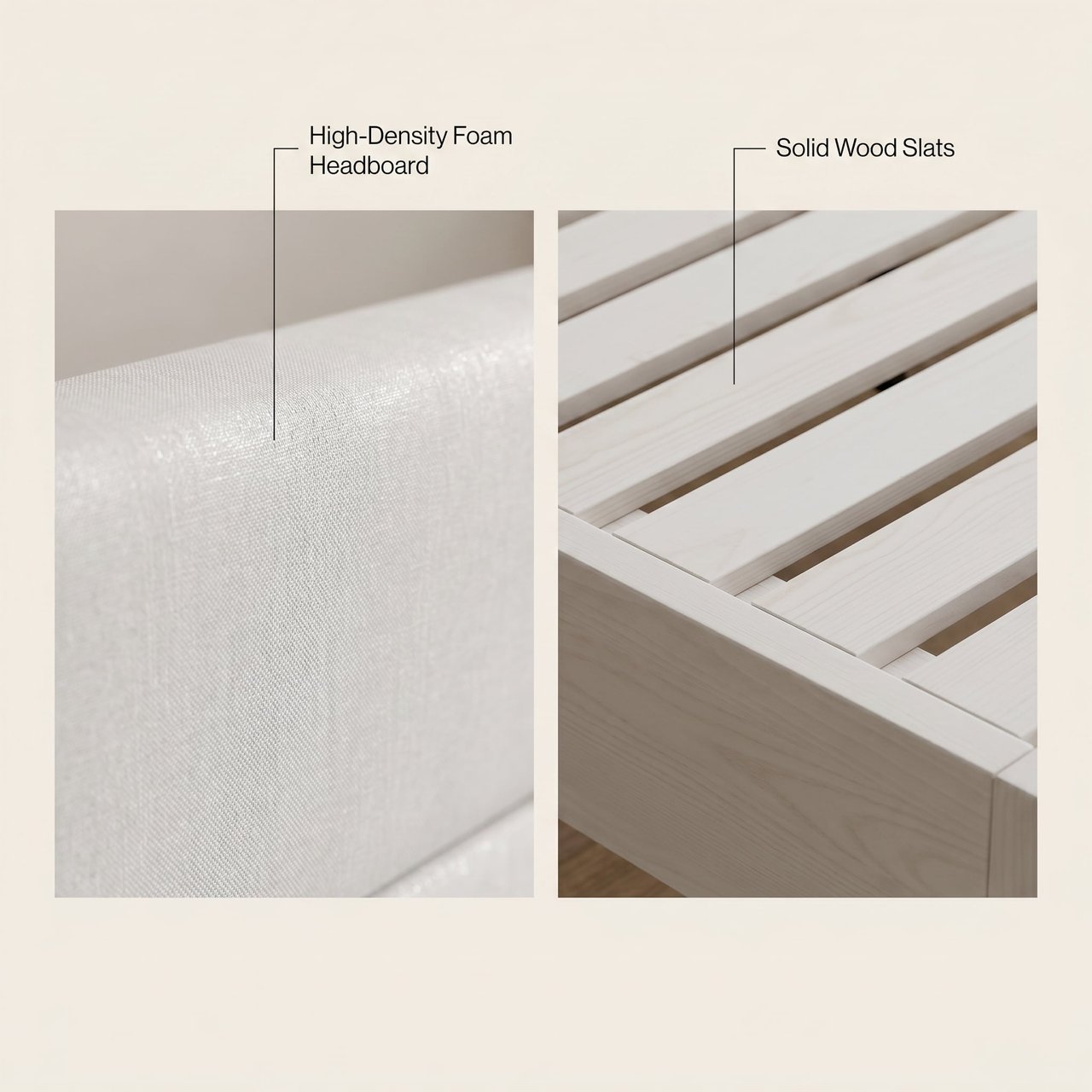
Through several rounds of localized edits, the Skill precisely handles material swaps, shape tweaks, and adding human figures, steadily lifting the texture of each frame while keeping the product's structure and composition rock-solid.
材质与细节深度打磨
材质与细节深度打磨
材质与细节深度打磨
材质与细节深度打磨
材质与细节深度打磨
材质与细节深度打磨
材质与细节深度打磨
材质与细节深度打磨
材质与细节深度打磨
Why it works

5 reasons every round lands.

01 · The Whole Set, Generated in One Pass

Main image, 6 secondary images, and 8 A+ modules generate in parallel to Amazon spec — going from a single product photo to a listing-ready image set without building each one by hand.

02 · Style Locked, Every Asset On-Brand

The Skill first establishes one unified visual system — fonts, colors, layout, and design elements set once — then generates every image from that single style source, keeping the entire set tightly consistent.

03 · Stage-Gated Approval, No Drifting Off-Brief

After the main image and style key art are done, the workflow pauses at a confirmation checkpoint. Only once the seller is happy does it batch-generate the rest — cutting the risk of large-scale rework.

04 · Responsive to Fine-Grained Edits

Supports material swaps, scene-style switches, text removal, localized cropping, and adding figures. Each edit touches only the target area, so product structure and composition stay stable.

05 · Reuse Across Categories, Build Brand Assets

The workflow isn't tied to any single category — from kitchen and bath hardware to home bed frames, it just runs. Sellers can also save selling-point copy and style preferences as a dedicated Skill and reuse it instantly on the next launch.

Learn more

Resources & references.

Amazon Product Image RequirementsAmazon A+ Content Help HubSell on Amazon Learn HubShopify Photography Style Guide
Ribbi Skill · Visuals

Try Create Amazon Product Image Set

Creators use it every day. Start from your brief and ship a finished work in minutes — no Photoshop, no designer required.

Try now