HomeShowcaseB Roll Science Explainer Impressionism
Showcase · Case studyPowered by B-Roll Science Explainer

Turn a Topic Keyword into a Narrated Explainer

Starting from a single topic keyword, the B-roll Science Explainer automatically gathers research, writes a voiceover script, generates bilingual Chinese-English TTS narration, then breaks each line down to subject-verb-object level to match visuals, insert famous paintings precisely, remove duplicates, and burn in subtitles. In this example, using “Impressionism” as the topic, multiple rounds of visual refinement produced a 76-second landscape explainer video with sentence-level alignment between visuals and script.

43
rounds of dialogue
3
images generated
6
distinct directions
FINAL
ROUND 43
delivered by ribbi
1920 × 1080 · landscape
The full creative process

43 rounds, 6 visible turning points.

01/ 06
05-22 06:49

Topic Confirmation and Content Gathering

U
User brief
I want a one-minute explainer video on Impressionism, and I want AI to find the content
R
What Ribbi did
After receiving the topic keyword, the Skill instantly launches a parallel multi-source search, with no materials required from the user.
02/ 06
05-22 07:01

Bilingual Chinese-English Voiceover Script and Audio Generation

U
User brief
Go ahead and generate it, and make me an English version too
R
What Ribbi did
The Skill automatically determines the right voiceover style and generates bilingual Chinese-English TTS audio, with tone that closely matches the content.
印象派科普中文旁白音频
0:00
1:16
印象派科普英文旁白音频
0:00
1:31
03/ 06
05-22 07:35

Refining Visual Keywords with Precision

U
User brief
The visuals aren't working. A lot of the lines don't match the footage, and the visual density isn't high enough
R
What Ribbi did
The Skill lets you assign precise visual keywords sentence by sentence for each subtitle line, fully solving the disconnect between visuals and script.
04/ 06
05-22 08:44

Sentence-by-Sentence Visual Matching at Subject-Verb-Object Level

U
User brief
Match visuals to the subject, verb, and object of each key sentence. If the subject is a painter, show the painter; if Monet is mentioned, find Monet
R
What Ribbi did
The Skill can break the script down to subject-verb-object granularity, planning visual logic for each sentence independently to create a deep alignment between image and meaning.
05/ 06
05-22 09:59

Precise Control Over Fine Art Insertions
U
User brief
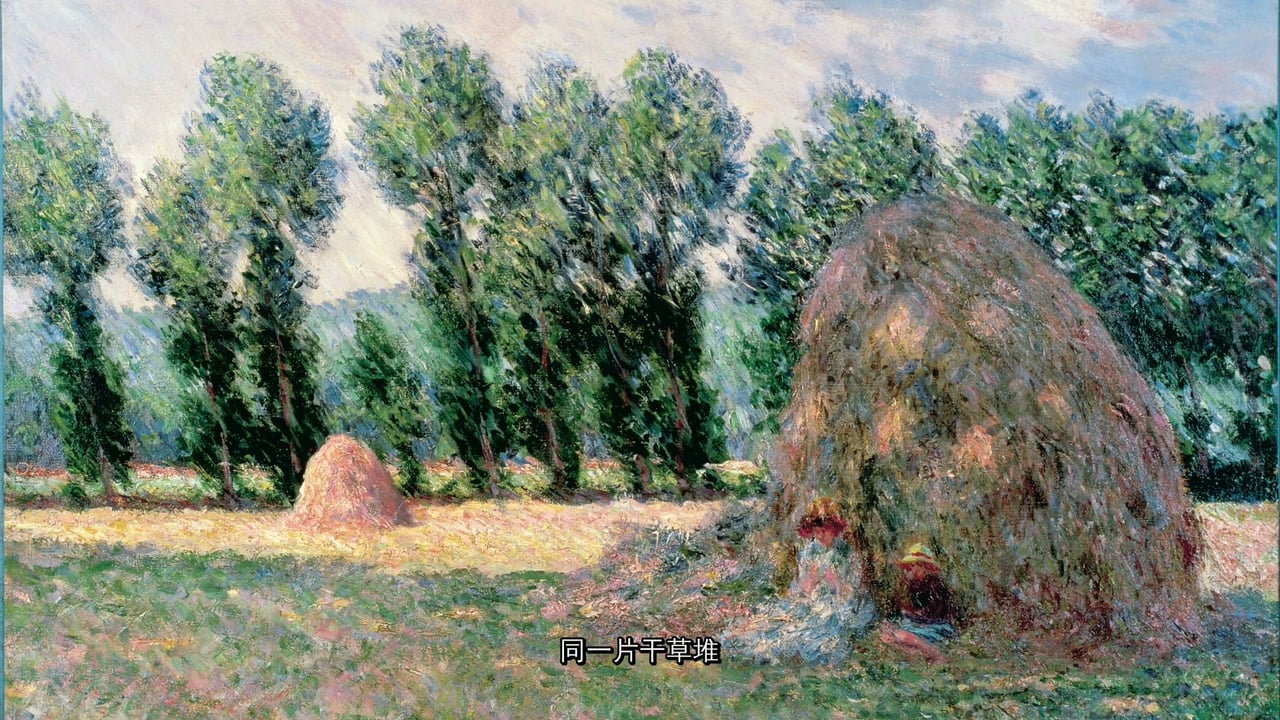
Only show famous paintings where the script mentions Impressionist works. The other lines don't need them
R
What Ribbi did
The Skill can distinguish between segments that must use famous paintings and segments where B-roll is enough, so valuable material appears only at the most appropriate moments.
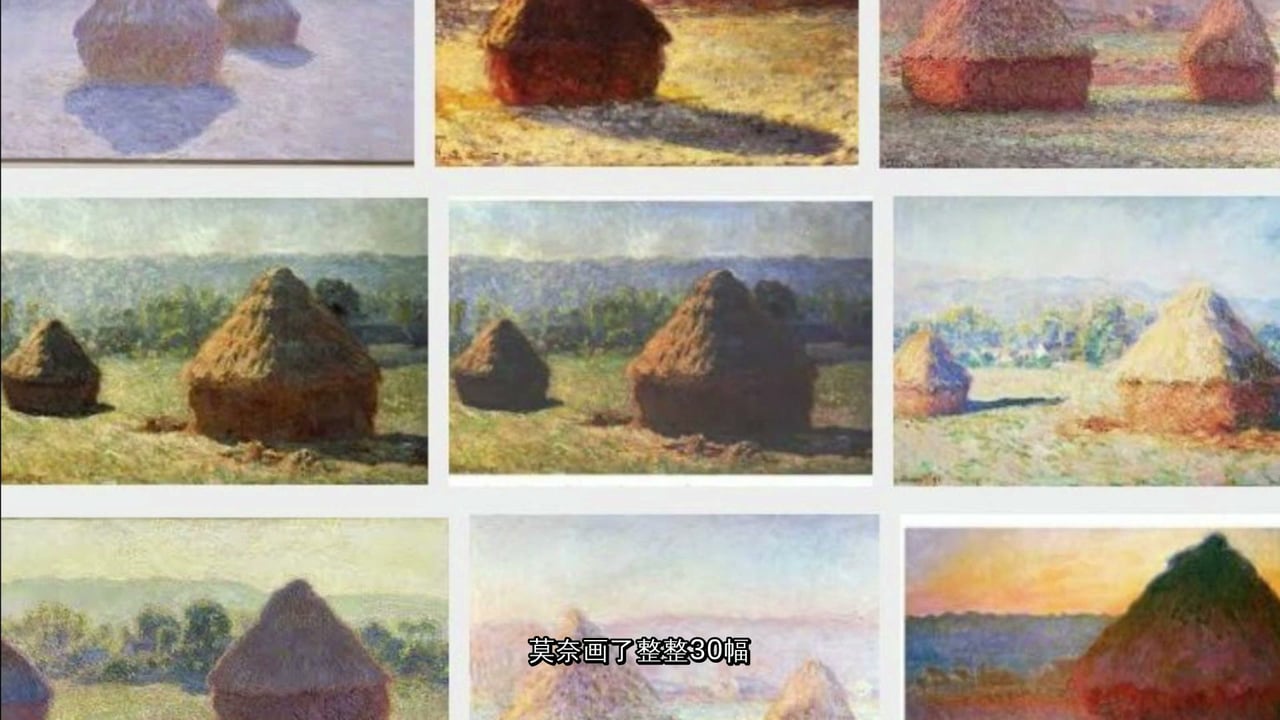
成片中插入的莫奈《干草垛》
莫奈《干草垛》系列——同一题材的不同光线版本
06/ 06
Approved
05-22 11:07

Deduplicating Footage and Burning In Subtitles

U
User brief
Don't repeat footage except at the beginning and end. Once a shot has been used, don't use it again. Then add subtitles
R
What Ribbi did
The Skill tracks every asset used throughout the process and prevents duplicate reuse, while also burning the finalized subtitles directly into the video output.
Why it works

5 reasons every round lands.

01 · One-Click Topic-to-Script Research

Just provide a science or educational topic keyword, and the Skill automatically searches multiple sources in parallel, extracts the key information, and turns it into a voiceover script—without the user needing to prepare any materials.

02 · Automatic Bilingual Chinese-English TTS Voiceover

The Skill automatically selects a voiceover style based on the tone of the content, and supports one-click generation of high-quality Chinese and English TTS audio, with delivery suited to documentary or explainer-creator formats.

03 · Precise Sentence-by-Sentence Script-to-Visual Matching

Each subtitle line can be broken down to subject-verb-object level for visual planning, ensuring that when a critic is mentioned you see a critic, and when a Monet work is mentioned you see the corresponding painting—eliminating mismatches between visuals and script.

04 · Asset Uniqueness Management and Pacing Control

The Skill tracks every asset that has already been used and automatically avoids repeating it. It also supports fine-grained pacing instructions such as rapid cuts for parallel phrasing and flash appearances for nouns, making the final edit feel more professional.

05 · All-in-One Output with Burned-In Subtitles

Voiceover audio, B-roll visuals, and burned-in subtitles are composited within a single workflow, producing a publish-ready landscape explainer video with no need for extra editing software.

Ribbi Skill

Try B-Roll Science Explainer

Creators use it every day. Start from your brief and ship a finished work in minutes — no Photoshop, no designer required.

Try now