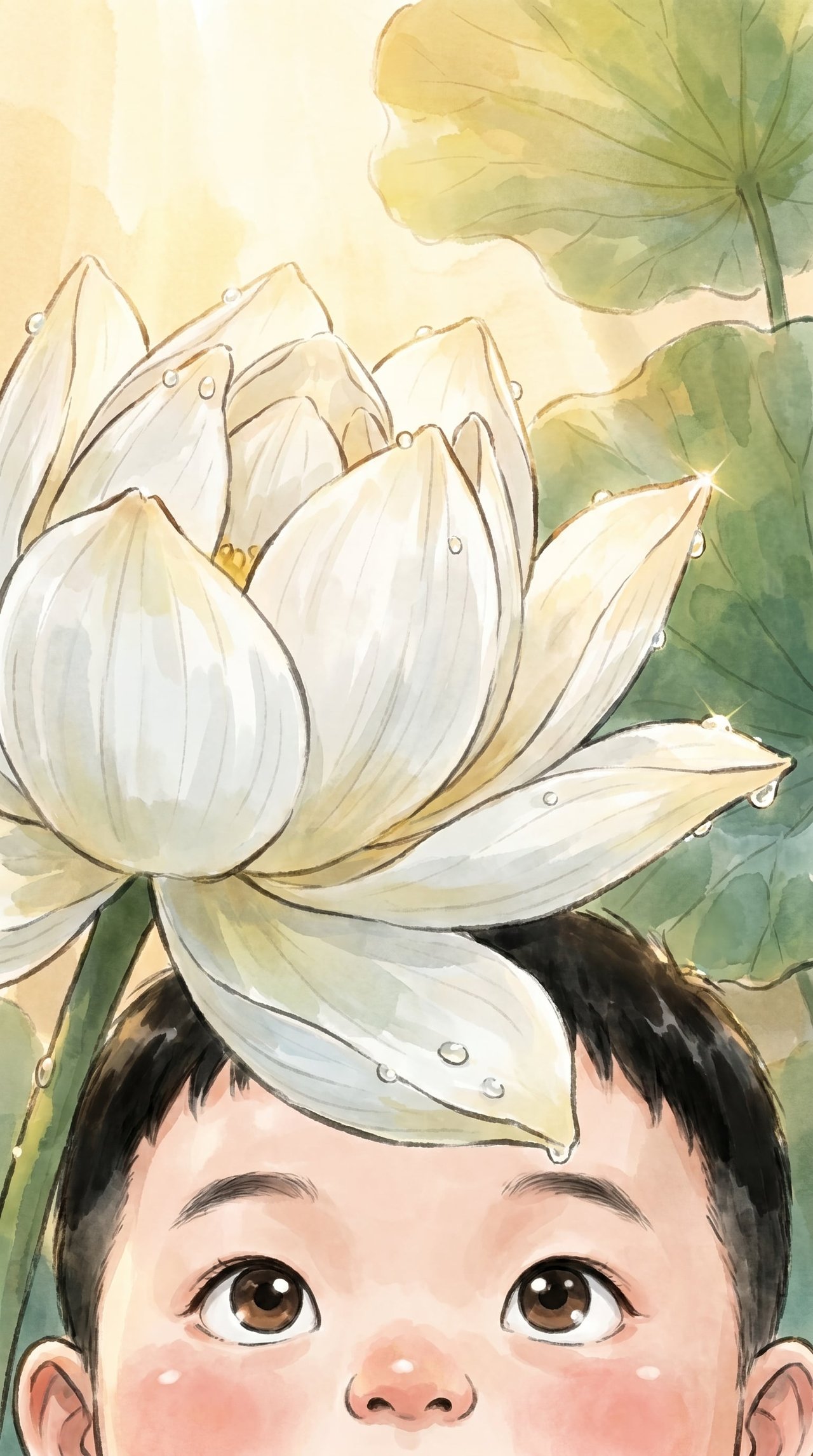
HomeShowcaseChinese Ink Lotus Storybook Illustration
Showcase · Case studyPowered by Create Storybook

One Prompt to Generate Ink-Wash Storyboards

Just describe your story scene and characters, and the Create Storybooks Skill can automatically generate both a character style image and complete storyboard frames. From a lotus pond at dawn to a child rowing a boat, every scene stays visually consistent while the emotion builds naturally—without endless revisions.

2
rounds of dialogue
11
images generated
3
distinct directions
FINAL
ROUND 2
delivered by ribbi
一句描述,生成水墨国风绘本分镜
1536 × 2752 · portrait
The full creative process

2 rounds, 3 visible turning points.

01/ 03
04-27 04:52

Style Reference · Character Lock-In

U
User brief
Use the style of the uploaded reference image to generate a summer lotus pond at dawn, with a cute child in traditional attire, wearing a light blue short shirt, rowing a wooden boat through the lotus pond with both hands, white lotus flowers covering the water, delicate watercolor texture, 9:16 aspect ratio.
R
What Ribbi did
Skill accurately captures the stylistic traits of the reference image, blending the written prompt with the visual reference to directly produce a character design that matches the Chinese-style watercolor aesthetic.
参考风格·角色定型
02/ 03
04-27 04:54

Skip Approval · Go Straight to Storyboards

U
User brief
The character looks good. Generate the storyboards directly—no need to wait for confirmation.
R
What Ribbi did
Skill flexibly supports skipping the intermediate approval step and moving straight into batch storyboard generation, significantly shortening the creative cycle.
跳过确认·直奔分镜
跳过确认·直奔分镜
跳过确认·直奔分镜
跳过确认·直奔分镜
跳过确认·直奔分镜
03/ 03
Approved
04-27 04:55

10 Scenes · Consistent Style Throughout

U
User brief
Generate a complete 10-scene storyboard in parallel.
R
What Ribbi did
Using the character style image as the foundation, Skill batch-generates multiple storyboard scenes, alternating from wide shots to close-ups while keeping the character design and ink-wash style highly consistent across every frame.
10幕分镜·风格全程统一
10幕分镜·风格全程统一
10幕分镜·风格全程统一
10幕分镜·风格全程统一
10幕分镜·风格全程统一
10幕分镜·风格全程统一
Why it works

5 reasons every round lands.

01 · Direct Inheritance from Style References

Upload a single reference image, and Skill will extract its color palette, brushwork, and visual style so the generated characters and storyboards automatically align with it—no need to repeatedly describe fine details.

02 · Character Design and Storyboarding in One Flow

First generate a character style image to lock in the character design, then use it as the basis for batch-producing storyboard frames, ensuring the character remains highly consistent in every scene.

03 · Alternating Shot Sizes · Building Emotion

Skill automatically plans the rhythm of wide, medium, and close shots, giving the story visuals richer layering and a natural emotional progression—ideal for picture books and storyboard creation.

04 · Batch Parallel Generation, No Waiting

Multiple storyboard scenes are generated at the same time, with 10 frames produced almost simultaneously, greatly boosting creative efficiency for illustrators who need fast drafts.

05 · Portrait Format, Ready to Use

Supports custom aspect ratios: the default 16:9 landscape format can also be switched to 9:16 portrait, making it ready for picture book layouts or mobile display needs.

Ribbi Skill · Visuals

Try Create Storybook

Creators use it every day. Start from your brief and ship a finished work in minutes — no Photoshop, no designer required.

Try now